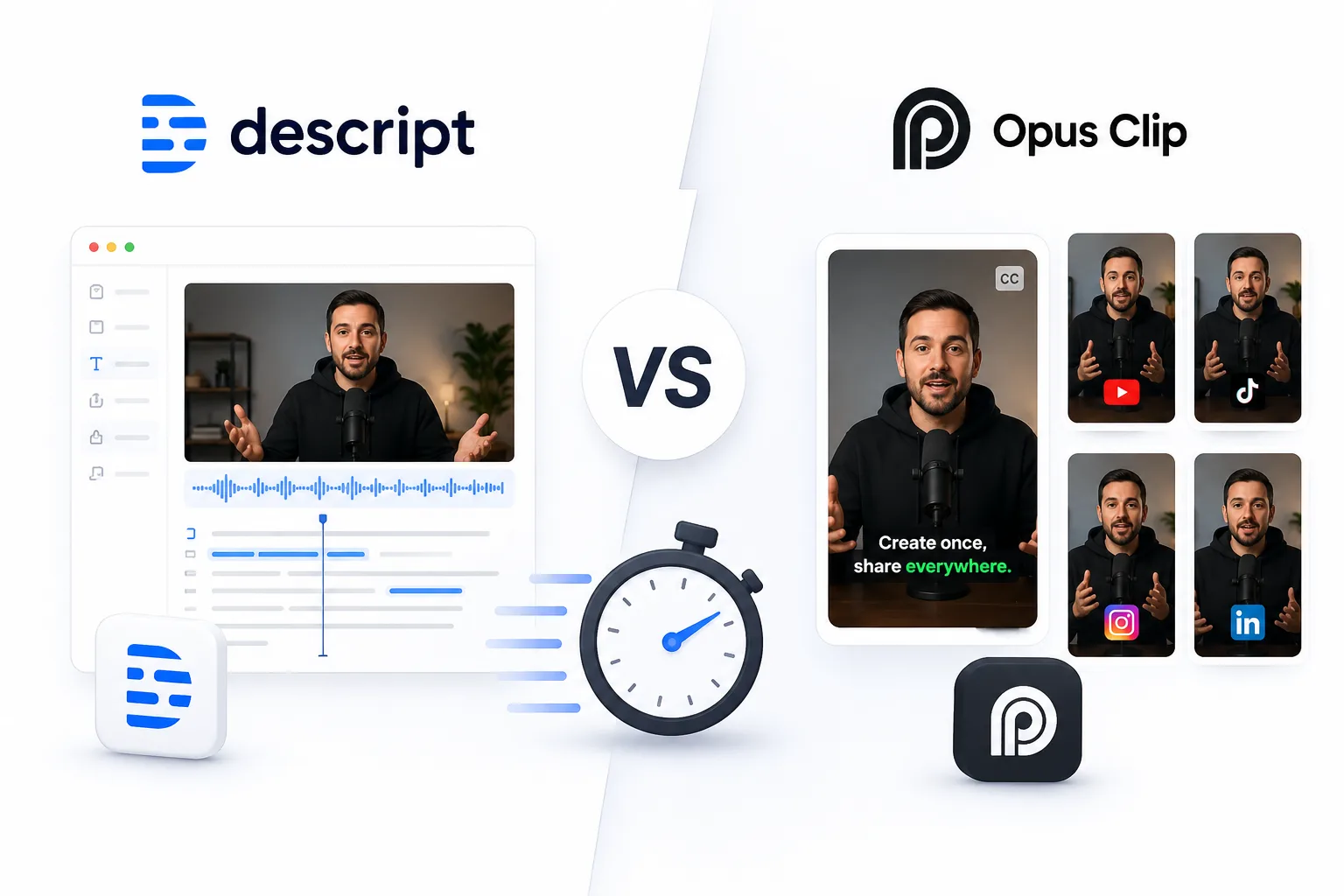
You recorded a 45-minute podcast or webinar and now need five short clips for social media by tomorrow. That is the exact problem video repurposing tools solve. Descript and Opus Clip both handle this job, but they come at it from completely different directions.
One is a full editing suite that happens to have AI features. The other is a one-click clip machine built entirely around repurposing.
What Descript and Opus Clip Do
Descript is a video and audio editor that lets you edit media by editing text. It transcribes your footage, and you cut, rearrange, or delete content by working with the transcript. It also includes screen recording, filler word removal, AI voice cloning, and publishing tools.
Opus Clip does one thing and does it fast. You paste a link to a long video, and it uses AI to find the most engaging moments, cuts them into vertical short-form clips, adds captions, and scores each clip by predicted virality. The whole process takes minutes.
Descript vs Opus Clip Repurposing Comparison
| Feature | Descript | Opus Clip |
|---|---|---|
| Primary purpose | Full video and audio editor | Automated clip generation |
| Repurposing method | Manual editing with AI assist | Fully automated AI clipping |
| Input sources | Local files, screen recording | YouTube, Vimeo, Zoom, file upload |
| Captions | Accurate, fully customizable | Auto-generated, styled for social |
| Output formats | Any aspect ratio, export settings | Vertical shorts optimized |
| Virality score | No | Yes, AI-predicted engagement |
| Learning curve | Moderate | Almost none |
| Starting price | $24/month | $15/month |
Where Descript Wins at Repurposing
Descript gives you total control over the final clip. You can trim to the exact word, rearrange segments, remove filler words automatically, and add transitions or graphics. The transcript-based editing means you never have to scrub a timeline to find the right moment.
If the clip needs polish, like adding a branded intro, adjusting audio levels, or overlaying a screen recording, Descript handles all of that in one place. The result is a clip that looks intentionally edited, not machine-cut.
Filler Word Removal
One feature that matters more than it sounds: Descript detects and removes “um,” “uh,” “you know,” and other filler words in a single click. For repurposing interviews or podcasts, this alone can turn a rough clip into something that sounds clean and deliberate.
Descript lets you repurpose with precision. Opus Clip lets you repurpose with speed.
Where Opus Clip Wins at Repurposing
Opus Clip is faster by a wide margin for the core task of turning one long video into multiple short clips. You paste a URL, wait a few minutes, and get a batch of clips with captions already styled and a virality score attached to each one.
The AI picks moments based on hooks, emotional peaks, and topic completeness. It is not perfect, but it gets close enough that most users only need to discard one or two clips from a batch instead of building every clip from scratch.
Built for Social Creators
The output is already formatted for TikTok, Reels, and Shorts. Vertical framing, animated captions, and speaker tracking are all handled automatically. If you post daily and need volume, Opus Clip removes the bottleneck.
Best Use Cases
- Polished highlight clips for a brand channel: Descript, for full editing control.
- Daily social clips from podcast episodes: Opus Clip, for speed and volume.
- Removing filler and cleaning audio before clipping: Descript, for its transcript editing.
- Batch processing multiple long videos at once: Opus Clip, for automated workflows.
- Clips that need custom graphics or overlays: Descript, for its layered editor.
Can You Use Both Together?
Yes, and many creators do. A common workflow is to run a long video through Opus Clip first to identify the strongest moments, then pull those segments into Descript for final polish. That combination gives you the speed of automated clipping with the quality of manual editing.
The two tools do not compete as much as they complement. Opus Clip is the discovery step, and Descript is the finishing step.
Repurposing is not about making more content. It is about finding the best content you already made.
Conclusion
Descript and Opus Clip solve the same problem from opposite ends. Descript is the right tool when you need editorial control, clean audio, and polished output. Opus Clip is the right tool when you need volume, speed, and good-enough clips with minimal effort. If you produce long-form content regularly and need to keep social channels fed, starting with Opus Clip for discovery and finishing in Descript for quality is the workflow that covers both needs.