For a long time, using Midjourney meant living inside Discord. You typed a command into a busy chat channel, then watched your image scroll away under someone else’s dragon art. Plenty of people gave up on the tool for that reason alone.
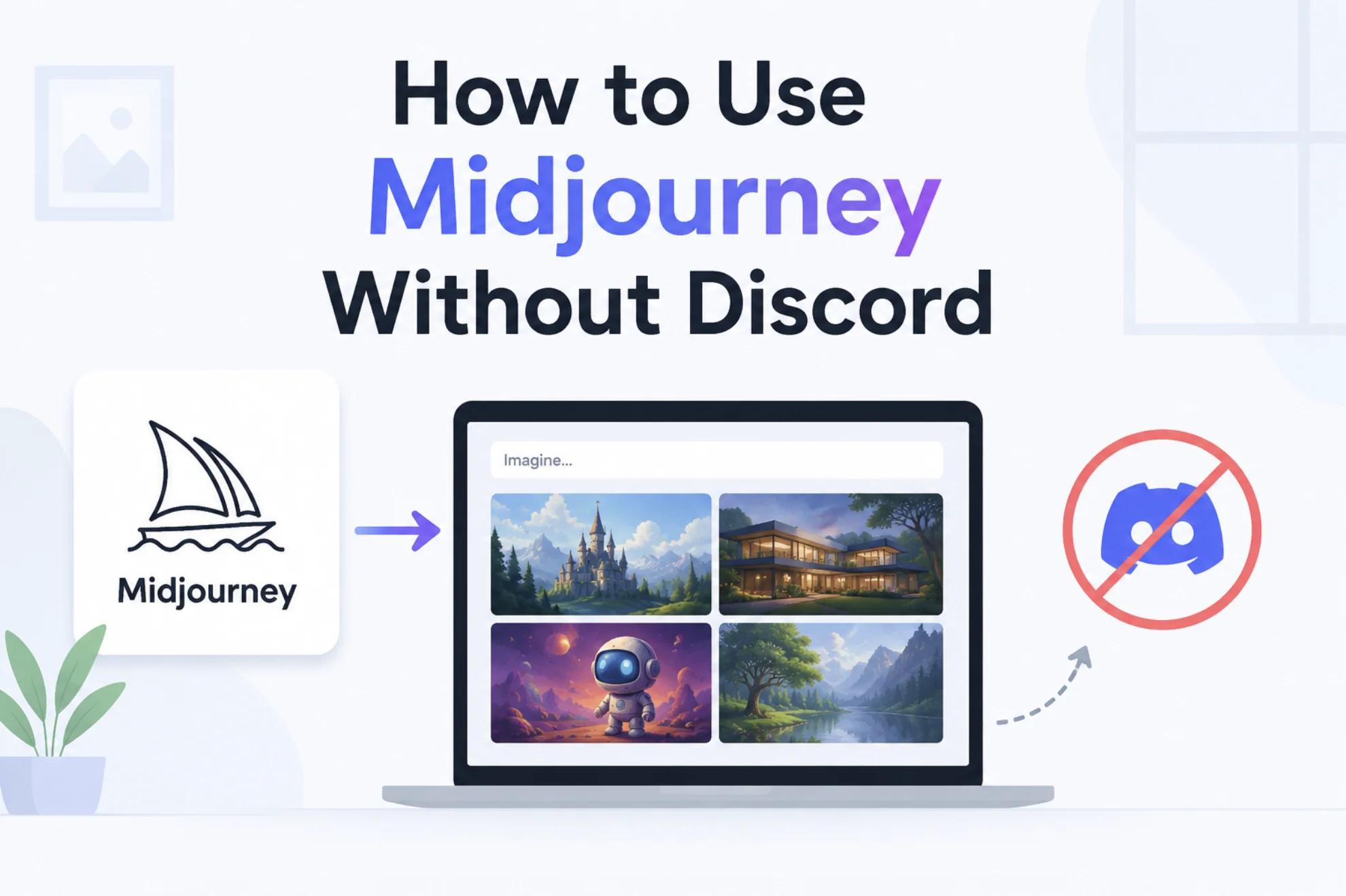
That is no longer how it works. The web app handles everything now, and you never have to open Discord again if you do not want to.
Can You Really Use Midjourney Without Discord?
Yes, and it is the default experience these days. The web app at midjourney.com covers generating, editing, upscaling, and organizing your work in one place.
Early on, the browser version was limited to power users who had already made thousands of images. It opened to everyone a while back, including brand new accounts.
You Can Even Sign Up Without a Discord Account
This is the part people miss. You can create your account with Google sign-in, so Discord never enters the picture at any stage.
You still need a paid subscription, since there is no free tier. But the plan is the only requirement.
Getting Started on the Midjourney Web App
The whole setup takes about five minutes.
- Go to midjourney.com and sign in with your Google account.
- Open the subscription page and pick a plan that matches how much you generate.
- Click the Create tab in the left sidebar.
- Type your description into the prompt bar at the top of the screen.
- Press enter, and your grid of images fills in on the page below.
That is the entire loop. No slash commands, no bot, no server invites.
What the Web App Does Better
Moving off Discord is not just about avoiding chat. Several things genuinely work better in the browser.
Your Images Stop Disappearing
In Discord, finding last week’s render meant scrolling a channel or digging through direct messages from the bot. The Organize page keeps everything in one searchable grid, with folders and filters.
Settings Are Visible Instead of Memorized
Aspect ratio, stylization, and variety are sliders and buttons you can see. You can still type parameters by hand, but you no longer have to remember them to get a widescreen image.
Editing Lives in One Window
The editor puts inpainting, retexturing, upscaling, and panning behind visible controls. On Discord, each of those meant a button press followed by a wait in a scrolling feed.
It stopped being a chat room and started being a workspace.
Discord vs the Midjourney Web App
| What you are doing | Discord | Web app |
|---|---|---|
| Creating an image | Slash command in a channel | Prompt bar at the top |
| Finding older work | Scroll the feed or message the bot | Search, folders, and filters |
| Adjusting settings | Typed parameters and flags | Sliders and toggles |
| Editing an image | Buttons under each result | A dedicated editor window |
| Working on a phone | The Discord app | Any mobile browser |
| Seeing other people’s work | Constant and public | Quieter, opt-in feed |
What You Give Up by Leaving Discord
The trade is real, even if it is small for most people.
- You lose the accidental discovery of watching strangers prompt in real time.
- You lose the quick back-and-forth of asking a channel why something looks wrong.
- You lose the habit loop of having the tool sit next to your other conversations.
The web feed and shared rooms cover some of that, but the vibe is calmer. If community was the main reason you stayed, keep one foot in Discord.
Using Midjourney on Your Phone Without Discord
The web app works in a mobile browser, so you do not need any app installed. Add the page to your home screen and it opens like a normal app.
Generation speed is the same, since the work happens on their servers either way.
Tips for Getting More From the Web App
- Set up folders in Organize during your first session, not after a thousand images.
- Star the results you like immediately, because you will not recognize them later.
- Feed the style reference tool a few images to keep a consistent look across a project.
- Keep your winning prompts in a separate notes file so you can reuse the phrasing.
- Check the settings panel before a big batch, since one wrong slider costs you the whole run.
A saved prompt is worth more than a lucky one.
Conclusion
Using Midjourney without Discord is no longer a workaround or a hack, it is simply how the tool is meant to be used now. Sign in with Google, pick a plan, and you get a proper creative workspace with search, folders, visible settings, and a real editor instead of a chat window that buries your work. The only genuine loss is the community energy of the public channels, so if you tried Midjourney a while back and bounced off the Discord requirement, this is a fair reason to give it another look.