Humanio

How Humanio rewrites AI-generated drafts at the sentence level so they read naturally and keep your keywords.

Visit Humanio humanio.me

Reviewed by the AI Parabellum team · Updated October 16, 2026

humanio.me
Humanio
01

Overview

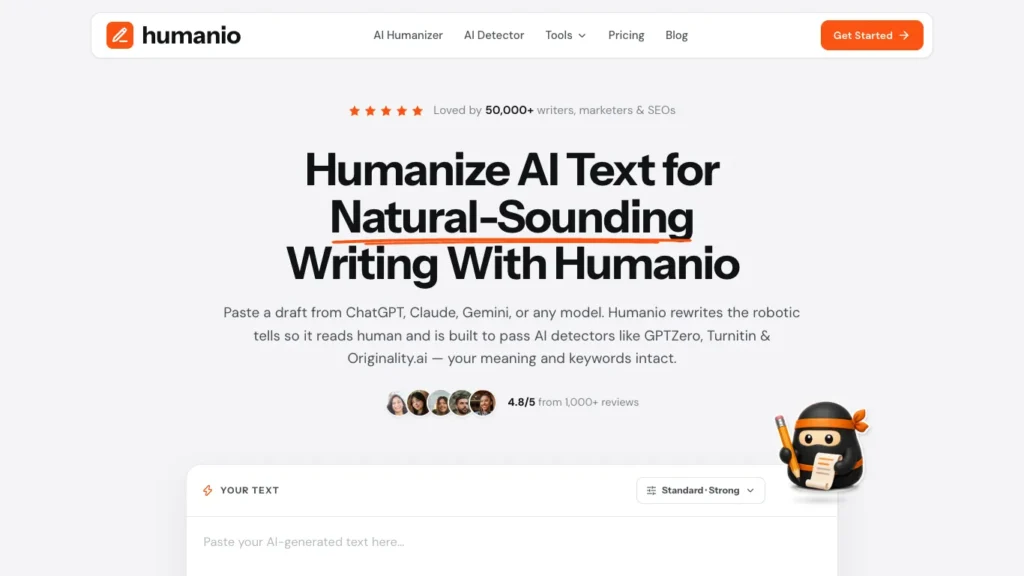
Humanio is an AI text humanizer that rewrites drafts from ChatGPT, Claude, Gemini, DeepSeek, or any other model so they read like natural human writing. Instead of swapping synonyms, it works at the sentence level to remove robotic rhythm and repetitive phrasing while keeping your original meaning and keywords intact.

02

Key Features of Humanio

  • Sentence-Level Rewriting Restructures sentences to fix the uniform rhythm and predictable phrasing that make AI text feel machine-written, rather than just replacing words.
  • Adjustable Intensity Choose anything from a light polish to a full structural rewrite depending on how much the draft needs to change.
  • Writing Style Settings Pick a writing style and humanization level, such as Standard or Strong, to control the tone of the output.
  • Meaning and Keyword Preservation Keeps your core message and target keywords in place, which matters for SEO content and technical writing.
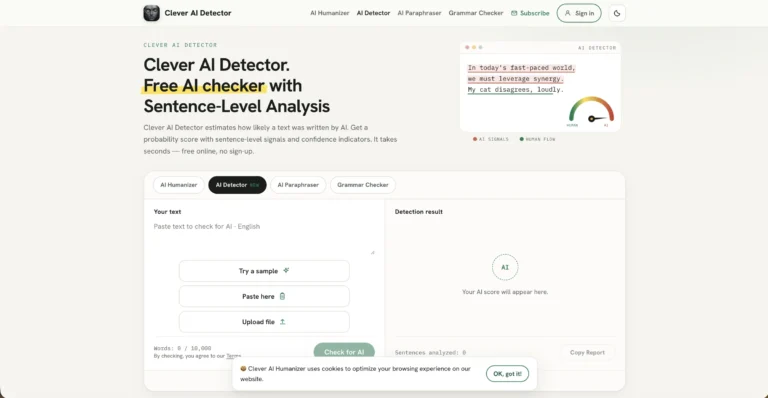
  • Built-In AI Detector Check text against AI detection before and after humanizing, using the same word allowance as the humanizer.
  • PDF Upload Paste text directly or upload a PDF to humanize longer documents.
  • Multi-Language Support Works primarily in English, with support for other languages on all plans.
  • Extra Writing Tools Includes an essay humanizer, a Claude watermark remover, an autotyper for Google Docs, and a university AI policy checker.
03

How Humanio Works

  1. Paste Your Draft – Copy AI-generated text into the editor or upload a PDF.
  2. Choose Your Settings – Select the writing style and humanization intensity that fit your content.
  3. Run the Rewrite – Humanio processes the text in about thirty seconds, reworking sentence structure and flow.
  4. Review and Edit – Read through the output, make any manual tweaks, and optionally run it through the built-in AI detector.
  5. Copy and Use – Copy the final version into your document, blog, or email.
04

The Core Benefits of Using Humanio

  • More Natural Writing Output reads with varied sentence length and natural flow, making AI-assisted drafts easier to read.
  • SEO-Friendly Results Keyword preservation means marketers and bloggers can humanize content without losing search targeting.
  • Fast Turnaround A rewrite takes seconds, saving the time it would take to manually edit every robotic sentence.
  • Two Tools in One The humanizer and detector share one word allowance, so you can rewrite and check text in the same place.
  • Privacy Focus Humanio states that text is handled with strict privacy safeguards and user data is never sold.
05

Humanio Pricing and Plans

Humanio offers three paid plans, each with a word allowance shared between the AI Humanizer and AI Detector:

  • Starter Built for occasional use, with a monthly word allowance, high-quality humanized text, AI detection, and support for all languages.
  • Pro The most popular plan, aimed at essays and regular student work. It adds a larger word allowance, access to the stronger bypass model, and priority rewrites.
  • Business Designed for heavy usage, with the largest word allowance, the stronger model, and priority support. Team seats are listed as coming soon.

Plans can be billed weekly, monthly, or yearly, with discounts on longer billing periods. There is no free tier listed on the pricing page. You can cancel anytime, and payments are processed through Polar. For current pricing, visiting the Humanio website directly is recommended.

06

An Honest Review of Humanio

Humanio focuses on one job, making AI drafts read more like a person wrote them, and it approaches that job more carefully than basic paraphrasing tools.

What works well: Rewriting at the sentence level produces more natural results than synonym swapping, which often creates awkward phrasing. Keyword preservation is a genuinely useful feature for SEO writers who need content to stay on target. Bundling the AI detector with the humanizer under one word allowance makes the workflow simple, and the adjustable intensity gives control over how much the text changes.

Where it could improve: There is no free plan, so you have to pay before testing the tool on your own writing. The strongest model uses three times more of your word allowance, which can drain smaller plans quickly. Claims about passing AI detectors are vendor claims, and Humanio itself notes that no tool can guarantee this forever. Students should check their institution’s AI policy before using it on academic work.

Who is it best for: Humanio is best for marketers, SEO specialists, bloggers, and professionals who use AI to draft content and want it to read naturally without losing keywords or meaning.

07

Final Thoughts on Humanio

Humanio turns stiff AI drafts into natural, readable text through sentence-level rewriting, adjustable intensity, and keyword preservation, with a built-in AI detector included. If you regularly edit AI-generated content and want to cut the cleanup time, Humanio is a focused tool worth considering.

Similar Humanizer tools

See all

Newsletter

New AI tools in your inbox

The best new tools and the AI news that matters, in one short email. Unsubscribe any time.

Free instant check before you pay. Takes a few seconds.

Scroll to Top