InteriorStage

How InteriorStage turns photos of empty rooms into furnished design concepts and shareable room videos.

Visit InteriorStage interiorstage.com

Reviewed by the AI Parabellum team · Updated October 20, 2026

interiorstage.com
InteriorStage
01

Overview

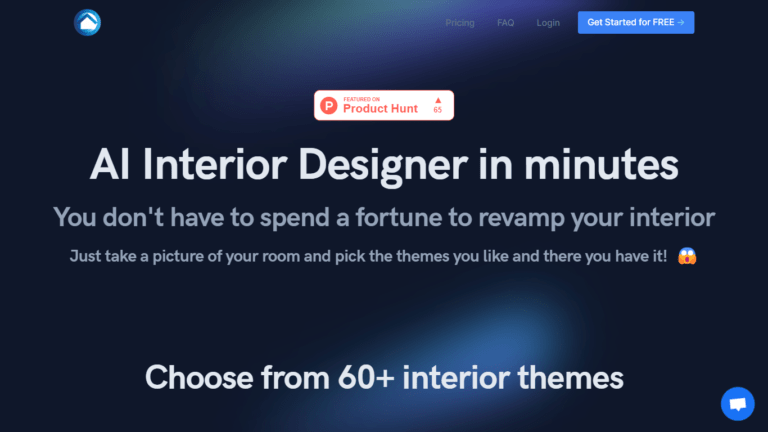
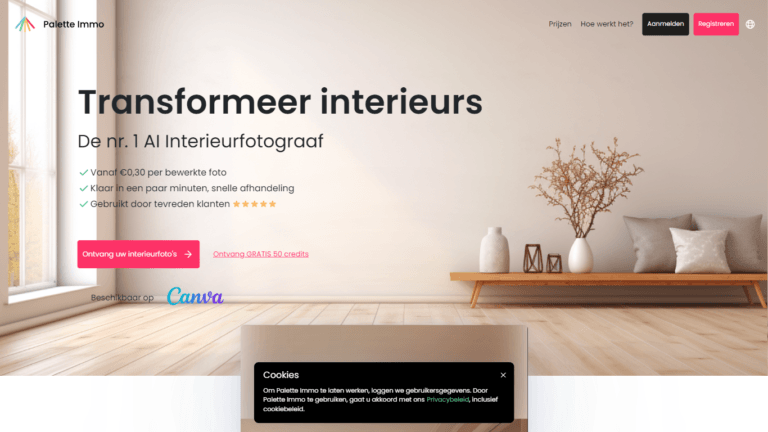
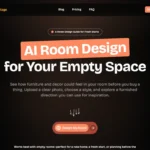
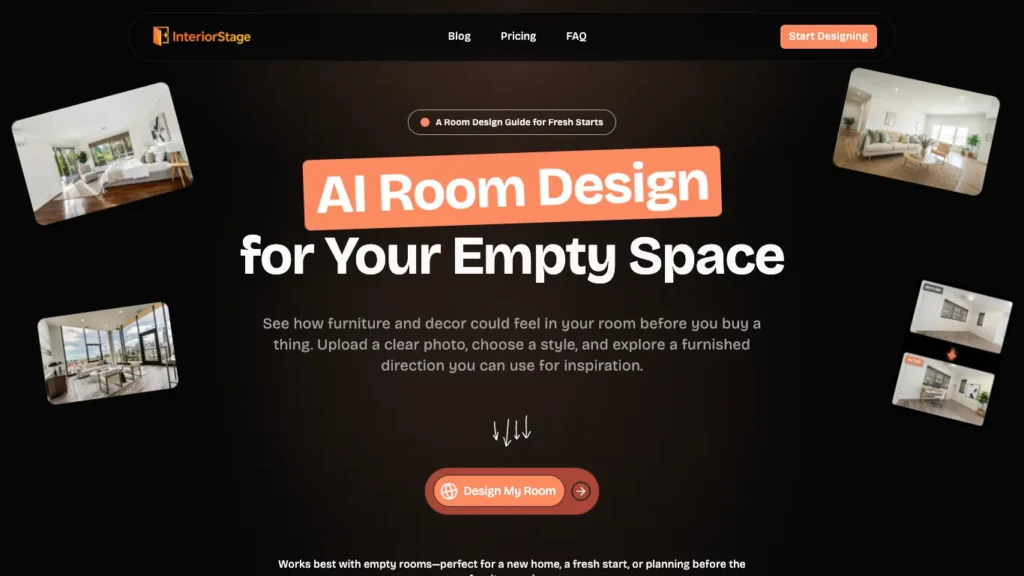
InteriorStage is an AI room design tool that shows you how an empty room could look once it is furnished. Upload a clear photo of an empty space, choose a design style, and get a furnished concept you can use for inspiration before buying a single piece of furniture. It can also turn those concepts into short room videos you can share.

02

Key Features of InteriorStage

  • Empty Room Visualization Upload a photo of an empty room and receive a fully furnished design concept that keeps the room’s existing architecture.
  • Design Style Library Explore a full library of interior styles, from calm Scandinavian looks to modern city apartments. Every plan includes the complete style library.
  • Unlimited Style Switching If the first concept does not fit, try another style on the same room until you find a direction you like.
  • Scene Videos Turn a single furnished concept into a short video that brings the room to life.
  • Room Collection Videos Combine several concepts into one video with transitions, music, and a mood setting such as Modern, Luxury, Warm, or Cinematic.
  • Multiple Room Types Works with bedrooms, living rooms, high-rise apartments, and home offices.
  • Watermark-Free Output Paid plans remove the watermark so images and videos are ready to share.
  • Concurrent Tasks Higher plans let you run several design tasks at the same time for faster results.
03

How InteriorStage Works

  1. Upload a Photo – Take a clear photo of an empty room and upload it to InteriorStage.
  2. Choose a Style – Pick a design style from the library that matches the feel you want.
  3. Get Your Concept – The AI generates a furnished version of your room while keeping its layout and architecture intact.
  4. Explore Alternatives – Try different styles on the same room to compare directions side by side.
  5. Create a Video – Turn your favorite concepts into a scene video or a multi-room collection video to share with family, roommates, or clients.
04

The Core Benefits of Using InteriorStage

  • Plan Before You Buy See how furniture and decor could feel in your space before spending money, reducing the risk of costly mistakes.
  • Fast Inspiration Get a furnished concept in moments instead of browsing endless catalogs or mood boards.
  • No Design Skills Needed A photo and a style choice are all it takes, with no design software or experience required.
  • Shareable Mood Boards Room videos work like moving mood boards, making it easy to share ideas and get feedback.
  • Respects Your Space Concepts keep the room’s existing architecture, so the results reflect your actual space.
05

InteriorStage Pricing and Plans

InteriorStage offers a free plan and three paid tiers:

  • Free A small number of watermarked room design images per month, with access to the full style library. Videos are not included.
  • Starter The most popular plan, with a generous daily image allowance, room collection videos, a monthly allowance of 720p scene videos, no watermark, and two concurrent tasks.
  • Pro A larger daily image allowance, more videos, 1080p scene videos, and five concurrent tasks.
  • Agency Built for high-volume use, with the most videos, 1080p output, twenty concurrent tasks, priority support, and API access listed as coming soon.

All plans can be cancelled anytime, and a refund policy applies. For current pricing, visiting the InteriorStage website directly is recommended.

06

An Honest Review of InteriorStage

InteriorStage keeps its focus narrow, turning empty rooms into furnished concepts, and that simplicity makes it easy to use.

What works well: The workflow could not be much simpler: upload a photo, pick a style, and get a furnished concept. Keeping the room’s existing architecture makes results feel grounded in your actual space rather than a generic render. The video features stand out, turning static concepts into shareable mood boards with music and transitions. Including the full style library on every plan, even the free one, lets users explore freely before paying.

Where it could improve: The free plan allows only two watermarked images per month, which is enough for a quick test but not real planning. The tool works best with empty rooms, so it is less useful for redesigning already furnished spaces. Results are meant as inspiration, and the furniture shown may not match real products you can buy. API access is still listed as coming soon.

Who is it best for: InteriorStage is ideal for homeowners, renters, and people moving into a new home who want to visualize a furnished space before buying furniture. The Agency plan also suits real estate professionals and stagers who need high-volume concepts.

07

Final Thoughts on InteriorStage

InteriorStage turns empty room photos into furnished design concepts and shareable room videos in just a few steps. If you are planning a new space and want to see how it could look before buying furniture, InteriorStage is a simple and visual way to explore ideas, and its free plan lets you try it at no cost.

Similar Interior Design tools

See all

Newsletter

New AI tools in your inbox

The best new tools and the AI news that matters, in one short email. Unsubscribe any time.

Free instant check before you pay. Takes a few seconds.

Scroll to Top