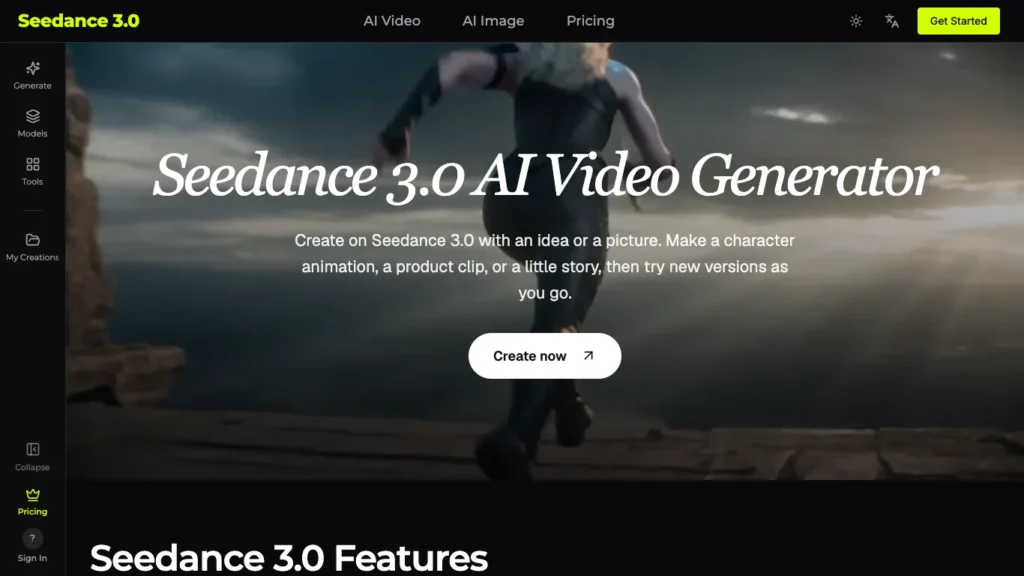
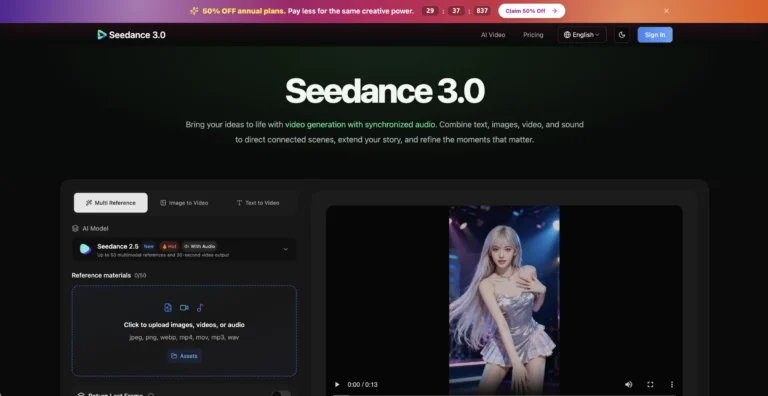
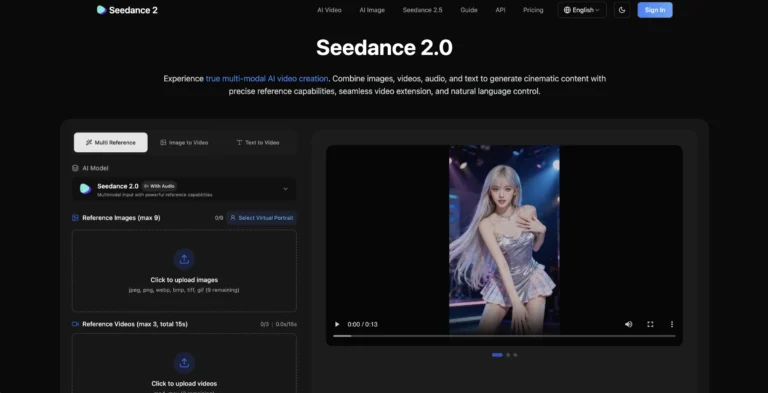
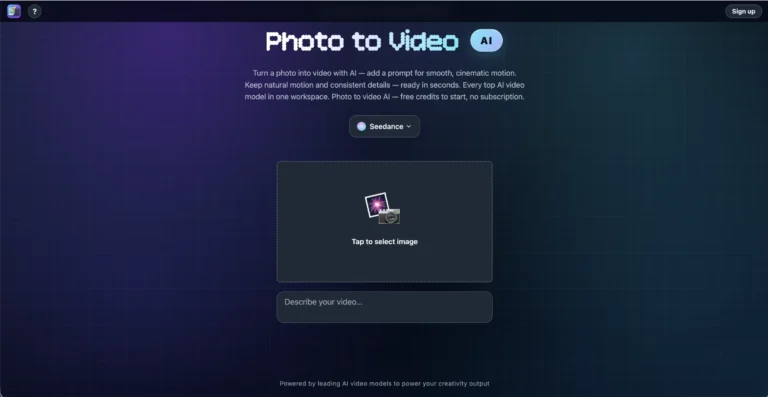
Seedance 3.0 is a web-based AI video generator that turns text, images, video clips, and audio into finished videos you can keep editing. Beyond its own Seedance models, the platform brings several leading video and image models into one workspace, and it lets you swap individual elements inside an existing video while keeping the original motion and camera work.
Seedance 3.0
How Seedance 3.0 turns text, images, clips, and audio into editable videos using multiple leading AI models.
Listed on AI Parabellum · Updated October 25, 2026

Overview
Key Features of Seedance 3.0
- Multi-Material Input Combine images, video clips, and audio in a single prompt, with each file guiding something specific such as the subject, camera movement, or rhythm.
- Precise Element Editing Select a product, outfit, person, or background in an existing video and replace it while the original motion and camera work stay intact.
- Text, Image, and Video Modes Generate videos from a text prompt, animate a still image, or edit an existing clip, depending on the model you choose.
- Multiple AI Models in One Place Access video models including Seedance, Kling, Veo, Wan, MiniMax, and Grok Imagine, alongside image models like Seedream, Nano Banana, and GPT Image.
- Built-In Audio Supported models can generate speech, sound effects, and music together with the video.
- Style Control Push results toward a specific look, from cartoon and clay animation to live-action film.
- Up to 4K Output Generate in 1080p on supported models, with 4K available on higher plans.
- Commercial License Paid plans include a commercial use license so videos can be used in ads and client work.
How Seedance 3.0 Works
- Describe Your Scene – Write a prompt describing what you want and optionally add reference images, clips, or audio.
- Choose a Model – Pick the video or image model that best fits your project, then set the length and aspect ratio.
- Check the Credit Cost – Review how many credits the generation will use, which varies by model, length, quality, and reference files.
- Generate – Seedance 3.0 creates the video based on your prompt and references.
- Preview and Refine – Download the result, or adjust the prompt, swap elements, and regenerate until it looks right.
The Core Benefits of Using Seedance 3.0
- One Subscription, Many Models Instead of paying for separate tools, you can compare and use several top video and image models from a single account.
- Edit Without Starting Over Element replacement lets you change a product or background in a finished clip without regenerating the whole video.
- More Creative Control Combining multiple reference types gives finer control over subject, motion, and timing than a text prompt alone.
- Useful for Many Roles Content creators, marketing teams, shop owners, designers, studios, and teachers can all use it for their own projects.
- Credits Returned on Failure Credits spent on failed generations are refunded automatically.
Seedance 3.0 Pricing and Plans
Seedance 3.0 offers three subscription plans plus one-time credit packs:
- Lite The entry plan with a monthly credit allowance, text-to-video and image-to-video, audio and 1080p on supported models, and customer support.
- Standard The most popular plan, with a larger credit allowance, 4K on supported models, and a discount on Seedance models with active yearly plans.
- Max The top plan with the biggest monthly credit pool and the same features as Standard.
- Credit Packs One-time credit purchases with credits valid for 12 months.
Yearly billing comes with a significant discount, and the site was running a launch promotion at the time of writing. Monthly plan credits do not roll over, and subscriptions can be cancelled anytime. There is no free plan listed. For current pricing, visiting the Seedance 3.0 website directly is recommended.
An Honest Review of Seedance 3.0
Seedance 3.0 works more like a multi-model video studio than a single-model generator, which makes it flexible for creators who want options.
What works well: Having Seedance, Kling, Veo, Wan, and other models under one account is genuinely convenient, since different models excel at different styles. The element replacement feature is a standout, letting you swap a product or outfit in a finished video without losing the original camera movement. Mixing images, clips, and audio as references gives strong creative control, and automatic credit refunds for failed generations are a fair touch.
Where it could improve: There is no free plan, so you have to pay before testing it. Credit costs vary by model, length, and quality, which makes budgeting harder to predict. Monthly plan credits expire at the end of each billing period, and the commercial license terms differ between monthly and yearly plans. The site also lists earlier Seedance versions as models and does not explain how its “3.0” branding relates to the original Seedance developers.
Who is it best for: Seedance 3.0 suits marketers, content creators, online sellers, and studios who want access to several AI video models in one place and need to edit existing clips as well as generate new ones.

Final Thoughts on Seedance 3.0
Seedance 3.0 combines multi-material input, precise element editing, and access to many leading video and image models in a single platform. If you want flexibility to compare models and refine videos without starting over, it is a capable option worth considering.
Featured tools
Clever AI Detector Featured listing
How Clever AI Detector analyzes text to estimate AI authorship with sentence-level…
AI Toolbox Featured listing
How AI Toolbox brings folders, search, and prompt libraries to ChatGPT, Gemini,…