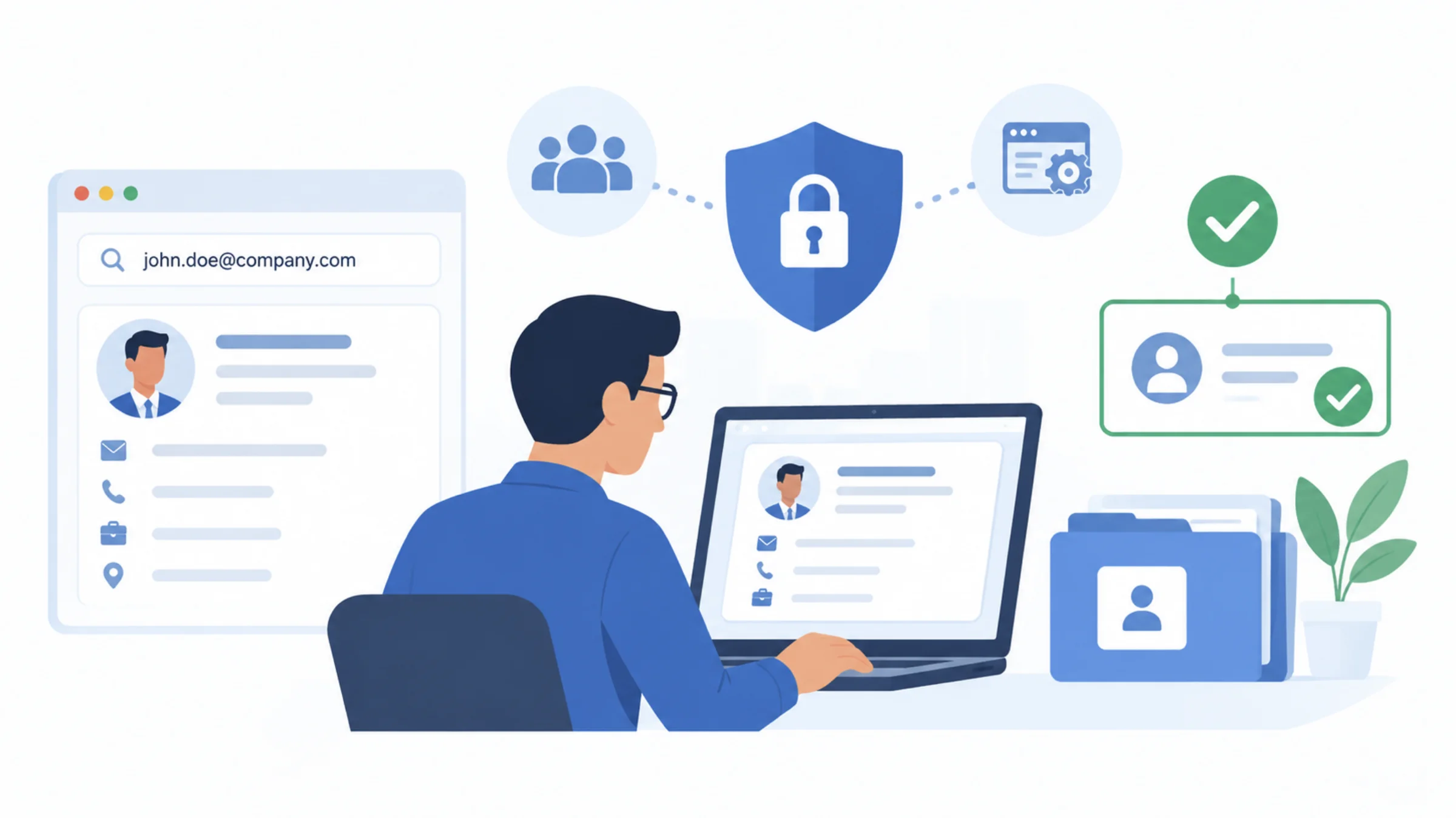
Contact lookup can support sales and recruiting research, while authentication controls decide who may access company accounts and data. Keep those jobs separate. Review browser tools through the company’s usual process, limit access to saved contact records, and verify sensitive requests through established channels. A plausible professional identity cannot authorize an account change.
A researcher may need a business email to discuss a relevant offer. The same email might later appear in an unexpected request to a support team. Finding the address can help with outreach, but possession of the address says little about who sent the request. Staff need a clear rule for each situation.
Review the tool before adding it to the workflow
An email and phone lookup extension is one example of a browser tool used for professional contact research. Read its current listing, permissions, and organizational requirements before installation. The review should focus on the actual browser environment and the information the team expects to handle.
Give the tool an owner inside the team. That person can maintain the approved use, answer routine questions, and coordinate a review when requirements change. A tool can drift beyond its original purpose when nobody owns the workflow. Documenting that purpose makes later decisions easier for researchers and administrators.
Define where saved results may go. A contact record in an approved recruiting system has a different audience from a spreadsheet shared across an entire company. Choose access based on the task, and avoid creating extra copies without a clear reason. Copies make corrections and preference handling harder to maintain.
Separate contact accuracy from identity assurance
A contact record may contain a correct name, role, employer, and email address. Those details can support professional research. They do not prove that an incoming message came from the named person or that the sender has authority to request a sensitive action. The required proof depends on the action being requested.
MojoAuth’s article on authentication risks around B2B contact databases discusses this exposure. Sensitive requests must follow the organization’s existing verification procedure. That rule still applies when the sender knows convincing professional details.
Requests that deserve the approved verification route include:
- Changes to account recovery details.
- Access to restricted company systems.
- Requests for credentials or authentication codes.
- Changes to payment or supplier information.
Make responsibilities visible at each stage
Researchers should know how to check a professional match and record uncertainty. Administrators should know who may access the resulting records. Support and finance staff should know which verification route applies to sensitive requests. These responsibilities can sit in different teams, but the boundaries should remain clear to everyone involved.
| Stage | Responsible check | Evidence that is insufficient alone |
| Professional research | Person and role match | Shared name |
| Contact use | Suitability and preferences | Available email field |
| Record sharing | Approved audience | Convenience of a public link |
| Sensitive request | Identity and authority | Correct job title or address |
Consider an unexpected message that names a real account manager and asks a colleague to change recovery settings. The professional details may all be accurate. The colleague should still use the company’s established procedure to verify the request. A reply to a newly supplied address would keep the check inside the same unverified conversation.
Add checks without turning research into bureaucracy
- Write the approved professional purpose for contact lookup.
- Confirm tool ownership, browser requirements, and record destinations.
- Check the selected person before saving returned details.
- Preserve corrections and contact preferences when records move.
- Send sensitive requests through the relevant verification and reporting process.
Keep the guidance short enough for staff to use. A research checklist can focus on matching and appropriate contact use. A separate support procedure can govern access changes. Name an owner for each responsibility and agree on the handoff. Researchers, identity administrators, and security reviewers can then concentrate on their assigned tasks.
Review one realistic case with the team
Choose a scenario that resembles the team’s work, such as a recruiter receiving an unexpected document-sharing request. Identify the professional details that make it seem plausible and the approved route for checking it. The exercise should teach a repeatable response without collecting more information about the supposed sender.
Review the workflow when staff change roles or leave the team. Remove access that no longer serves an approved task, and transfer ownership of active records. A tool that suited the original team still needs ordinary account and access maintenance as the organization changes.
For the next workflow review, trace one contact record from lookup to storage, then trace one sensitive request through verification. Confirm that the first process supports professional research and that the second relies on evidence appropriate to the requested action.