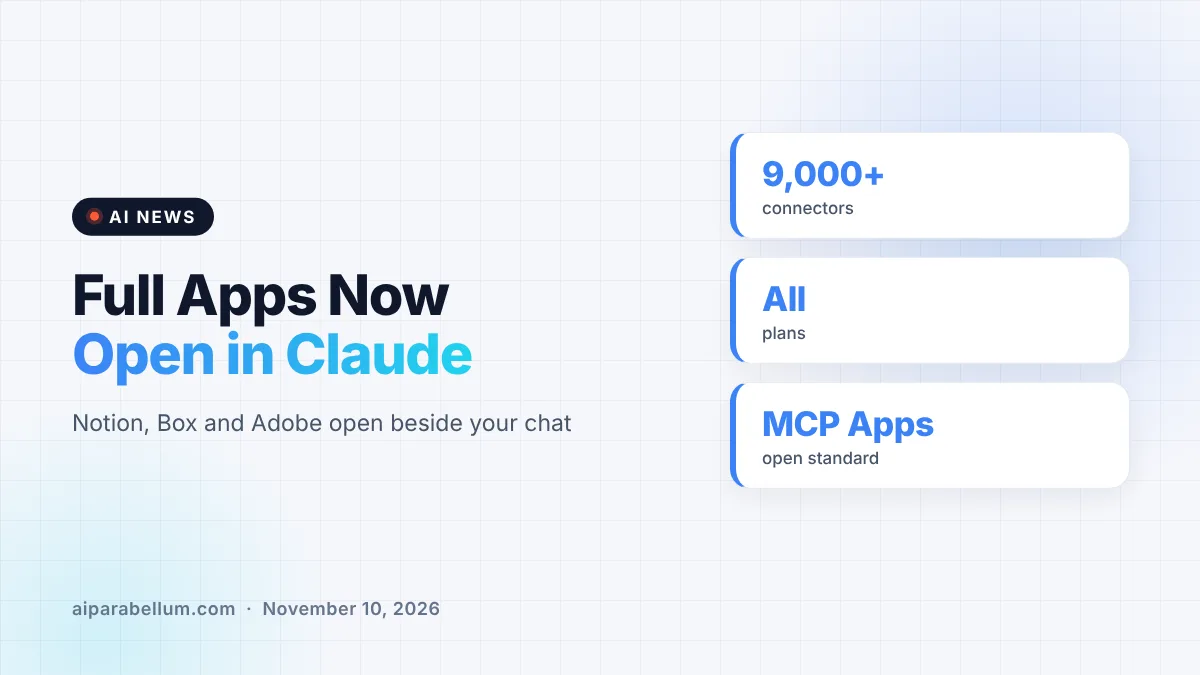
Claude can now open your work apps right inside the chat window. Anthropic’s upgraded interactive connectors let tools like Notion, Atlassian, Box and Adobe run as full apps beside your conversation, so you and Claude can work in the same place without switching tabs.
The feature launched on Tuesday alongside new Claude tools for spreadsheets and whiteboards. It is rolling out on the web and in the Claude desktop app on all plans, as part of the new Claude experience that brings chat and Cowork together.
What Changed With Interactive Connectors
Anthropic first launched interactive connectors earlier this year as a small live view of a tool inside a chat. The new version goes much further, and where a connector supports it, you get the real app rather than a preview.
- Full apps beside the chat: open a tool next to your conversation or expand it to full screen.
- Claude works inside the tool: ask it to change a page, row or file you have open, and approve its actions like any other connector.
- Live edits: changes appear in the app as Claude makes them, so you can keep working alongside it.
- No prompt needed: open a connected tool directly and only ask Claude when you want help.
- Pinning: keep your most-used tools in the sidebar and the plus menu.
For tools like Confluence or Notion, that means the full editor, signed into your own account. This builds on earlier work like the Zillow Claude connector, which showed a limited view of listings in the chat.
Which Apps Work With Claude Connectors Today
Anthropic is starting with a small group of partners from its connector directory. Here is what some of them can do inside Claude right now.
| App | What you can do in Claude |
|---|---|
| Adobe | Retouch and edit photos; highlight, edit and redact PDFs |
| Atlassian | Open a Confluence page and review Claude’s edits live |
| Box | Revise a file and compare versions side by side |
| HubSpot | Prioritize pipeline tasks and follow-ups, then act on them |
| Notion | Create and edit docs or databases without leaving Claude |
Other early partners include Asana, Canva, Carta, Dropbox, monday.com, Smartsheet, Vercel and Webflow. Anthropic says Figma, Harvey and Shopify are also building integrations.
New business plugins too
Anthropic also announced plugins from Salesforce (beta), NetSuite and Workday (beta) that come with built-in skills. The company says these help sellers prep for calls, accountants analyze financial data and HR teams handle time off and expenses. That fits with its recent Workday partnership and the growing Claude Marketplace, which now lists more than 9,000 connectors and plugins.
Built on MCP Apps for Developers
Under the hood, interactive connectors run on MCP Apps, an open extension to the Model Context Protocol. It lets an MCP server bring its own interface into an AI app, and Anthropic notes that an MCP App is not locked to Claude.
Until now, MCP Apps in Claude mostly showed up as small interactive views in a conversation. Claude now supports more of the extension, including app tools and embedded sites, so a developer’s full app can run inside Claude. These capabilities are in public preview, and developers can start building today.
Admin Controls and Security
Business customers get a few new controls with this launch. Claude auto-connect, now in beta on eligible Team and Enterprise plans, turns connecting apps like Notion, Atlassian or Dropbox into a one-time admin setup.
Claude still works within each user’s existing permissions. Admins can also limit what each connector does, so Claude might read Slack but not send messages on your behalf. If your organization already allows all of a connector’s tools, the new features appear automatically as they roll out.
What This Means for You
If you live in tools like Notion, Confluence or Box, this could save a lot of copy-pasting between tabs. A few practical tips:
- Connect your most-used tools from the Claude directory and pin them to the sidebar.
- Use the side-by-side view to watch Claude’s edits as they happen before you keep them.
- Admins should review connector permissions now, since new features follow existing settings.
- Developers who already build MCP servers can try the public preview to ship a full app view.
The features show up once your account moves to the new Claude experience or your organization turns it on. New to connectors? Our Claude tips and tricks guide is a good place to start, and you can find more coverage on our AI news page.
Sources
Primary source: Anthropic’s interactive connectors announcement. Also from Anthropic: More ways to work with Claude. Additional reporting from The Verge and Engadget.
Conclusion
Interactive connectors turn Claude from a chat window that talks to your apps into a workspace where those apps actually live. The partner list is still short, but names like Adobe, Atlassian, Box and Notion cover a lot of daily work. Because it is built on the open MCP Apps standard, developers have a clear path to add more tools. If the rollout goes well, switching between a dozen browser tabs may start to feel old-fashioned.