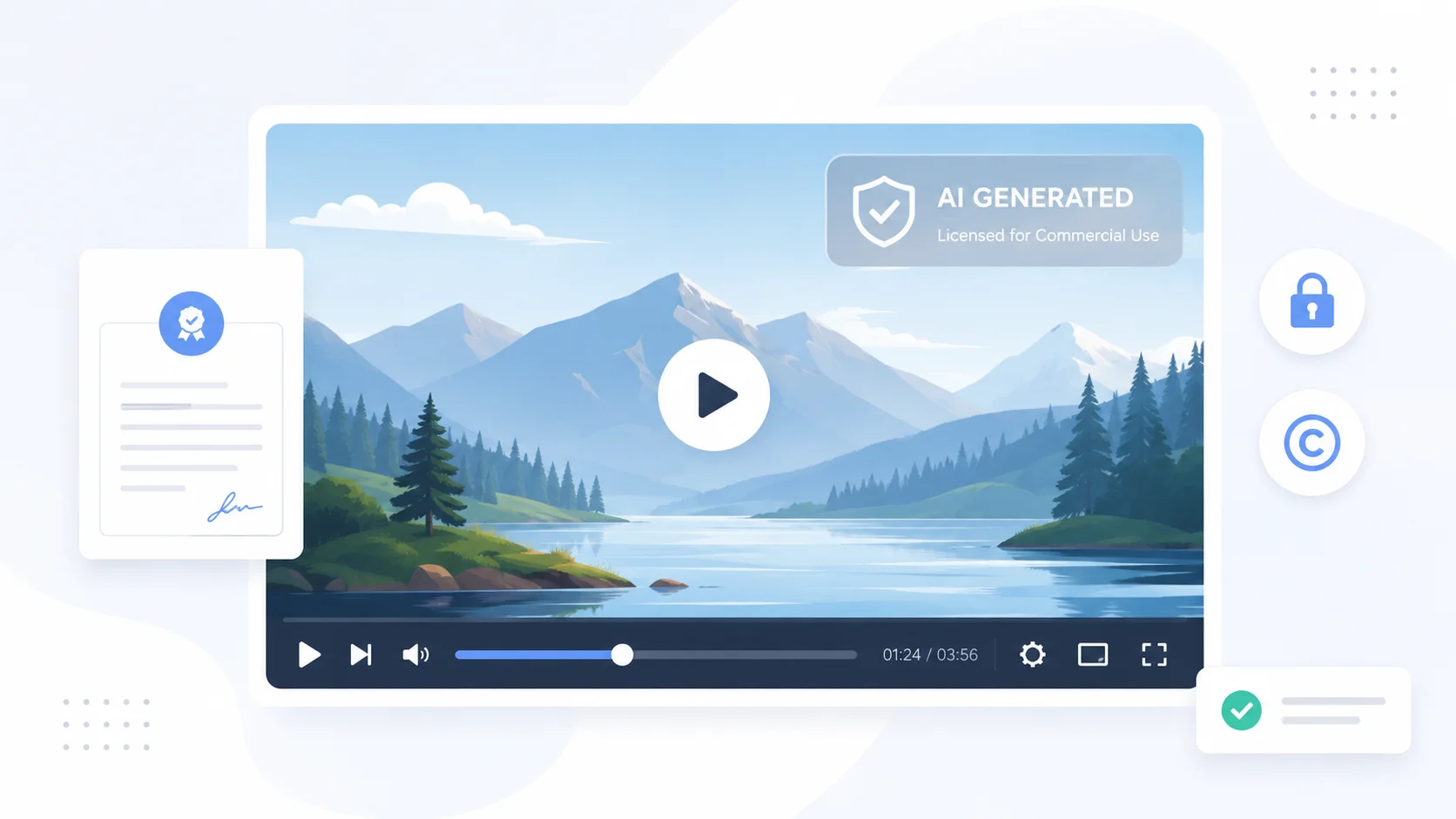
You created a great video with an AI generator, but it has a watermark stamped across it. Maybe it is a logo in the corner, a translucent overlay, or a visible tag that screams “made with AI.” You want to remove it, but you are not sure if that is even allowed.
The answer depends on the platform, your subscription plan, and how you intend to use the video. Here is how to remove AI watermarks legally and what to watch out for.
Why AI Video Generators Add Watermarks
Watermarks serve two purposes for AI video platforms. First, they protect the platform’s brand by showing that the content was created using their tool. Second, they act as a paywall. Free-tier users get watermarked output, while paid users get clean exports.
Some platforms also add watermarks for transparency reasons. As concerns around deepfakes and AI-generated media grow, certain tools embed visible or invisible watermarks to indicate that the content is AI-made. These serve a different purpose than branding watermarks and may have separate rules around removal.
Understanding the difference between a branding watermark and a transparency watermark matters because removing one is a simple billing question while removing the other could raise legal issues.
The Legal Way to Remove AI Watermarks
The most straightforward legal method is to upgrade to a paid plan. Nearly every AI video generator removes its branding watermark once you subscribe to a paid tier.
Upgrade Your Subscription
This is the intended path. Free plans exist to let you test the tool, and the watermark is part of that trade-off. Once you pay, the watermark disappears from all new exports. Some platforms also let you re-export previously created videos without the watermark after upgrading.
| Platform | Free Tier Watermark | Watermark-Free Plan |
|---|---|---|
| Runway | Watermark on free exports | Standard plan and above |
| Synthesia | Watermark on trial videos | Starter plan and above |
| Pictory | Watermark on free trial | Standard plan and above |
| InVideo | Watermark on free plan | Business plan and above |
| Veo | SynthID metadata (invisible) | Included in access tier |
Use a Platform That Does Not Watermark
Some AI video tools do not add visible watermarks even on their free or basic plans. Veo 4 from Google uses SynthID, an invisible metadata-based watermark that does not affect the visual output. Runway on paid plans exports completely clean footage.
If watermark-free output is a priority, choosing the right platform from the start saves you from having to deal with removal later.
Check the Terms of Service
Before removing any watermark, read the platform’s terms of service. Most platforms explicitly state that watermark removal through third-party tools violates their terms. This matters because it can result in account termination and may expose you to legal liability if you use the watermark-free video commercially.
The terms typically allow watermark-free use only through their own paid plans. Bypassing this through editing tools, even if technically possible, is usually a breach of contract.
What About Invisible AI Watermarks
Invisible watermarks are different from the logo or text overlay you see on screen. Companies like Google embed SynthID into AI-generated content at a pixel level. You cannot see it, but detection tools can read it.
These watermarks exist for content provenance and authenticity tracking, not as a paywall. Removing them is technically difficult and raises ethical questions about transparency. If you are creating content for professional use, keeping invisible watermarks intact actually helps establish that your content was created legitimately using AI creative tools.
Invisible watermarks are not about restricting your use. They are about helping the internet tell real from generated. Removing them works against everyone.
Tools That Can Remove Visible Watermarks
Several video editing tools can technically remove visible watermarks. While the tools themselves are legal, using them to remove watermarks may violate the original platform’s terms of service. Use these methods only when you have the legal right to do so, such as removing your own branding from a video you created.
Video Editors with Object Removal
Filmora and similar video editors offer object removal features that can paint over static watermarks. These tools use AI to fill in the area behind the watermark with content that matches the surrounding video. Results vary depending on the complexity of the scene behind the watermark.
- Static corner watermarks are easiest to remove because the background behind them is often consistent.
- Animated or moving watermarks require frame-by-frame processing and produce less reliable results.
- Full-screen translucent overlays are nearly impossible to remove cleanly without degrading the entire video quality.
Cropping the Watermark Out
If the watermark sits in a corner, cropping the video frame is the simplest approach. This is completely legal since you are not removing the watermark, you are just changing the frame composition. The downside is that you lose part of your video and may end up with an unusual aspect ratio.
For videos intended for YouTube Shorts or social media stories, cropping to a vertical format can naturally eliminate a corner watermark without visually compromising the content.
When Watermark Removal Is Legally Risky
There are situations where removing a watermark crosses from inconvenient into legally problematic.
- Removing watermarks to use free-tier content commercially violates most platform terms and could lead to copyright claims.
- Removing provenance watermarks from AI video to present it as real footage can constitute fraud or misrepresentation depending on the context.
- Distributing watermark-removed content that you did not pay to license is effectively piracy of a digital service.
- Using watermark removal to bypass content identification systems may violate the Digital Millennium Copyright Act in the United States.
If the watermark is there because you did not pay for the service, the legal answer is simple. Pay for it.
Legitimate Reasons to Remove Watermarks
Not every watermark removal scenario is shady. There are perfectly valid reasons to remove watermarks from AI-generated video.
You Paid for a Plan That Should Not Have One
Sometimes a bug or export error adds a watermark to paid-tier content. In this case, re-exporting or contacting support resolves the issue. You have every right to clean, watermark-free output if you are paying for it.
You Are Removing Your Own Branding
If you added your own watermark to a video during editing and want to create a clean version, that is entirely your call. This is your intellectual property and your branding.
The Platform Explicitly Allows It
Some platforms offer watermark-free exports on certain plans or for specific use cases like educational content. Synthesia and similar avatar-based tools often have enterprise tiers that include full commercial rights with no visible branding.
How to Avoid the Watermark Problem Entirely
The best approach is to plan ahead so you never need to remove a watermark in the first place.
- Compare plans before creating content. Know which tier gives you watermark-free exports and budget for it.
- Use free trials to test quality, then subscribe before creating final production content.
- Choose platforms that use invisible watermarks instead of visible branding on exports.
- Read the commercial license terms carefully, especially if you plan to use the video for marketing or client work.
- Export at the highest quality available on your plan to avoid quality-based watermarks that some tools add to lower-tier exports.
AI Watermarks and Content Authenticity
The conversation around AI watermarks is evolving. Organizations like the Content Authenticity Initiative are pushing for standardized metadata that tracks how content was created. This is not about restricting creators but about building trust in digital media.
As AI-generated video tools become more powerful, the line between real and generated footage will keep blurring. Watermarks, both visible and invisible, are one mechanism for maintaining transparency. Understanding how to work within these systems legally protects both your content and your reputation.
Using tools like voice cloning and video generation responsibly means respecting the licensing terms that come with them.
Conclusion
Removing AI watermarks from generated video is legal when you do it through the right channels. Upgrade to a paid plan, choose platforms that do not add visible watermarks, or crop strategically when the watermark position allows it. Avoid using third-party tools to strip watermarks from free-tier content because that violates terms of service and can create real legal exposure. The simplest rule is that if the watermark exists because you have not paid, the fix is to pay. If it exists for transparency, leave it alone. Plan your video production workflow around these realities and you will never have to worry about watermark removal.