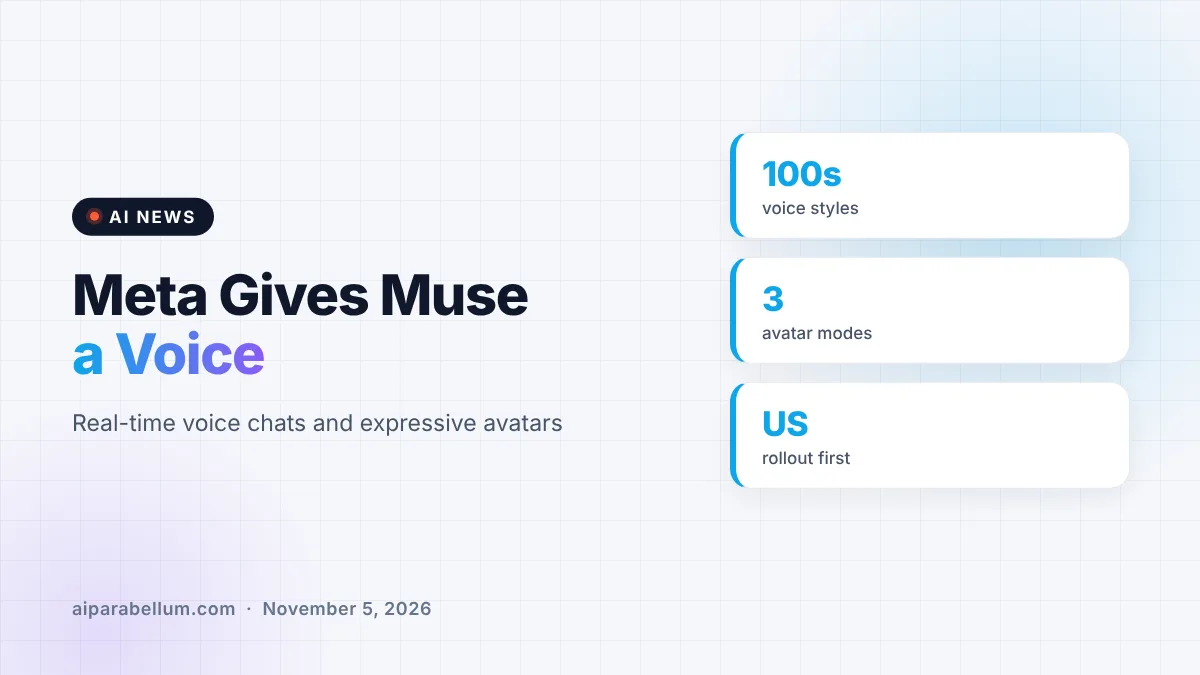
Meta is rolling out Muse voice conversations and animated, expressive avatars in its Muse app, starting in the US. You can now talk to your Muse out loud on mobile, the web and Mac, and watch an avatar react with facial expressions and gestures while you speak.
Meta first previewed real-time conversations with Muse at its Connect 2026 event. This release turns that demo into something regular users can try today, and it pushes Muse closer to the voice-first assistants many people already use.
What Muse Voice Adds to the App
Starting a voice chat is simple. Open the Muse app and tap the phone icon in the top-right corner, then just start talking.
Meta says the feature runs on two in-house systems it calls Muse Realtime Voice and Muse Realtime Avatar. The goal is a back-and-forth that feels like talking to a person: you hear answers right away, and you can cut in mid-reply if the conversation needs to change direction.
Here is what is included in this rollout:
- Real-time spoken conversations with your Muse
- The option to interrupt Muse while it is answering
- An avatar that reacts as you talk and as it speaks
- Hundreds of voice styles you can switch whenever you like
- Background task handling while you keep talking
Hundreds of Voices to Pick From
Meta is leaning on personality here. The company says you can choose from hundreds of voices, with examples ranging from a New York attitude to a pirate’s flair.
You are not locked in, either. You can change the voice to fit your mood at any time.
How the Expressive Avatars Work
The avatar is meant to show that Muse is following along. It uses subtle expressions and gestures that match the tone of the chat, and it reacts while you are still speaking.
You also get to decide how much of the avatar you see. Meta lists three display choices, summed up below.
| Display Mode | What You See | Good For |
|---|---|---|
| Voice only | No avatar on screen | Talking while walking or cooking |
| Avatar alongside chat | Avatar next to the conversation | Casual planning and brainstorming |
| Full screen | Face-to-face style view | Rehearsing interviews or pitches |
Where Meta Muse Voice Is Available
The rollout covers the Muse app on phones, on the web and on Mac. It is limited to the US for now, and Meta has not said when other countries will get it.
Meta also says voice conversations are coming soon to its AI Glasses and to Muse Charm. The company did not give a date for those devices.
Why Meta Is Pushing Voice Now
Muse has grown fast since launch, and we covered how the app passed 10 million downloads within weeks. Adding voice is a natural next step if Meta wants Muse to be something you use all day, not just a chat window.
It also keeps Meta in step with rivals. Voice modes are now standard in tools like ChatGPT and others, and xAI recently rolled out Grok Voice 3 as well.
Everyday Uses Meta Highlights
Meta frames voice as a way to think out loud. Instead of crafting the perfect prompt, you can start with a rough idea and let Muse help shape it as you talk.
- Trip planning: start with a city or a single meal you want, and build out from there.
- Interview practice: hear a question, answer on the spot, and get a feel for the real thing.
- Presentation rehearsal: run through a talk or pitch out loud before the big day.
- Hands-free tasks: say what needs doing while your hands are busy, and Muse works in the background.
What This Means for You
If you are in the US and already use Muse, you can try voice today by tapping the phone icon. It is worth testing for brainstorming or practice sessions, where speaking feels more natural than typing.
A few practical tips before you dive in:
- Try voice-only mode if the avatar feels distracting.
- Test a few voices; a calmer style may suit long planning sessions.
- Think about privacy, since spoken chats can include more personal detail than typed ones. Our guide on AI voice scams is a good refresher on staying safe.
If you are curious how avatar tools compare elsewhere, our roundup of avatar creation tools shows what other apps offer. You can also follow the rest of today’s stories on our AI news page.
Sources
Primary source: Meta’s announcement of voice and expressive avatars in Muse.
Conclusion
Meta’s latest Muse update adds real-time voice and reactive avatars, available now in the US on mobile, web and Mac. With hundreds of voices, the ability to interrupt, and three avatar display modes, it aims to make Muse feel more like a conversation partner than a chatbot. Support for AI Glasses and Muse Charm is next, though Meta has not shared timing. For US users, it is an easy feature to try today and see whether talking beats typing for your daily tasks.