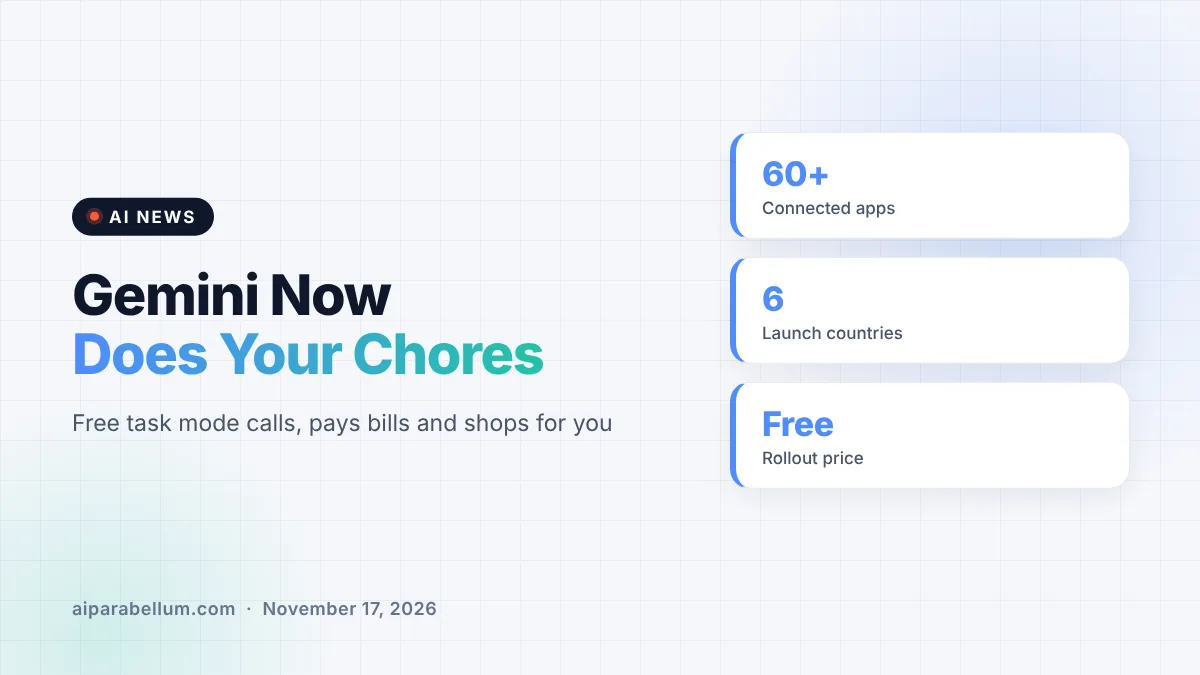
Google is turning Gemini from a chatbot into an assistant that actually finishes chores. The new Gemini task mode, announced on November 17, can call businesses, dig through your bills, fill a grocery cart and check out with your saved card. It is rolling out free to hundreds of millions of people in the U.S., Japan, Korea, Canada, Australia and India, running on Google’s Gemini 4 Hydrogen model.
What Gemini Task Mode Actually Does
The big change is a new toggle on the Gemini home screen. Flip it from Chat to Task, describe what you need, and Gemini works through the steps in the background instead of just giving you advice.
Josh Woodward, who leads Google Labs, the Gemini app and AI Studio, shared a few examples from his own life in the announcement. They give a good feel for the kinds of jobs Google has in mind:
- Calling two car dealerships at the same time, waiting on hold, and booking a service slot that fit his calendar
- Logging into a utility portal and reading past statements in Gmail to explain a surprise $389 electric bill
- Comparing USB-C chargers, asking follow-up questions about wattage, finding a $10 discount code and checking out
- Adding items to an Instacart order from a text message and a photo of an empty cereal box
- Turning a batch of forwarded school emails into calendar events and flagging a schedule conflict
Google says Gemini now connects with more than 60 popular apps. Developers can apply to join its Connected Apps Platform to add more.
Phone Calls Come With a Disclosure
When Gemini calls a business, Google says it tells the person right away that it is an AI. Businesses can opt out of these calls whenever they want.
There are limits, too. Calling is not available in Indiana, Louisiana, Minnesota, Montana or Nebraska, and you need a U.S. phone number with an eligible carrier.
New Ways to Hand Gemini a Task
You do not have to open the app to use the new Gemini tasks. Starting in the U.S., you can text Gemini through Google Messages or iMessage, or forward an email to [email protected] and let it take it from there.
These text and email channels were first shown at Google I/O in May for a separate product called Gemini Spark. That idea has since been folded into the main Gemini app as tasks. One catch worth knowing: Google notes that texting Gemini is not end-to-end encrypted and may be visible to your carrier.
| Feature | How it works | Availability |
|---|---|---|
| Task toggle | Switch the Gemini home screen from Chat to Task | Free in the U.S., Japan, Korea, Canada, Australia and India |
| Phone calls | Gemini calls businesses and says it is an AI | U.S. numbers, not in five states |
| Text with Gemini | Google Messages or iMessage over RCS | U.S. first |
| Email with Gemini | Forward emails to [email protected] | U.S. first |
| Shopping checkout | Agent Payments Protocol with Visa and Mastercard | American Express coming soon |
How Gemini Handles Your Money
Purchases run through the Agent Payments Protocol, known as AP2. Google says it is working with Visa and Mastercard, with American Express coming soon, to protect purchases with digital tokens on supported cards.
You still earn your card’s points, cashback and purchase protections. You can also set a hard spending cap before Gemini starts, and receipts and tracking details land in Google Wallet, which Google says is expanding to iOS. That builds on last week’s move letting Gemini read your bank accounts through Wallet.
Google also says it plans to add the Universal Commerce Protocol to Gemini next. It ties into the company’s broader push on AI shopping carts across its products.
Security Behind the Gemini Tasks
Handing an AI your passwords and payment cards is a big ask, and Google clearly knows it. Each task runs in a hardware-isolated virtual machine on Google Cloud’s Agent Compute Engine that is dedicated to your account and never shared.
On top of that sandbox, Google says it scans search results and webpages for prompt-injection attacks and uses Safe Browsing to limit which links Gemini can open. Gemini is also designed to stop and ask before key steps, like clicking “Buy.”
For routine jobs you trust, you can choose “Always allow” so it stops asking. Google admits tasks can still fail, and on some sites Gemini may hand the screen back to you for the final click, since many websites still block AI agents by default.
The real test is not whether Gemini can book an appointment once. It is whether people trust it enough to let it touch their bills and cards every week.
What This Means for You
If you already live in Google’s ecosystem, this is one of the most capable free AI assistants you can try today. Here is how to get started safely:
- Open the Gemini app and flip the home-screen toggle from Chat to Task.
- Start with low-risk jobs, like sorting school emails or building a grocery list, before letting it pay for anything.
- Set a spending cap and keep confirmations on for purchases until you trust the results.
- Avoid sending sensitive details by text, since that channel is not end-to-end encrypted.
- Review connected apps in settings and disconnect anything you do not use.
If you are weighing assistants, our Gemini comparison guide covers how it stacks up against ChatGPT and Claude. The model powering all this is the Gemini 4 Hydrogen release from last week.
Sources
Primary source: Google’s Gemini tasks announcement. Additional reporting from 9to5Google. More stories on our AI news page.
Conclusion
Gemini task mode is Google’s clearest step yet toward an assistant that does things instead of just answering questions. Making it free for hundreds of millions of people puts real pressure on rivals building paid agent features. The security setup looks serious, but Google itself says mistakes still happen. Start small, keep purchase confirmations on, and let Gemini earn your trust one chore at a time.