
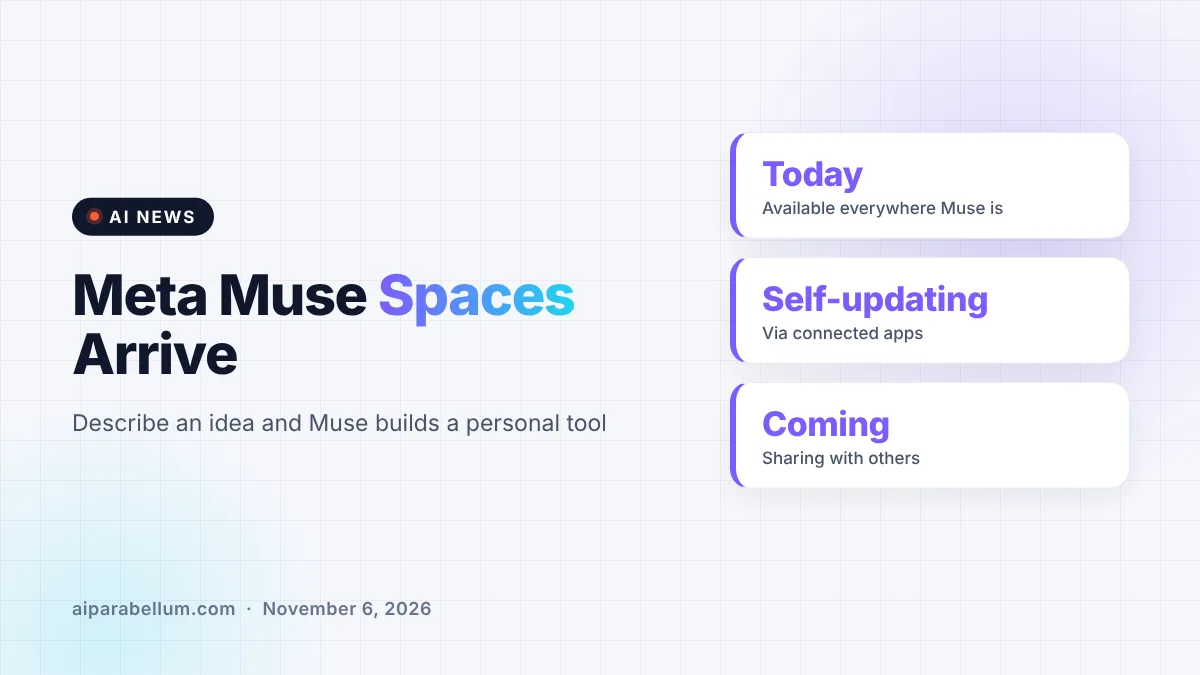
Meta just added a new feature called Muse spaces, and it turns the Muse AI app into something closer to a do-it-yourself app builder. You describe an idea, like a holiday gift tracker or a daily word game, and Muse builds a custom space for it right inside the app. Meta says spaces are available starting today everywhere Muse is offered.
The idea is simple. Instead of every person getting the same chatbot screen, Muse can now be shaped around your routines, hobbies and work. Each space you create becomes part of the app, so you can come back to it whenever you want.
What Muse Spaces Actually Are
A space is a small, personal tool that lives inside Muse. You tell the assistant what you want, and it builds a first version for you. From there, you can keep asking Muse to add missing pieces, change the look or adjust how it works.
Meta describes spaces as interactive, not just a saved chat. You can check items off, add notes and make edits directly inside a space, and your changes are there the next time you open it.
Spaces that update themselves
One of the more useful parts is that spaces can stay current on their own. Meta says you can connect the apps you already use, and your spaces will refresh in the background. That means things like new concert dates, price changes or savings progress can appear without you asking for an update.
This puts Muse in the same lane as other personal AI assistants that try to do work for you between conversations. It also echoes the push toward personal vibe-coded apps that regular people make without writing code.
How Muse Spaces Fit Into the App
Meta is also giving you control over where spaces show up. You can pin them to the sidebar, move them into the main tabs, hide the ones you are not using and even schedule when they appear.
Meta’s own example is a weekly planner that sits up front on workdays, then gets swapped for weekend plans on Saturday. It is a small touch, but it means the app can look different depending on the day.
- Create a space by describing your idea in plain words
- Refine it later by asking Muse for changes
- Place it in the sidebar or main tabs, or hide it
- Schedule when a space appears in the app
- Connect other apps so the space updates in the background
Example Ideas Meta Suggests
Meta shared a long list of starter ideas to show what spaces can do. They range from everyday organizing to small business tasks and pure fun.
| Space idea | What it pulls together |
|---|---|
| Shopping hub | Gift ideas, wishlists from Instagram saves, Marketplace listings and buyer messages |
| School dashboard | Events for your kids found in school emails, added to your calendar |
| Music tracker | New releases and upcoming shows from artists you follow |
| Wedding planner | RSVP list, vendor invoices and to-dos |
| Small business order tracker | New orders, customer messages and what needs to ship today |
| Trip planner | Flights, hotel, reservations and a day-by-day itinerary |
Meta also lists a trivia game, a podcast studio for episode ideas and scripts, and a client hub for freelancers with projects, deadlines and invoices. The company suggests that a half-finished note or a messy spreadsheet could become a space.
Upgraded Models Behind Muse
Alongside spaces, Meta says it is rolling out specialized versions of its models to Muse. According to the company, these were trained with learnings from Muse Wonder, its frontier model, to improve the overall app experience.
Meta did not share benchmark numbers or technical details for these models in the announcement. It also said it is exploring ways to let people share spaces with others, which hints at a more collaborative version of the feature later on.
A busy stretch for Muse
Spaces arrive just a day after Meta gave Muse voice and expressive avatars in the US. The app has been growing fast, passing 10 million downloads within weeks of launch, and Meta keeps stacking new features on top of it.
What This Means for You
If you already use Muse, spaces are worth a quick test. Start with something you track by hand today, such as a gift list, a trip plan or a weekly to-do board, and see how well Muse builds it.
- Keep first requests simple, then add features one at a time
- Think before connecting apps, since spaces work with your personal data
- Use scheduling to keep work spaces out of sight on weekends
- Compare it with other productivity AI tools before moving everything over
For small business owners, the order tracker and client hub ideas could be handy if your customer messages already live on Meta’s apps. Just remember this is a brand-new feature, so double-check anything important it pulls in. You can follow more updates like this on our AI news page.
Sources
Primary source: Meta’s announcement of spaces in the Muse app.
Conclusion
Muse spaces push Meta’s AI app beyond chat and toward personal, self-updating tools that you design just by describing them. The feature is live now wherever Muse is available, with sharing still on the way. How useful it becomes will depend on how well Muse builds and maintains these spaces over time, and how comfortable people are connecting their other apps to it.