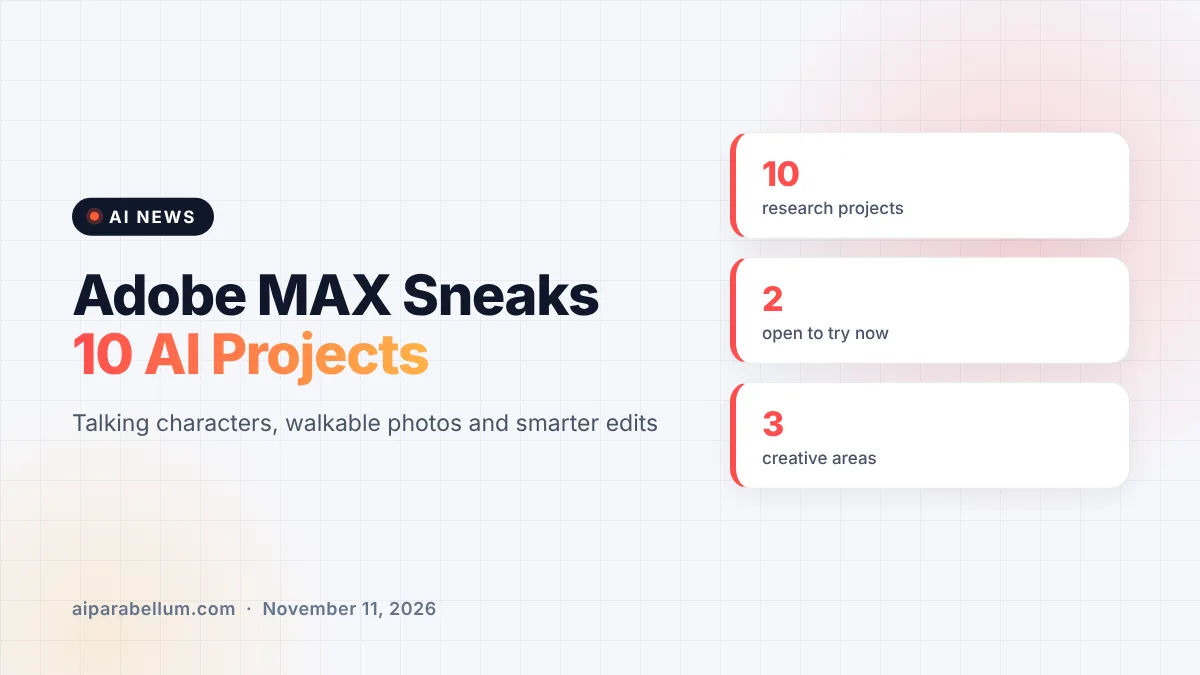
Adobe MAX Sneaks is back, and this year Adobe’s researchers showed 10 experimental AI projects that could shape future Creative Cloud and Firefly tools. The demos range from turning a single photo into a world you can walk around in, to auditioning an AI character by simply talking to it. None of these are shipping products yet, but two of them are already open for anyone to try.
Sneaks is the yearly session where Adobe Research shows off ideas that are still in the lab. This year’s show was hosted by actor Terry Crews, and Adobe says the projects focus on giving creators more precision and control rather than one-click results.
What Adobe Showed at MAX Sneaks 2026
Adobe grouped the 10 projects into three areas: video, sound, and images and design. Here is a quick overview of every project Adobe named in its announcement.
| Project | Area | What it does |
|---|---|---|
| Scene Sweep | Video | Applies one edit consistently across shots and camera angles in a scene |
| Screen Test | Video | Builds an AI character’s look, voice and personality through conversation |
| Live Set | Video | Changes the subject, setting or camera while a video keeps playing |
| On Cue | Video | Controls when an action happens in generated video using a timing signal |
| Sound Bender | Audio | Pulls a described sound out of a mix and lets you reshape it on a canvas |
| Deep Brush | Images | Brushes that follow surfaces, keep shadows and paint in light |
| Sight Span | Images | Turns a flat image into a 3D space you can explore and reframe |
| Hands On | Images | Creates on-canvas controls to move parts of a scene by hand |
| Rinse Repeat | Photoshop | Copies edits from one area and adapts them to another |
| Link Up | Design | Fits a dragged design element into a scene’s perspective and style |
Talking to Your Characters With Project Screen Test
The most unusual demo is Project Screen Test. Instead of describing a character only in a text prompt, you set a few base traits, pick or describe a voice, and then chat with the character in something like a video call. You can work through its backstory, fears and quirks, then generate short animated “screen tests” in scenes you describe.
For anyone who has struggled to keep an AI character looking and acting the same from clip to clip, this is a direct answer to that pain. If you want to tackle that problem today, our guide on consistent AI characters covers current workarounds. Adobe has not said whether Screen Test will land inside any of its existing video tools.
Live Set and On Cue Push Video Further
Project Live Set lets you redirect a generated video while it plays, swapping the subject or the environment mid-scene. Project On Cue tackles timing, which prompts usually handle poorly. You can draw a timing signal by hand or pull one from music, so an event like a flash of light lands exactly on the beat.
Adobe Sneaks Demo Turns Photos Into Explorable Scenes
Project Sight Span takes any flat image, whether a photo, painting or illustration, and builds a navigable 3D environment around it. You can turn around, find a new angle and compose a shot that was never in the original frame. Early hands-on reports say the 3D preview looks rough while you move, but sharpens once you settle on a final angle.
That is impressive, and it also raises a fair question about when an edited image stops being a photo at all. Expect that debate to grow as tools like this mature.
Smarter Editing in Photoshop and Audio
Several projects aim at slow, repetitive work. Project Rinse Repeat captures edits you made on one part of an image, such as retouching one face in a group shot, and adapts them to other areas. Because it rebuilds the edits with native Photoshop tools, everything stays editable.
On the audio side, Project Sound Bender lets you describe a sound, pull it out of a finished mix and explore variations on an interactive canvas. Adobe already offers cleanup tools like Adobe Podcast AI, and Sound Bender hints at much finer control over sound effects. Project Deep Brush, Hands On and Link Up round out the image and design demos.
What This Means for You
Sneaks are research previews, so there is no promise any of them become real features. Still, Adobe says the research shown at Sneaks powers its next generation of tools, and this year it is letting people test a few directly.
- You can try research previews of Project Deep Brush and Project Hands On in the new Adobe Labs Playground.
- The Playground also previews Project Custom Filters, a capability Adobe is exploring for Photoshop.
- Adobe is asking for feedback, so testing these early is a real chance to shape the final tools.
- Don’t plan client work around any Sneak until Adobe announces it as a product.
These demos arrive alongside the bigger launches from this week’s show, including the new Creative Cloud AI assistant and the Disney and Adobe alliance. You can follow the rest of the week’s stories on our AI news page.
Sources
Primary source: Adobe’s MAX Sneaks announcement. Additional reporting from The Verge.
Conclusion
Adobe MAX Sneaks 2026 shows where Adobe wants creative AI to go next: more control, less repetition and new ways to direct video, sound and images. Projects like Screen Test and Sight Span feel like a glimpse of tools that are still a few steps from release. The Adobe Labs Playground is the part to watch, because it lets you try some of these ideas now instead of waiting for a launch that may never come.