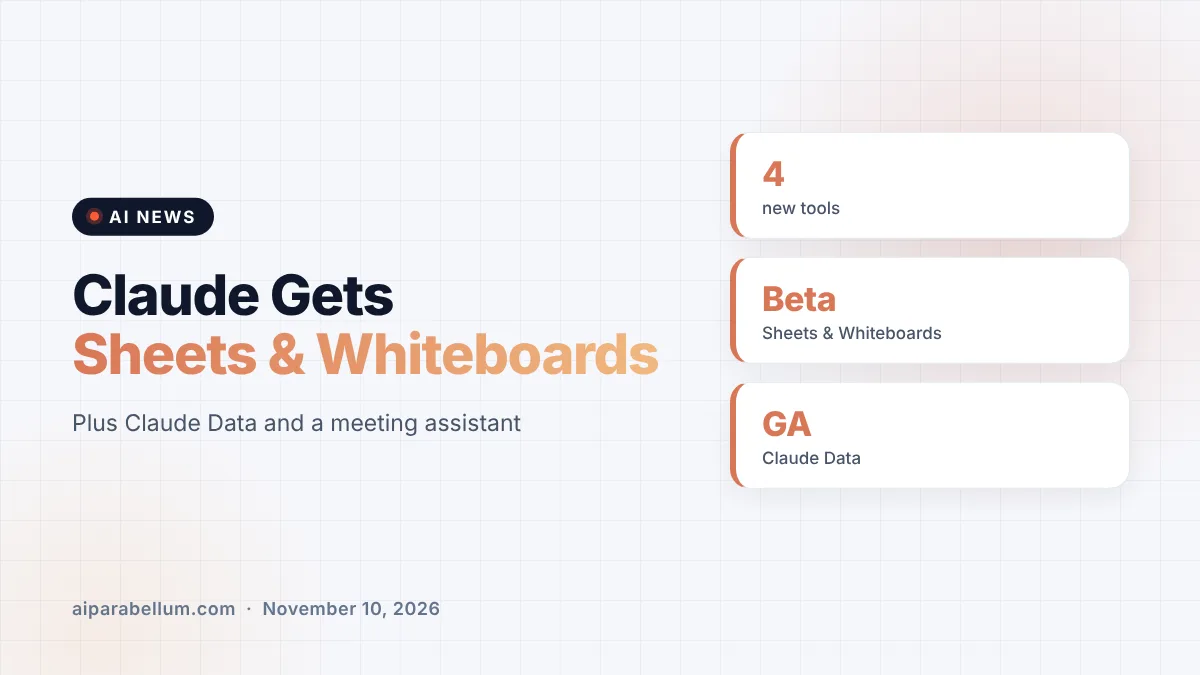
Anthropic is pushing Claude deeper into everyday office work. On Tuesday the company introduced Claude Sheets and Claude Whiteboards in beta, made its data tool generally available as Claude Data, and announced Claude Meetings, an assistant that joins your video calls. Together, these Claude office tools look a lot like the start of an AI-first office suite.
The launch happened at an event in San Francisco, and it is aimed squarely at people who do not write code. Anthropic says Claude Code changed how engineers work, and now it wants the same shift for teams in finance, marketing, HR and operations.
What Anthropic Launched in Its Claude Office Tools
There are four pieces to this announcement. Three are available now on paid plans, and one is arriving for business customers first.
| Tool | What it does | Status | Who gets it |
|---|---|---|---|
| Claude Sheets | Builds and edits spreadsheets with tabs, formulas, formatting and drop-downs | Beta | All paid plans |
| Claude Whiteboards | Shared board for brainstorming that Claude can organize and summarize | Beta | All paid plans |
| Claude Data | Dashboards, data stories and narrated videos from company data (formerly Claude Dashboards) | Generally available | All paid plans |
| Claude Meetings | Joins video calls, takes notes and works on tasks live | Beta, starting with Google Meet | Team and Enterprise |
All three of the artifact tools work on the web, desktop and mobile. Claude Data needs a data connector, such as a warehouse or a CRM, before it can do anything useful.
How Claude Sheets Works
Claude Sheets turns a plain request, like “build a hiring budget” or “make a campaign tracker,” into a working spreadsheet. Claude can then edit cells alongside your team and flags each change so you can see exactly what it touched.
Anthropic is upfront that Sheets is basic for now. When you need full spreadsheet power, you can export to .xlsx or CSV, use Claude for Excel, or move the file into partner tools such as Airtable, Asana, monday.com and Smartsheet. If you already use the Claude Code Excel skill, Sheets is the lighter, shareable version for non-developers.
Whiteboards for messy brainstorms
Claude Whiteboards is a shared board where your team can dump ideas and let Claude sort them out. In a retro, for example, everyone adds notes and Claude groups them by theme, then drafts action items for each person.
You can drag a box around part of the board and ask Claude about just that section. When the session ends, Claude can turn the board into a doc or deck, or send it to Lucid, Miro or Vani by Zoho.
Claude Data replaces Dashboards
Claude Dashboards launched in beta in October, and Anthropic has now renamed it Claude Data and made it generally available. New beta features include certified queries, where a data team approves the metrics everyone should use, and live sharing, so colleagues see current numbers without needing access to the underlying connectors.
Dashboards now also support caching, custom refresh schedules, design systems and tracked changes with rollback. Partners include Amplitude, Mixpanel, Omni, PostHog and Sigma.
Claude Meetings Brings the AI Into Your Calls
Claude Meetings lets a team add Claude to a video call as a visible participant. While people talk, it can draft the plan being discussed, build a timeline on a whiteboard, answer questions in the chat and pull figures from connected apps.
Anthropic’s own launch post describes Meetings as coming soon, while launch-day reporting says it is starting in beta on Team and Enterprise plans with Google Meet first. A few privacy guardrails are built in:
- Claude identifies itself as a participant and posts a notice in the meeting chat.
- It will not join calls with outside guests unless an admin allows it.
- It leaves automatically if an external guest joins anyway.
- Notes, action items and anything it built stay available in Claude after the call.
That puts Claude up against meeting assistants from Google and dedicated note-takers. If you are comparing options, our guide to AI meeting notes covers the basics.
Why Anthropic Is Building Claude Office Tools Now
The timing is not subtle. Anthropic is close to its stock market debut, following its IPO roadshow launch, and investors want to see revenue beyond coding tools. OpenAI and Meta have both rolled out workplace tools of their own in recent weeks.
Anthropic also points to its own teams as proof. It says its legal team built a Slack-based review tool with Claude that cut marketing reviews from three days to 24 hours, without anyone writing code.
What This Means for You
If you are on a paid Claude plan, you can try Sheets, Whiteboards and Data today. Here is how to get the most from them:
- Start small: ask Sheets for a simple tracker, then refine it with follow-up prompts.
- Use Whiteboards during live brainstorms, then have Claude turn the board into a doc.
- For Data, ask your data team to certify key metrics first so everyone works from one number.
- Enterprise admins should note that Whiteboards and Sheets are off by default, and Claude Data turns on by default on November 19, 2026.
On Team plans, all three tools are on by default. Admins can change this in Organization settings under Artifacts. For a broader look at the assistant, see our Claude AI overview or our list of AI productivity tools.
Sources
Primary source: Anthropic’s Claude Sheets, Whiteboards and Data announcement. Also from Anthropic: More ways to work with Claude. Additional reporting from TechCrunch, The Verge and Engadget.
Conclusion
Claude Sheets, Whiteboards, Data and Meetings mark Anthropic’s clearest move yet beyond coding and chat. The tools are early, and Sheets in particular is still basic, but the idea is that one context carries from a meeting to a whiteboard to a spreadsheet without repeating yourself. For teams already paying for Claude, it costs nothing extra to try them now. The bigger question is whether workers will move real office work away from Google and Microsoft, and the next few months should give an answer.