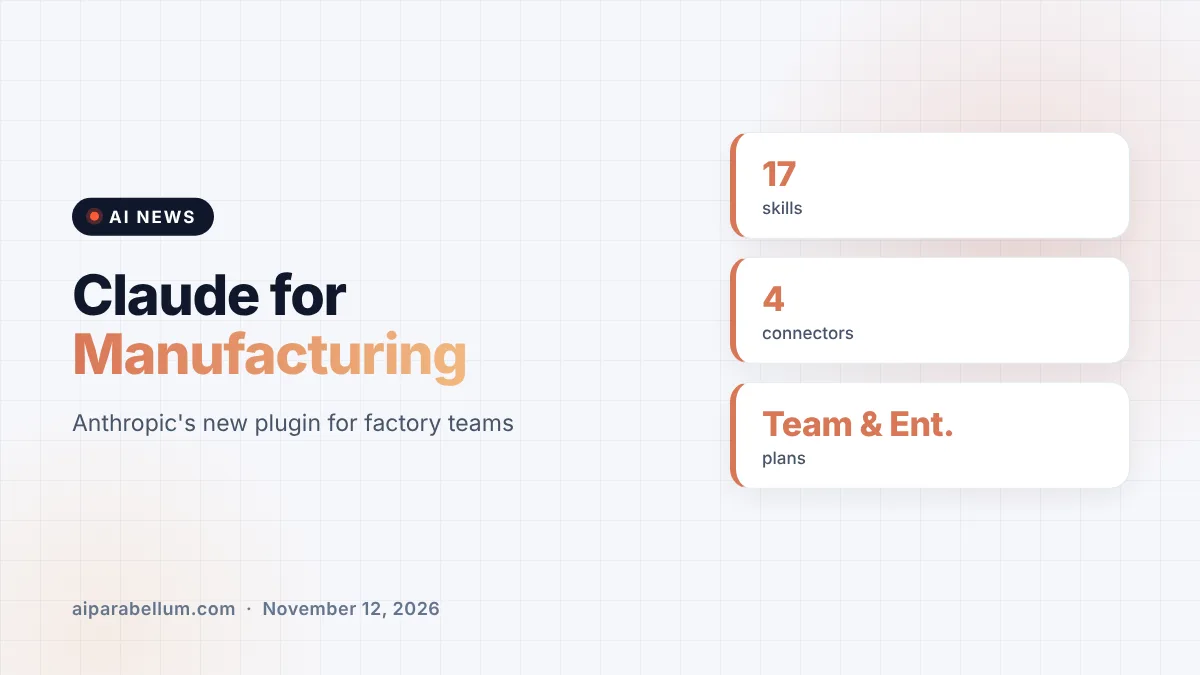
Anthropic has launched Claude for Manufacturing, a new plugin that helps factory teams draft quotes, quality reports and supplier requests using the records they already keep. It bundles 17 skills and connects to Autodesk Fusion, Infor, Microsoft 365 and Oracle NetSuite. The company says every job is built to stop at a human review before anything reaches a customer or supplier.
What Claude for Manufacturing Actually Is
Claude for Manufacturing is a plugin for Claude on Team and Enterprise plans. Instead of a separate app, it adds a set of ready-made skills plus connectors that let Claude read data from the software a plant already runs. Anthropic describes the skills as a starting point that each company can adapt to its own forms and procedures.
The 17 skills span sales, quality, operations, supply chain, design and setup. Some handle one task, while others chain several steps together so Claude can carry a job forward until a person needs to sign off. Anthropic says it plans to add more manufacturing skills over time.
The pitch is about time spent hunting for information. Anthropic points to a 2025 Manufacturing Leadership Council survey in which 79% of manufacturers said they still enter data by hand.
The Jobs Claude for Manufacturing Can Handle
Anthropic lists several processes the plugin can run from start to review. Here is what each one looks like in practice:
- Quoting a new job: Claude reads a customer’s request, lists what is missing, compares costs on similar past jobs and drafts the quote for an estimator to release.
- Investigating a failed inspection: Claude documents the failure, checks past reports for the same problem, ranks likely causes and drafts the corrective action report.
- Diagnosing a breakdown: Claude reads sensor exports, repair notes, photos and the manual, then ranks likely causes for a technician to check.
- Sourcing from another supplier: Claude prepares a request for quotes and then compares the bids that come back.
- Comparing designs: Claude generates variations from an existing Autodesk Fusion model, scores them against an engineer’s targets and drafts a decision memo.
- Reporting on production: Claude compiles output against target, equipment downtime and the cost of missed output into one report.
Connectors to Existing Factory Software
The four launch connectors are the backbone of the plugin. Anthropic stresses that these vendors’ systems stay the system of record, and Claude works alongside them rather than replacing them.
| Connector | What Claude Uses It For | Who Benefits |
|---|---|---|
| Autodesk Fusion | Generating design variations from an existing model | Engineers |
| Infor | Looking up purchase orders and stock levels | Buyers and planners |
| Microsoft 365 | Finding procedures, supplier emails and exported reports | Quality engineers |
| Oracle NetSuite | Pulling orders, inventory, production steps and job costs | Estimators |
Plants with systems that have no connector are not left out. Teams can save regular exports to Microsoft 365, and Claude works from those files to draft a quote or a production report.
Infor Adds Its Own Plugin
Infor is also releasing its own plugin, which goes further than the read-only lookups in Anthropic’s connector. With Infor’s plugin, a team can make changes in Infor from inside Claude. In Anthropic’s example, a buyer facing a two-week steel delay can ask which orders are affected, then approve Claude releasing a purchase order to another supplier and rescheduling production, with access limited to that buyer’s Infor permissions.
Human Review Is Built Into Every Step
Anthropic is careful to frame this as drafting help, not autopilot. Each skill is designed to end with a person’s review, so an estimator releases the quote and a quality engineer verifies the fix. Claude can also link figures and claims back to the drawing, requirement or record behind them, which makes checking its work faster.
On Team and Enterprise plans, owners can require approval before a connector changes anything, or block changes outright. Anthropic also notes that the plugin does not operate equipment. For that, the company points to its separate Model Hardware Standard research preview, which aims to give programmable machines a standard way to describe their measurements, settings and safety limits.
What This Means for You
If you work in a plant or run one, this is Anthropic’s clearest move yet into industrial work, following recent office tools like Claude Sheets and interactive connectors. A few practical points stand out:
- You need a Team or Enterprise plan to install the plugin, and setup starts by telling Claude “Set us up” so it can test your connectors.
- Start with one process, such as quoting or inspection reports, and measure how much review time it actually saves.
- Check which of your systems are covered, since anything outside the four connectors relies on file exports.
- Keep sign-off rules strict, using connector approval settings before letting Claude change records.
Companies that need more control over where agents run may also want to look at Anthropic’s self-hosted Managed Agents beta. For broader background on the assistant itself, see our Claude AI overview, and follow the latest updates on our AI news page.
The takeaway: Anthropic is betting that the fastest path into factories runs through paperwork, not machines, with Claude drafting and people deciding.
Anthropic is hosting a technical webinar on November 17 at 11:00 a.m. ET to show the plugin at work.
Sources
Primary source: Anthropic’s Claude for Manufacturing announcement. Additional details from Claude’s manufacturing solutions page.
Conclusion
Claude for Manufacturing packages 17 skills and four connectors into a plugin aimed at the paperwork that slows down factories, from quotes to corrective action reports. Its biggest selling point is restraint: Claude drafts, links its evidence and stops for a human to approve. Infor’s companion plugin hints at where this could go next, with Claude acting inside core systems under tight permissions. For manufacturers already on Claude’s Team or Enterprise plans, it is a low-friction way to test AI on real shop-floor work.