Canva just stepped into the AI model race with Canva Craft, the first image model built and trained from scratch by its in-house research team. The Canva Craft image model went live on October 22 for every Canva user worldwide, and developers can already reach it through Canva’s public API. The company says it was built for design work first, with sharp text, careful layouts and images you can edit piece by piece.
What the Canva Craft Image Model Does
Most image generators turn a prompt straight into pixels. Craft takes a different path and splits the job into two stages. That extra planning step is the main reason Canva thinks its model handles posters, social graphics and other text-heavy designs better.
Stage one: a written plan
First, a planning model reads your prompt and writes out a detailed blueprint. It decides which elements appear, where they sit, how big they are compared with each other and what text needs to show up. Think of it as a quick sketch before the painting starts.
Stage two: the final image
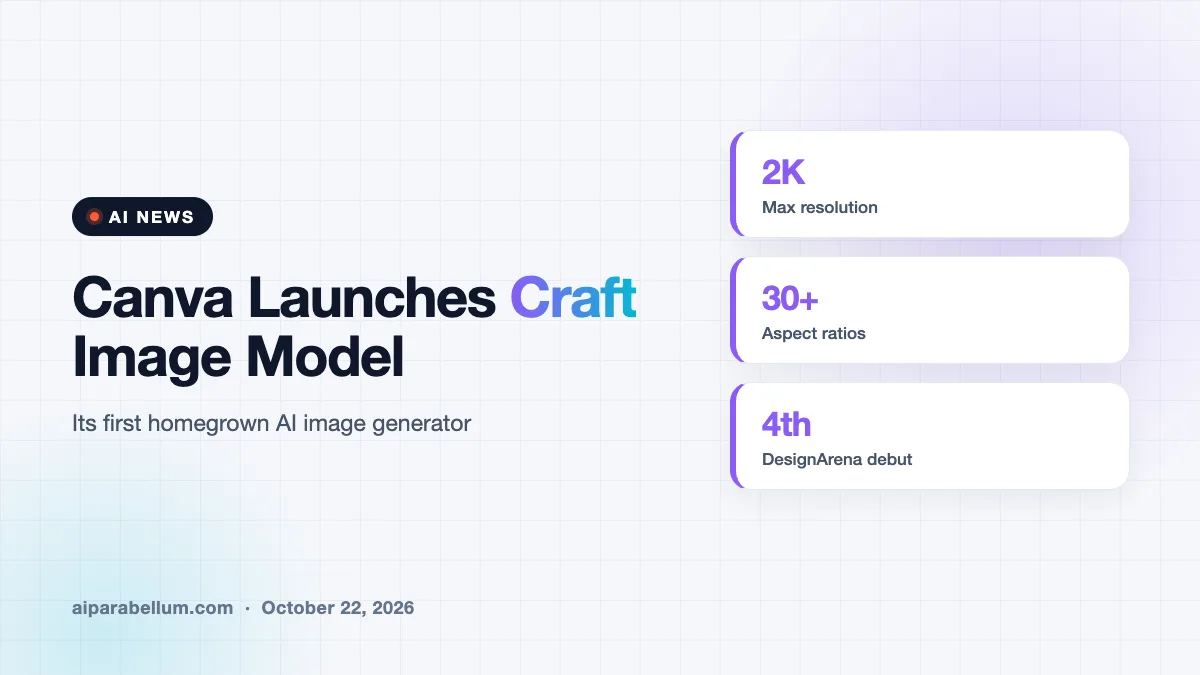
Next, a separate rendering model turns that plan into a finished picture at up to 2K resolution. You can pick from more than 30 aspect ratios or type in your own size. Because the layout is mapped out ahead of time, Canva says you can change one element without the rest of the image shifting around.
Trained on Templates, Not Just Photos
Here is the twist that sets Craft apart. Canva says it trained the model heavily on millions of human-made templates from its own library, including posters, presentations, infographics, menus and typography-rich layouts. Photos teach a model what things look like, while templates teach it how layout, hierarchy and type fit together.
After that pre-training, Canva fine-tuned Craft with feedback from its professional designers. The company says designers and researchers compared more than 25,000 pairs of images against leading models. When automated scores and human opinions disagreed, Canva says it went with the designer.
Training on finished designs instead of plain photos is a smart bet for a company whose users mostly make flyers, slides and social posts.
How Craft Ranks Against Bigger Labs
Canva is leaning hard on independent rankings. Craft debuted fourth overall on DesignArena, a crowdsourced leaderboard where people vote on images made from the same prompts without knowing which model made them. Canva says that result puts its research lab second only to OpenAI for image generation.
| DesignArena category | Craft ranking |
|---|---|
| Overall image generation | 4th |
| People and portraits (87 models) | 1st |
| Landscapes and nature (85 models) | 1st |
| Abstract and patterns | 2nd |
| Products | 4th |
Craft also writes text in 55 languages and accepts prompts in any language. Canva says it plans to improve fine print and technical drawings in future versions.
Where You Can Use Canva Craft
The model is open to everyone in Canva right now. You will find it in Dream Lab, which sits in the bottom left panel of the editor. Here is how the access options break down:
- Canva app: available today to all users globally through Dream Lab.
- Public API: live now, so developers can build Craft into marketing tools, online stores, ad builders and print services.
- Canva MCP Server: coming soon, letting AI assistants and agents create ready-to-use images as one step in a bigger task.
- Faster versions: Craft-fast and Craft-ultrafast are on the way and aim to cut costs.
Images made with Craft also work well with Magic Layers, Canva’s tool that turns a flat picture into separate editable design pieces. That means a generated poster can become a real, adjustable layout instead of a locked image.
Why Canva Built Its Own Model
Canva has relied on several outside image models for its AI features over the past few years. Building its own gives the company more control over quality, speed and cost. That control matters at Canva’s scale, since the company says more than a quarter of a billion people use it to create over 400 designs every second.
Talent from Leonardo.ai, which Canva bought in 2024, helped with the work. Canva says model distillation and a custom inference engine made Craft roughly ten times faster than its first internal version. The launch also comes as the company works to prove its AI strategy after analysts reportedly trimmed its valuation earlier this year.
What This Means for You
If you already use Canva, you can try Craft today at no extra setup. It is worth a test if you have struggled with garbled text or messy layouts from other generators. Keep these tips in mind:
- Spell out layout details in your prompt, such as where a headline or logo should sit, since Craft plans the composition first.
- Pick the right aspect ratio up front so the design fits Instagram, a banner or a slide without cropping.
- Run finished images through Magic Layers if you want to tweak text and objects afterward.
- Compare results with tools you already use, and check our guide on how image generators work to set fair expectations.
Want to explore other options? Browse our list of image generation tools, or read about the recent Flux 3 release for an open-weights alternative. Designers following agent workflows may also like our story on Figma’s agent rules, and more updates live on our AI news page.
Sources
Primary source: Canva’s Craft announcement. Additional reporting from TechCrunch and Capital Brief.
Conclusion
Canva Craft marks a big shift for a company that has mostly packaged other labs’ AI inside a friendly design app. By training on templates and planning each image before drawing it, Canva is betting that design smarts beat raw photo realism for everyday creators. Early leaderboard results back that bet, though real-world use will be the true test. If you make social posts, slides or marketing graphics, Craft is free to try in Dream Lab today, and faster versions are coming soon.