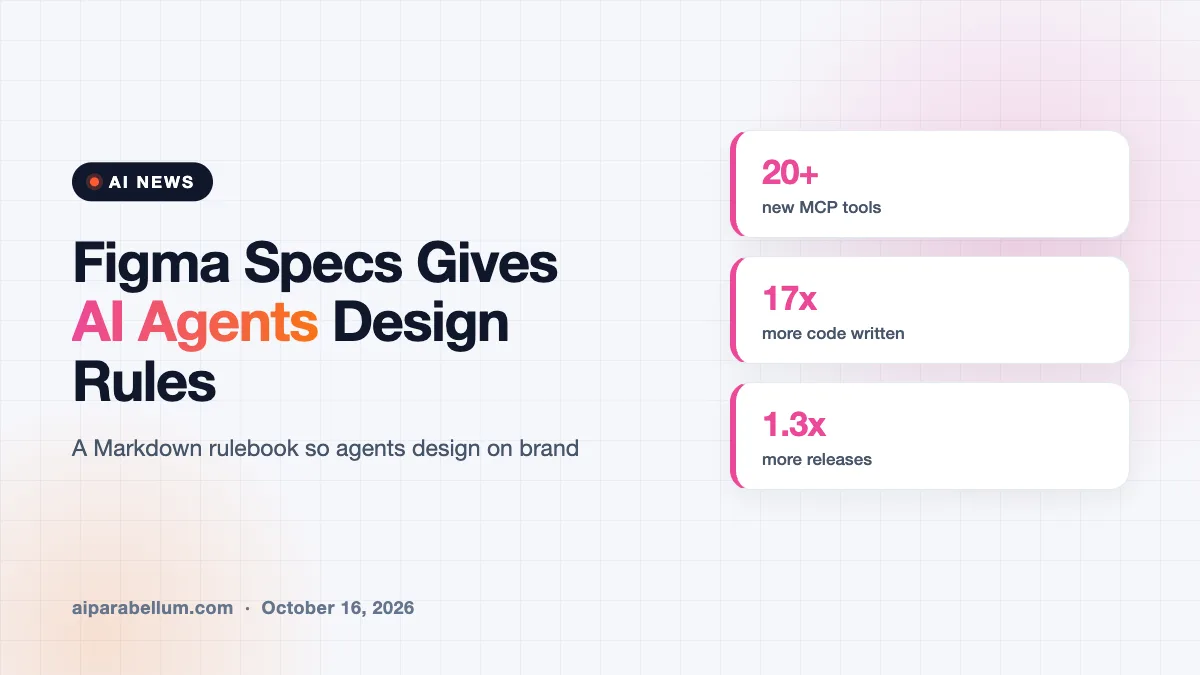
Figma has launched Figma Specs, a new Markdown editor where teams write down their design rules so both people and AI agents can follow them. The goal is to make AI agents in Figma produce work that actually matches a brand. Figma announced the feature, along with code layers in open beta and new MCP tool support, at its first Config event in India.
What Figma Specs Does
Specs is a simple text editor that uses Markdown, a lightweight formatting style many developers already know. Teams use it to describe their design language in plain words.
A Specs document can live as its own file or sit right on the Figma canvas. It can also point to other parts of a project, like canvas elements, FigJam diagrams, code layers, and designs.
Teams can pull in design libraries, code libraries, and written guidelines to give the system more context. Figma’s own agent and third-party agents can then check this central reference before they create anything.
Why Agents Need Clear Design Rules
AI tools do not always give the same answer twice. Figma says it is adding tools like Specs to steer its agent toward more predictable results, especially now that its agent on canvas recently reached a wider group of users.
Figma’s chief design officer, Loredana Crisan, pointed to a striking gap between how much code gets written and how much ships. She said teams produce 17 times more lines of code than before, but only about 1.3 times more releases, because much of that code is used to explore ideas.
Other New Figma AI Agent Features
Specs was not the only update. Figma also expanded several tools that connect design, code, and content.
| Feature | What changed | Why it matters |
|---|---|---|
| Figma Specs | New Markdown editor for design rules | Gives people and agents one source of truth |
| Code layers | Moved from private beta to open beta | Adds working code to designs for interactive prototypes |
| MCP support | More than 20 new tools added | Lets outside AI apps connect to Figma |
| Payload in Figma Make | CMS now integrated | Build dynamic sites and manage content in one place |
Code Layers and the Agent
Code layers first appeared in private beta in June. With the open beta, more users can ask the agent to turn a design into code or change part of the code to try a new version of a prototype.
New MCP Connections
MCP, or Model Context Protocol, lets AI apps plug into other software. Figma says its MCP now supports more than 20 new tools, including Open Code, Dia, Grok Bot, and Indian AI startup Sarvam.
Why Figma Launched This in India
Figma opened its first office in India late last year. The company says India is its largest market by users outside the United States.
It also says it works with 40% of India’s top 100 companies on the Bombay Stock Exchange. Figma bought the open-source headless CMS Payload last year, and says Payload downloads have grown sixfold in the past 12 months.
What This Means for You
If you design with AI agents, the quality of your instructions now matters as much as the tool. Figma Specs gives you a place to write those instructions once and reuse them.
- Write down your colors, type, spacing, and tone rules in a Specs file before letting an agent build screens.
- Link real components and code libraries so the agent copies your actual patterns, not guesses.
- Try code layers for prototypes that need real interactions.
- Review agent output against your Specs, since AI results can still drift.
Want more options? Browse our list of AI design tools, or see how other companies are setting rules for agents, like Amex’s agent framework. You can also explore AI agent tools or visit our AI news page.
Sources
This article is based on reporting from TechCrunch.
Conclusion
Figma Specs lets teams write their design rules in a simple Markdown file that both people and AI agents can follow. Alongside it, Figma opened code layers to more users, added over 20 MCP tools, and tied its Payload CMS into Figma Make. The updates aim to make AI-made designs more predictable and on-brand. If your team already uses Figma’s agent, setting up a Specs file is a smart first step before you hand it bigger jobs.