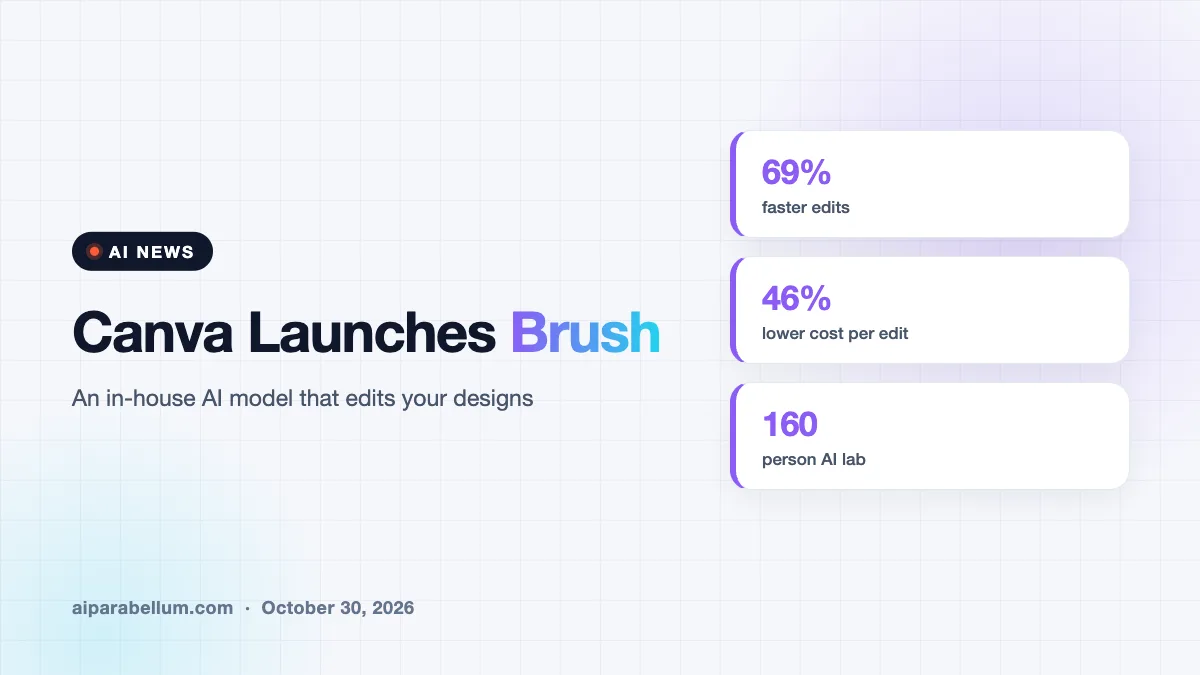
Canva Brush is a new in-house AI model that edits designs you already have, from one line of text to every slide in a deck. Canva says it handles general edits up to 69% faster and at 46% lower cost than its previous design agent. It is live now for Canva Pro users, with wider access promised soon.
The launch lands just one week after Canva introduced Craft, its first image-generation model. Craft makes the image, and Brush is meant to refine the design around it. Both come from Canva Research, the company’s 160-person AI lab.
What Canva Brush Actually Does
Brush is a vision-language model, which means it can look at a design and understand how it is built. It reads the text, images, layout and spacing before it changes anything. That matters because a simple request can easily break parts of a design you wanted to keep.
Under the hood, Brush works in a loop. It writes and runs small bits of code to adjust design elements, then checks the page to decide its next step. Canva says this lets the model keep improving its own work instead of making one isolated change at a time.
Everything Brush produces stays fully editable. You can still move, swap or restyle any element by hand, just like any other Canva design.
Three Edits Canva Is Highlighting
- Restyle an image or design, such as changing the color scheme, the weather or the overall vibe.
- Make one change across a multi-page design, like updating every header in a deck with a single prompt.
- Remix a design for another channel, for example turning a presentation slide into an Instagram graphic.
Canva Brush Speed and Cost Claims
The headline numbers are about efficiency, and they come from Canva’s own testing. In internal tests, the company says Brush matched or beat its older setup on most editing tasks. It did especially well at restyling designs and adapting them to new formats.
| Detail | What Canva Says |
|---|---|
| Model type | Vision-language model for design editing |
| Speed | Up to 69% faster on general design edits |
| Cost | 46% lower cost per edit task |
| Compared with | Canva’s previous design agent |
| Built by | Canva Research, a 160-person AI lab |
| Who gets it first | Canva Pro plans, with wider availability coming |
| Coming next | Brand Kit support, attachment references, better image-heavy layouts |
Cost is a big part of the story. Canva points out that general-purpose models are powerful but expensive to run, and a few extra cents per edit adds up fast across billions of designs. Reporting on the launch also notes that Canva slowed parts of its AI rollout earlier this year because the economics were not ready.
How Canva Trained Its Design Editing Model
Brush did not start from scratch. Canva began with a leading open-weights model, which it has not named, and then trained it further on real design and editing tasks. That training also drew on anonymized insights from users who opted in to help improve Canva AI.
The team added large-scale reinforcement learning, where the model attempts full tasks and gets rewarded for good results. Canva built a scoring system that judges visual quality, how well the layout follows design principles, and whether the task was actually finished. The company says its own professional designers set the bar for what counts as good.
Our take: the interesting part is not that Canva built another model, but that it built a cheaper one aimed at the edits people make every day.
How Brush Fits the Wider AI Design Race
Canva is not the only company betting on AI editing. Adobe pushed in a similar direction last year with layered, prompt-based editing in Firefly Image 5. The difference is scope: Brush works across a whole design or deck, while Adobe’s tools focus on individual images.
Both companies still use outside models. Canva says it will keep combining partner models with its own specialized ones, betting that models trained for design will deliver better results at a lower cost. If you followed the Craft image model launch last week, Brush is the second half of that same plan.
What This Means for You
If you already pay for Canva Pro, you can try Brush today. Open an existing design in the editor, or attach or link a design in Canva AI. Then pick Brush from the model dropdown so it handles your edits.
- Start with tedious edits, like resizing a deck for social media or changing every heading at once.
- Check brand details yourself for now, since Brand Kit support has not arrived yet.
- Treat the speed and cost numbers as company claims until independent testers weigh in.
- Keep using hand edits for fine control, because every element Brush touches stays editable.
If you are still learning how these tools think, our image generator guide is a useful primer. You may also like our tips for consistent AI characters across a series of designs. For more launches like this one, browse our latest AI news coverage.
Sources
Primary source: Canva’s Brush announcement. Additional reporting from The AI Economy.
Conclusion
Canva Brush is Canva’s second in-house AI model in a week, and it targets the part of design work most people spend the most time on: editing. The company claims big gains in speed and cost, plus results that match or beat its older agent on most tasks. It is available now for Pro users, with Brand Kit support and better image-heavy layouts on the way. If those claims hold up in real use, everyday design edits in Canva could get a lot faster and cheaper.