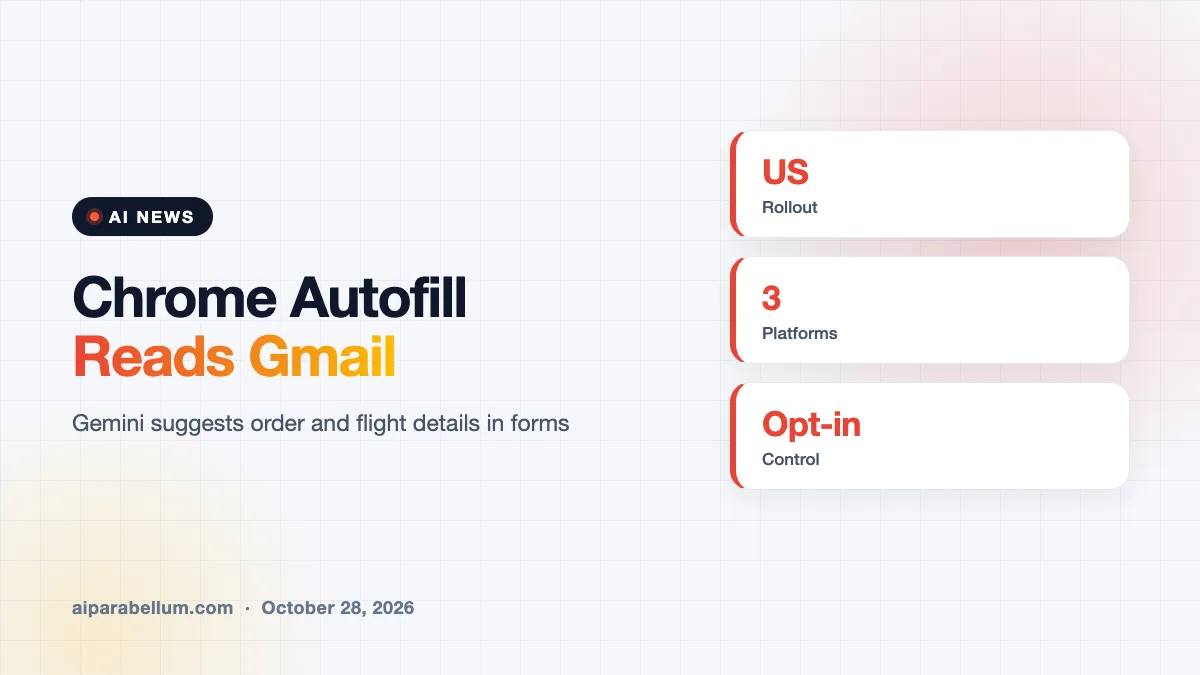
Google is rolling out a smarter Chrome autofill that fills in online forms using details found in your Gmail. If you let it, Chrome can suggest things like a flight confirmation number, an order number or tracking information right inside the form field.
The feature builds on Google’s Personal Intelligence and shows up as a “Suggested by Gemini” option in the autofill dropdown. It is starting in the U.S.
How Chrome Autofill With Gmail Works
Until now, Chrome autofill mostly handled names, addresses and saved cards. The new version goes further by looking through your email for details you might otherwise have to hunt for.
When a suggestion is available, you will see the Gemini option in the dropdown and can tap it to fill the field. Reports say it can surface items such as these:
- Flight booking and confirmation numbers
- Membership IDs
- Order numbers and tracking information
- Addresses and phone numbers
- Payment card numbers
Where the Chrome Autofill Update Is Available
Google is rolling the feature out now to people in the U.S. who use Gemini in Chrome and have Personal Intelligence turned on. It works on desktop, and in the Android and iOS versions of Chrome.
| Detail | What we know |
|---|---|
| Who gets it | U.S. users with Personal Intelligence enabled |
| Where | Desktop, Android and iOS |
| Label in Chrome | Suggested by Gemini |
| Data source | Your Gmail |
| Control | Can be turned off in Chrome settings |
The idea is similar to a feature people already like on phones, where a text message code appears above the keyboard so you can enter it with one tap. Chrome is applying that same convenience to the longer details that live in your inbox, such as booking references and shipping updates.
Google first previewed the feature in May, so this week’s news is the start of the actual rollout rather than a brand new idea. It also fits a larger push to make Gemini useful inside everyday browsing instead of only in a chat window.
Privacy Controls for Gmail Autofill
Because the tool reads your email, privacy is the obvious question. Google says sensitive data is encrypted and that you stay in control. You can remove individual suggestions, and you can switch off the enhanced autofill experience completely in Chrome settings.
It helps to know that autofill still needs your tap before anything goes into a form. Chrome offers the suggestion, and you decide whether to use it. If a suggestion looks wrong or out of date, you can dismiss it and type the value yourself.
As with other Personal Intelligence features, it is opt-in. Nothing from your Gmail is used for this unless you have connected your Google apps to Gemini.
What This Means for You
For most people this saves a few minutes on forms like travel check-ins, returns and package lookups. It also pulls you deeper into Google’s AI tools, which is part of the point. TechCrunch notes the update could give people another reason to stay in Chrome.
- Check your Personal Intelligence setting before you expect to see suggestions
- Review any suggestion before you tap it, especially for payment details
- Turn it off in Chrome settings if you would rather keep email out of autofill
- See how Personal Intelligence works in other Google products
Google has been adding Gemini features across its apps for months, and more are likely to follow. Keep up with them in our AI news section.
Sources
Primary source: none located, because Google’s own announcement could not be found and read. Reporting from TechCrunch and 9to5Google.
Conclusion
Chrome autofill is learning to read your Gmail so forms fill themselves faster. It is optional and controllable, so the choice to trade a bit of email access for convenience is yours.