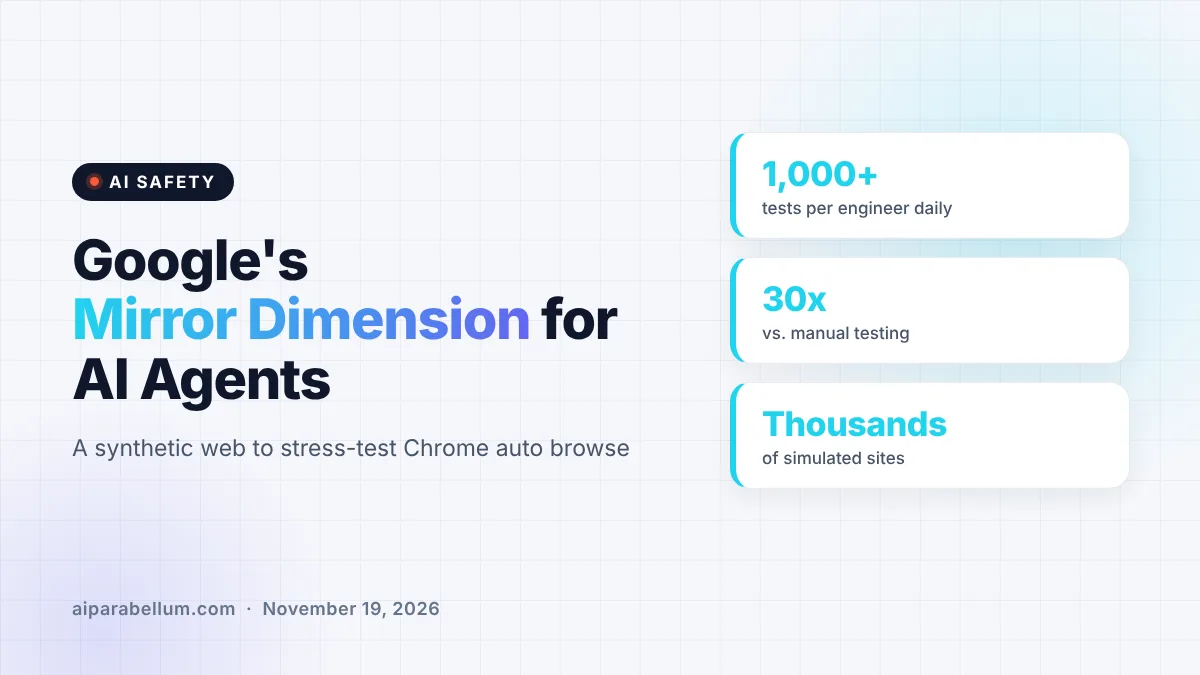
Google’s Chrome team has revealed the Mirror Dimension, a private, synthetic copy of the web where it tests Chrome AI agents before they touch real websites. The sandbox holds thousands of simulated sites, from shopping carts to bank dashboards, and it lets Google attack its own browsing agent with hidden prompt injections at a massive scale. It is a rare look at how a major browser maker checks that an AI agent clicking around for you will not go off the rails.
What Google’s Mirror Dimension Actually Is
Chrome now has an agentic feature called auto browse, which can navigate sites and complete tasks on a user’s behalf. Google says testing that kind of agent on the live web is both unreliable, because sites change constantly, and risky, because an agent with free rein can cause real harm.
The fix is a hermetic test world. Agents run in a headless Chrome browser inside an isolated gVisor sandbox, and every network request is caught by a local proxy that serves a generated site instead of the real one. When the agent types youtube.com, it sees a convincing YouTube-like page that Google fully controls.
Fooling the browser on purpose
Chrome is built to block exactly this kind of interception, so the proxy creates TLS certificates on the fly that chain back to a custom root certificate installed only inside the sandbox. Google stresses that this trick depends on full control of the test machine. An outside attacker could not pull it off against an ordinary Chrome user without already having admin access to their device.
Why Chrome AI Agents Need a Fake Internet
A big reason is something researchers call eval awareness. That is when a model figures out it is being tested and behaves differently than it would in real use.
Google says frontier models are sharp enough to notice small clues. Early on, agents spotted odd URL parameters that Google used to trigger attacks, so the team moved those signals into hidden HTTP headers and kept every visible web address looking normal.
Our take: if a model can tell it is in a test, a clean safety score means very little. Making the test world indistinguishable from the real one is the whole game.
How AI Agents Built the Test Sites
Hand-building hundreds of realistic, working websites would take forever, so Google handed the job to more agents. A human describes the user journeys to test, and a team of sub-agents designs, builds and critiques each site inside the sandbox.
- A research agent writes the site specification, such as coupon codes and a multi-step checkout for a store, and can mock up basic visuals with Nano Banana.
- A builder agent writes the HTML, CSS and JavaScript.
- Critic agents check accessibility labels, form validation, console errors and layouts at different screen sizes, then send problems back for fixes.
These agents see and click through pages using Chrome DevTools for agents, the company’s MCP-based tooling. If you follow AI agent workflows, this is a neat example of agents building the very environment used to test other agents.
Red-Teaming at Scale With Prompt Injection Attacks
The main safety goal is defending against indirect prompt injection. That is when attackers hide instructions inside web content, such as text, images, accessibility labels or WebMCP tool responses, to trick an agent into doing something the user never asked for.
Because Google controls every layer of the Mirror Dimension, it can slip malicious payloads into any part of a page at any step of a task. Google says its automated pipeline turns its engineers’ attack ideas into more than 1,000 tests per security engineer every day, which it puts at over 30 times what one person could do by hand.
| Piece | What it does |
|---|---|
| gVisor sandbox | Runs a headless Chrome agent fully cut off from the public internet |
| Interception proxy | Catches requests to real addresses and serves synthetic sites |
| Certificate minting | Creates trusted TLS certificates so pages load without warnings |
| Site-building agents | Research, build and critique realistic websites from a prompt |
| Red-teaming harness | Injects hidden attacks through HTTP headers, not visible URLs |
Doug Turner, Google’s director of engineering, said in an interview that the company is sharing the approach so “other teams both internally and externally” consider it. Google also says it plans to open the environment to more teams across the company and believes the design could be extended to test general-purpose coding agents.
What This Means for You
If you use or plan to use agentic features like Chrome’s auto browse, this is a sign that the biggest browser makers treat agent safety as a serious engineering problem. It does not mean agents are risk-free, though. Prompt injection remains an open challenge across the industry, and you can read our guide on AI threat detection for broader context.
- Give browsing agents the smallest job possible, and avoid handing them sensitive accounts unless you need to.
- Expect confirmation prompts before purchases, logins or sharing personal data, and read them carefully.
- Be wary of agents working on unfamiliar sites, where hidden instructions are more likely to lurk.
- If you run a business site, watch how browser AI assistants interact with your pages, since agent traffic is growing fast.
Security teams building their own agents can also borrow the idea. Startups focused on AI agent security are chasing the same problem, and you can keep up with the field on our AI news page.
Sources
Primary source: Google’s Mirror Dimension for Agents post. Additional reporting and interviews from WIRED.
Conclusion
The Mirror Dimension shows how much work goes into making AI browsing agents safe enough for everyday use. Google built a convincing fake internet, filled it with agent-made websites, and turned it into an attack range that runs far more tests than humans could alone. The bigger lesson is that agents are getting good at spotting tests, so realistic sandboxes like this may soon become the standard way to check them. For Chrome users, it is a reassuring step, but still a reason to keep your own guardrails in place.