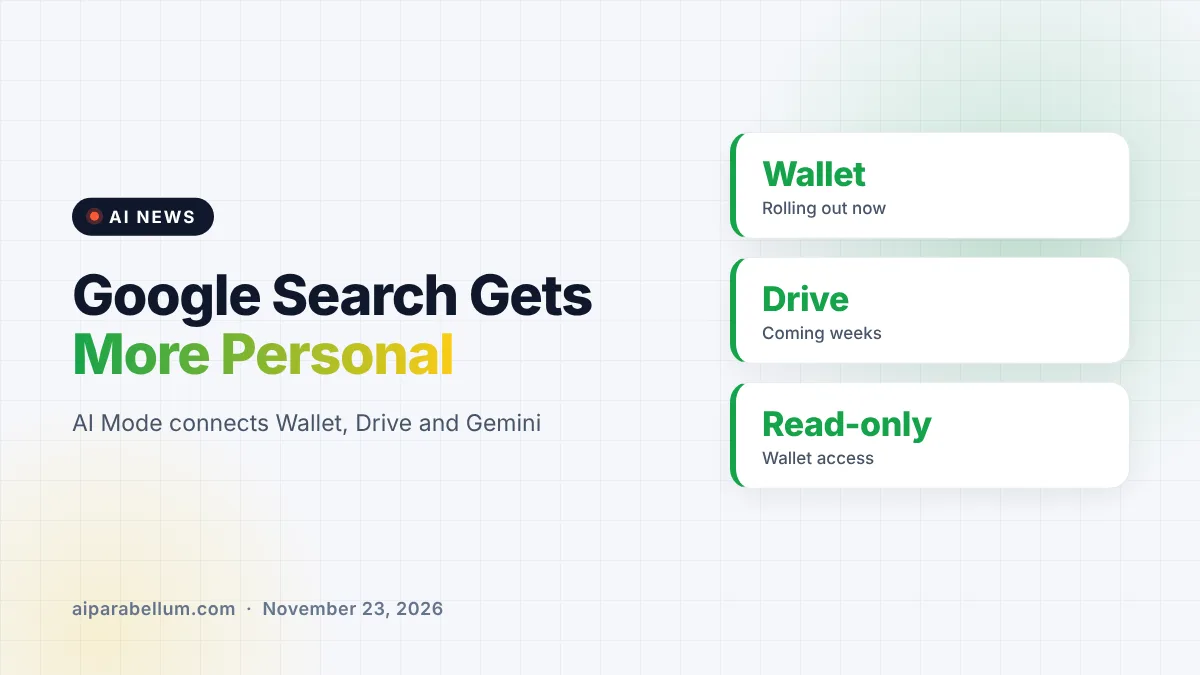
Google is expanding Personal Intelligence in Search, letting AI Mode tap into your Google Wallet now and your Drive files and Gemini app chats in the coming weeks. If you opt in, Search can answer questions using your spending, documents and past conversations. These new options join Gmail, Calendar and Photos, which could already feed personal context into Search.
What’s New in Google Personal Intelligence
Google says the goal is to blend the world’s information with details that matter only to you. Robby Stein, Google’s VP of Product for Search, announced the update. Google Wallet support starts rolling out today, while Drive and the Gemini app follow in the coming weeks.
Here is how the connected apps line up after this update:
| App | Status | What Search Can Use |
|---|---|---|
| Google Wallet | Rolling out now | Spending and linked card details |
| Google Drive | Coming weeks | Docs, sheets and PDFs |
| Gemini app | Coming weeks | Your chats and ideas from Gemini |
| Gmail, Calendar, Photos | Already available | Email, events and photos |
Wallet: Spending Help, But Read-Only
Connecting Wallet lets AI Mode, and the Gemini app, help you map out money goals and spot ways to trim everyday spending. It can also suggest how to get more from cards linked in Wallet, like cash-back categories, travel perks and reward points. Google stresses that AI Mode can only read this information and cannot move, manage or invest your money.
This follows an earlier step where Google let Gemini read Wallet bank accounts for personal finance help. Now the same kind of context reaches Search.
Drive: Scattered Files, One Answer
Project details often live across many docs, spreadsheets and PDFs. With Drive connected, AI Mode can pull that context together into one tailored response. Google’s example is a personalized plan to prepare for tax season.
Gemini App and Search Share Context
Soon, ideas you explore in the Gemini app can carry over into AI Mode, and the other way around. You could already let Gemini use your Search history. The new option adds the reverse direction, so Search can build on your Gemini chats.
How to Turn On Personal Intelligence
Everything here is opt-in. Google says you stay in control and can switch each connection on or off at any time. To set it up, follow these steps:
- Open Search Personalization in your Search settings.
- Select Connected Apps.
- Choose which apps, such as Wallet, you want to connect.
- Change or turn off any connection later from the same place.
Google also says a Personalization icon will soon appear under tailored answers, showing what context AI Mode used. If something is wrong, you can just tell AI Mode in the thread, for example that you’re no longer vegetarian.
Smarter Follow-Ups in AI Overviews
Beyond connected apps, Google is making AI Overviews and AI Mode more aware of your recent searches. If you’ve been planning a trip, a new search thread can pick up where you left off. You won’t have to repeat yourself, and you can adjust or turn off this personalization in Search settings.
It’s part of a steady push to make AI Mode more personal, alongside moves like Personal Intelligence in Android Auto and changes to how AI Mode links publishers.
What This Means for You
This update could save real time, but it also means sharing more personal data with Google. Before you connect anything, it helps to weigh both sides:
- Start small. Connect one app, such as Wallet, and see if the answers are actually more useful.
- Know the limits. Wallet access is read-only, so AI Mode can’t spend or move money for you.
- Check your settings. You can review and switch off connections in Search Personalization at any time.
- Watch the Personalization icon. Once it arrives, use it to see what personal context shaped each answer.
- Compare options. If you’re choosing an AI assistant, our AI assistant comparison guide covers how they differ.
For more updates like this, visit our AI news hub.
Sources
Primary source: Google’s announcement on Personal Intelligence in Search.
Conclusion
Google is turning Search into a more personal assistant by letting AI Mode draw on Google Wallet today, with Drive and the Gemini app coming in the next few weeks. The features are opt-in, Wallet access is read-only, and you can switch any connection off whenever you like. AI Overviews and AI Mode will also remember your recent searches so you can pick up where you left off. If you’re comfortable sharing more data with Google, these tools could make everyday tasks like budgeting and planning easier.