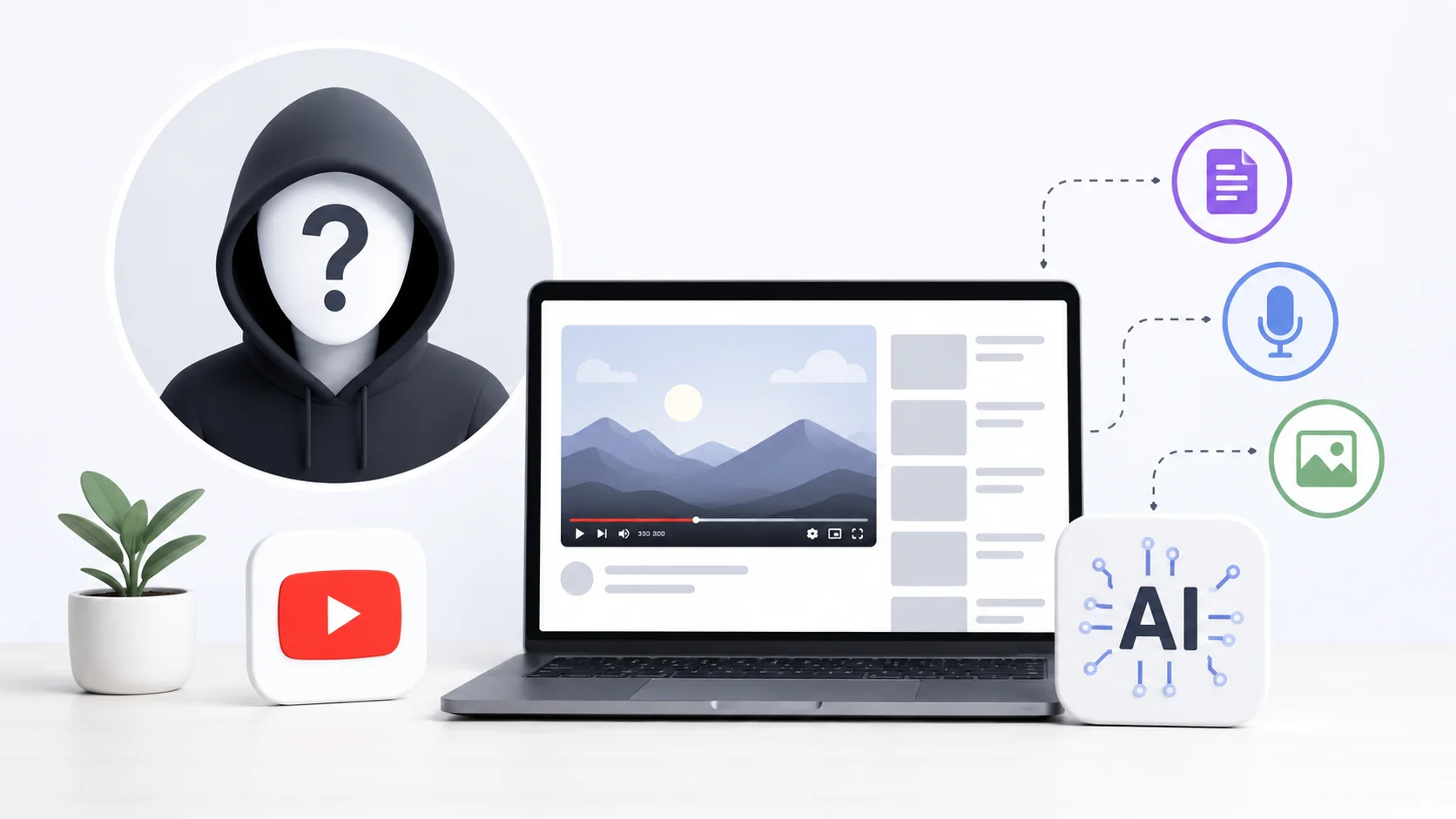
Not everyone wants to be on camera. Maybe you are camera-shy, value your privacy, or simply prefer creating content behind the scenes. The good news is that some of the fastest-growing YouTube channels never show a human face.
AI tools have made faceless YouTube channels easier to launch than ever. You can generate scripts, voiceovers, visuals, and even video editing without ever appearing on screen. Channels in niches like finance, tech explainers, history, and motivation are pulling millions of views with nothing but AI-generated content and smart production.
Here is how to build a faceless YouTube channel with AI from scratch.
What Is a Faceless YouTube Channel
A faceless YouTube channel publishes videos where the creator never appears on camera. Instead of a talking head, these channels use stock footage, screen recordings, animated visuals, AI-generated images, or text-based graphics paired with a voiceover narration.
Some of the most successful channels on YouTube operate this way. Channels covering topics like true crime, science explainers, personal finance, and top-10 lists regularly hit millions of subscribers without showing a single face. The content itself carries the value, not the personality delivering it.
AI has lowered the barrier to entry dramatically. Tasks that once required a team of writers, voice actors, and video editors can now be handled by one person using the right AI content creation tools.
Choosing a Profitable Niche for Your Faceless Channel
Not every niche works well for faceless content. The strongest niches share two qualities: they are information-heavy and visually flexible, meaning you can illustrate the content with footage, graphics, or animations instead of a talking head.
| Niche | Why It Works Faceless | Monetization Potential |
|---|---|---|
| Personal Finance | Data-driven, charts and graphics tell the story | High CPM ($15-$30) |
| Tech Explainers | Screen recordings and product images work naturally | High CPM ($12-$25) |
| History and Mysteries | Archival footage and AI visuals create atmosphere | Medium CPM ($8-$15) |
| Motivation and Self-Help | Cinematic stock footage pairs well with voiceovers | Medium CPM ($6-$12) |
| AI and Automation | Screen tutorials and demos replace face time | High CPM ($15-$28) |
| Top Lists and Rankings | Visual compilations with narration are the standard format | Medium CPM ($5-$10) |
| Health and Wellness | Infographics and animations explain concepts clearly | High CPM ($10-$20) |
Pick a niche you can consistently create content about. AI makes production faster, but you still need to understand the subject matter well enough to direct the AI and verify the accuracy of what it produces.
The most successful faceless channels are not faceless because the creator is lazy. They are faceless because the format genuinely serves the content better than a talking head would.
Step 1: Generate Video Scripts With AI
Every great video starts with a strong script. AI tools can draft complete YouTube scripts in minutes, including hooks, transitions, and calls to action.
How to Prompt AI for YouTube Scripts
The key to getting a usable script from AI is providing enough context in your prompt. Include the video topic, target audience, desired length, and tone.
Write a 1500-word YouTube script about "5 Side Hustles That Pay $500/Week in 2026."
Target audience: 25-35 year olds looking for extra income.
Tone: Conversational and energetic but not hype-driven.
Include a strong hook in the first 15 seconds.
Add smooth transitions between each side hustle.
End with a clear call to action for subscribing.
This structured approach produces scripts that flow naturally when read aloud. Knowing how to write effective prompts is the single most important skill for running a faceless channel with AI.
Editing AI Scripts for Authenticity
Never publish a raw AI script without editing. AI tends to use predictable phrasing, overly formal transitions, and generic examples. Read the script out loud and rewrite any sentence that sounds robotic or unnatural.
Add personal opinions, specific examples, and real data points that the AI would not know. This is what separates a forgettable video from one that builds a loyal audience. Even channels that use AI heavily still need a human editorial voice to stand out.
Step 2: Create AI Voiceovers That Sound Natural
The voiceover is the backbone of a faceless video. AI voice generators have improved dramatically, and several now produce voices that are nearly indistinguishable from human narrators.
| Tool | Free Option | Voice Quality | Best For |
|---|---|---|---|
| ElevenLabs | 10,000 chars/month free | Excellent | Natural-sounding narration with emotion |
| Murf AI | Limited free trial | Very Good | Professional voiceovers for business content |
| PlayHT | Free tier available | Very Good | Long-form narration with multiple voices |
| Google TTS | Free tier | Good | Basic narration on a budget |
| Speechify | Limited free | Good | Quick voiceovers from text |
ElevenLabs is the current standout for YouTube voiceovers. Its voices handle pacing, emphasis, and natural pauses better than most competitors. The free tier gives you enough characters to produce several videos per month.
Tips for Better AI Voiceovers
- Write your script for speaking, not reading. Short sentences, simple words, and natural rhythm make AI voices sound more human.
- Use punctuation strategically. Commas create pauses, periods create longer stops, and ellipses add dramatic effect in most AI voice tools.
- Test multiple voices before committing to one. Your voice becomes your channel’s identity, so choose one that matches your niche and audience.
- Avoid switching voices between videos. Consistency builds familiarity and trust with your audience.
Step 3: Build Visuals Without a Camera
Faceless channels need compelling visuals to keep viewers watching. AI provides multiple paths to creating engaging video content without filming anything.
Stock Footage and B-Roll
Platforms like Pexels, Pixabay, and Coverr offer free stock footage that covers most common topics. Layer this footage over your voiceover and add text overlays, zoom effects, and transitions to keep the visuals dynamic.
AI Image Generation
Tools like Midjourney, DALL-E, and Leonardo AI can generate custom images that match your script exactly. Need an image of a futuristic city for your tech video? A cozy home office for your productivity content? AI creates these in seconds without licensing concerns.
AI-generated images are particularly useful for channels covering topics where stock footage is limited, like science fiction concepts, historical recreations, or abstract ideas.
AI Video Generation
The newest frontier is AI-generated video. Tools like Runway and Pika can generate short video clips from text prompts. While these are not yet good enough to fill an entire video, they work well for intro sequences, transitions, and accent clips that add production value.
For more polished results, AI video avatar generators create realistic digital presenters that can deliver your script on camera without you ever being filmed.
Step 4: Edit Everything Together
Video editing is where all the pieces come together. Several AI-powered editors make this process faster and easier for faceless content.
- CapCut offers free AI-powered editing with auto-captions, transitions, and effects that work well for YouTube content.
- Descript lets you edit video by editing the transcript text. Delete a word from the text, and the corresponding audio and video are removed automatically.
- InVideo AI generates complete videos from text prompts, combining stock footage, voiceover, and music automatically.
For faceless channels, the editing workflow is straightforward: lay down the voiceover track, sync visuals to match the narration, add captions (which boost retention by 15 to 20 percent), insert background music, and export. AI tools handle the tedious parts like syncing and captioning, letting you focus on creative decisions.
The editing is where a faceless video either looks professional or feels like a slideshow. Invest time in pacing, transitions, and visual variety. AI speeds up the technical work so you can focus on making it feel polished.
Step 5: Optimize for YouTube Search and Discovery
Creating the video is only half the battle. Getting it seen requires smart optimization of your title, tags, description, and thumbnail.
AI-Powered Title and Tag Optimization
Use AI to generate multiple title options for each video. Ask for variations that include your target keyword while creating curiosity. Tools like VidIQ and TubeBuddy provide keyword data, while ChatGPT and Claude excel at crafting compelling title variations.
Generate a comprehensive tag list using AI by providing your main topic and asking for 15 related tags organized from specific to broad. This helps YouTube understand and categorize your content correctly. The same approach that drives AI-powered SEO strategies applies directly to YouTube search optimization.
Creating Thumbnails Without Showing Your Face
Thumbnails drive clicks, and faceless channels need creative approaches since they cannot rely on expressive facial reactions. Effective faceless thumbnails typically use bold text, striking colors, relevant imagery, and a clear visual hierarchy.
AI image generators can create custom thumbnail backgrounds, while tools like Canva provide templates designed specifically for YouTube thumbnails. The key is consistency: develop a recognizable thumbnail style that viewers associate with your channel.
Monetization Strategies for Faceless Channels
Faceless channels monetize the same way as traditional channels, with a few additional opportunities.
- YouTube AdSense remains the primary revenue source. Faceless channels in high-CPM niches like finance and technology can earn $15 to $30 per thousand views.
- Affiliate marketing works exceptionally well because faceless content often reviews or recommends products and tools. Include affiliate links in your description for every tool you mention.
- Digital products like courses, templates, and guides complement the content naturally. A channel about AI productivity tools can sell a curated toolkit or workflow guide.
- Sponsorships are available to faceless channels with engaged audiences. Brands care about reach and engagement, not whether your face appears on screen.
- Channel licensing allows you to sell or license your faceless channel once it is established, since the brand is not tied to a personal identity.
The key advantage of faceless channels for monetization is scalability. Because you are not the bottleneck, you can potentially run multiple channels in different niches simultaneously using the same AI workflow.
Common Mistakes to Avoid With AI Faceless Channels
The low barrier to entry means competition is growing. Avoid these mistakes to set your channel apart.
- Publishing unedited AI scripts. Viewers can tell when content sounds generic and robotic. Always add your own perspective and edit for natural speech patterns.
- Using the same AI voice everyone else uses. If a particular voice is trending in your niche, pick a different one to stand out.
- Neglecting audio quality. Even the best AI voice sounds terrible with bad background music mixing. Balance your audio levels so the narration is always clear.
- Uploading inconsistently. The YouTube algorithm rewards consistent publishing. Set a realistic schedule like one or two videos per week and stick to it.
- Ignoring audience feedback. Read your comments, track which videos perform best, and adjust your content strategy based on data, not assumptions.
- Expecting overnight results. Even with AI speeding up production, building a YouTube audience takes months of consistent effort. Channels typically need 50 to 100 videos before seeing meaningful traction.
The Complete AI Faceless YouTube Workflow
Here is the end-to-end workflow for producing one faceless YouTube video using AI tools.
| Step | Task | AI Tool | Time |
|---|---|---|---|
| 1 | Research topic and keywords | ChatGPT, VidIQ | 15 minutes |
| 2 | Write and edit script | ChatGPT or Claude | 30 minutes |
| 3 | Generate voiceover | ElevenLabs | 10 minutes |
| 4 | Gather or generate visuals | Pexels, Midjourney | 20 minutes |
| 5 | Edit video with captions | CapCut or Descript | 45 minutes |
| 6 | Create thumbnail | Canva, AI image gen | 10 minutes |
| 7 | Optimize title, tags, description | ChatGPT, VidIQ | 10 minutes |
| 8 | Upload and schedule | YouTube Studio | 5 minutes |
Total production time: roughly 2.5 hours per video. With practice, most creators get this down to under 2 hours. Compare that to the 8 to 12 hours a traditional filmed-and-edited video typically requires, and the efficiency advantage becomes clear.
This same automation mindset applies beyond YouTube. Once you master AI-powered content production, you can apply the same workflow to other platforms and content formats.
AI does not replace creativity. It replaces the technical busywork that used to stand between a good idea and a finished video.
Conclusion
Creating a faceless YouTube channel with AI is one of the most accessible ways to build an online audience and income stream in 2026. AI handles the heavy lifting of scriptwriting, voiceover generation, visual creation, and video editing, while you focus on choosing topics, adding your perspective, and growing your audience. The channels that succeed are not the ones using the most AI tools. They are the ones that use AI strategically to produce genuinely valuable content on a consistent schedule. Pick a niche you understand, build a repeatable workflow, and let AI handle the production bottlenecks that would otherwise slow you down.