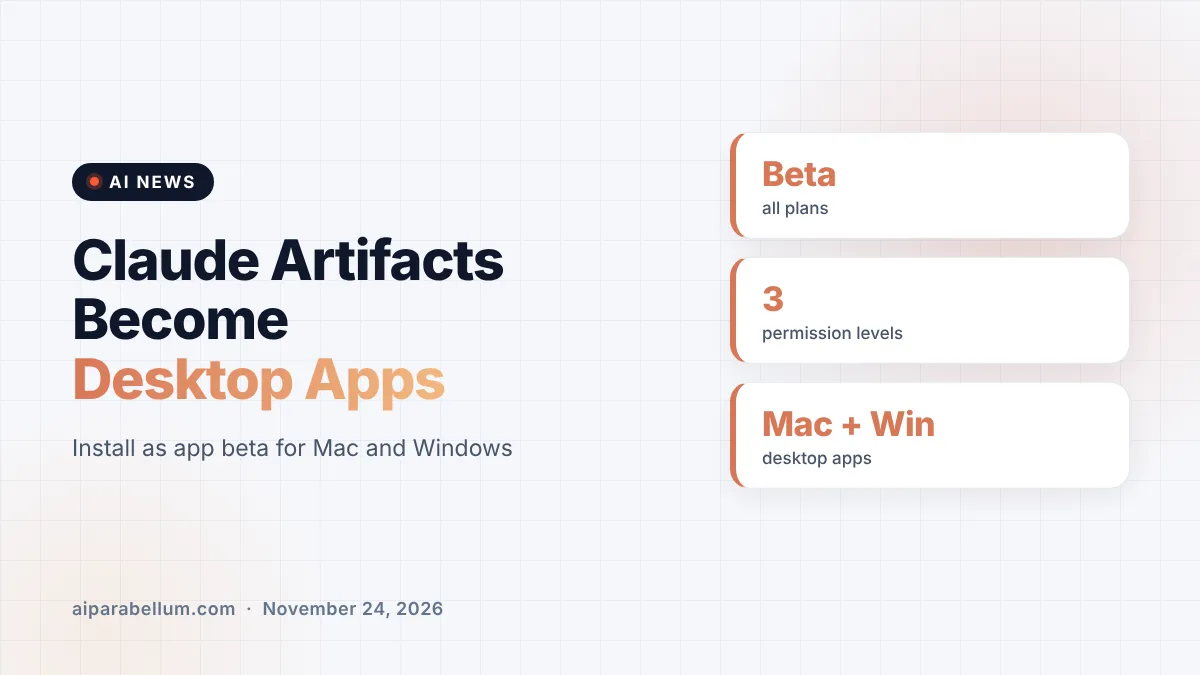
Anthropic is turning Claude artifacts into real desktop apps. A new “Install as app” feature, rolling out in beta in Claude for Mac and Windows, lets you take an artifact you use every day and run it with its own icon and window, outside of the Claude chat.
The idea is simple. Many people already use artifacts as small work tools, not just one-off charts or web pages. Now those tools can live on your desktop like any other program.
What Install as App Does for Claude Artifacts
Until now, an artifact lived inside a Claude conversation. With this update, an installed artifact opens in its own window and gets its own icon on your computer. You can also share the app with other people.
Each installed app can call Claude and use your connectors, so it can pull in data from the tools you already link to your account. Anthropic says the app updates automatically whenever the underlying artifact is edited, which means there is no separate build or release step to manage.
There is one catch worth knowing. Any request the app makes to Claude counts toward your plan’s usage limits, so a busy app will eat into the same budget as your chats.
Notifications, menu bars and trays
Installed apps can do things a browser tab usually can’t. They can send notifications and add items to the Mac menu bar or the Windows system tray. Anthropic gives examples like a meeting prep page that pulls from your calendar and email, or a tracker for orders that need to ship that day.
Three Permission Levels for Desktop Apps
Because these apps run on your computer, Anthropic built in a permission system. You pick how much each app is allowed to do, and the app has to ask before it reaches further into your system.
| Permission level | What the app can do |
|---|---|
| Default | Only what it could do in a web browser |
| App permissions | Common features Claude can tightly control, like always-on-top windows, global shortcuts and notifications |
| Full computer access | Run programs and read, change or delete files without asking each time |
Permission only covers the current version of an app. Claude asks again after every update, even when the change is your own edit. Anthropic also notes that if part of an app loads from another website, that part can change without a new prompt.
Limits on full access
Full computer access is tightly restricted. You can only grant it to apps you built yourself, or, on Team and Enterprise plans, to apps made by people in your organization. Anthropic says it does not review apps before you install them, so it advises giving full access only to apps you trust.
Who Gets Claude’s Install as App Feature
The beta is rolling out on all Claude plans, but the defaults differ by plan and some setups are left out entirely. Here is how it breaks down:
- Team plans: on by default, with full computer access turned off.
- Enterprise plans: off until an owner switches it on.
- Team and Enterprise admins can turn app permissions and full access on or off for the whole organization.
- HIPAA-ready organizations and hybrid deployments can’t use it.
- Claude Docs, Slides and Sheets artifacts can’t be installed.
- You need to be online and signed in to Claude to open an installed app.
Getting started takes a few steps. Describe the app to Claude, try it as an artifact, then choose “Install as app” from the Share menu after updating the desktop app. There is no packaging, code signing or API key involved, since the app runs on your Claude account.
Apps Anthropic Built to Show It Off
To show what is possible, Anthropic shared several apps its own staff made with the feature. They range from playful to practical:
- Linnet, a full layered image editor.
- Phosphor, a file manager styled like a movie set prop.
- Sift, which sets up folder rules and uses Claude to keep files organized.
- Tern, a terminal with Claude alongside to help and explain.
- Vitals, a menu bar and tray app for checking your computer’s performance.
The launch lands during a busy stretch for Anthropic. In recent weeks the company added Claude Sheets and other office tools, and it just expanded what MCP servers can do inside Claude. Rivals are moving in a similar direction, with Google recently giving its Gemini Mac app the ability to use your computer.
Our take: this blurs the line between asking an AI for help and building your own software. A personal tool that once needed a developer can now come from a short description.
What This Means for You
If you already lean on Claude for repeat tasks, this is worth a look. A dashboard or tracker you rebuild in chat every week could become a one-click app that pings you when something needs attention.
- Start small: install an artifact you already use, and keep it at the default browser-level permission.
- Watch your usage: every Claude call the app makes counts against your plan’s limits.
- Be careful with full access: only grant it to apps you made or fully trust, since Anthropic doesn’t review them.
- Admins should check settings: Team has it on by default, while Enterprise owners need to opt in.
For more ideas on putting AI to work on your desktop, see our guide to automating Mac tasks, or browse the latest AI news coverage.
Sources
Primary source: Anthropic’s Install as app announcement.
Conclusion
Install as app gives Claude artifacts a real home on Mac and Windows, with their own windows, notifications and tray icons. The tiered permission system and limits on full access show Anthropic is aware of the risks of letting AI-built software touch your files. It is still a beta, and usage counts against your plan, but for anyone who already builds small tools in Claude, it is a meaningful step toward personal, made-to-order software.