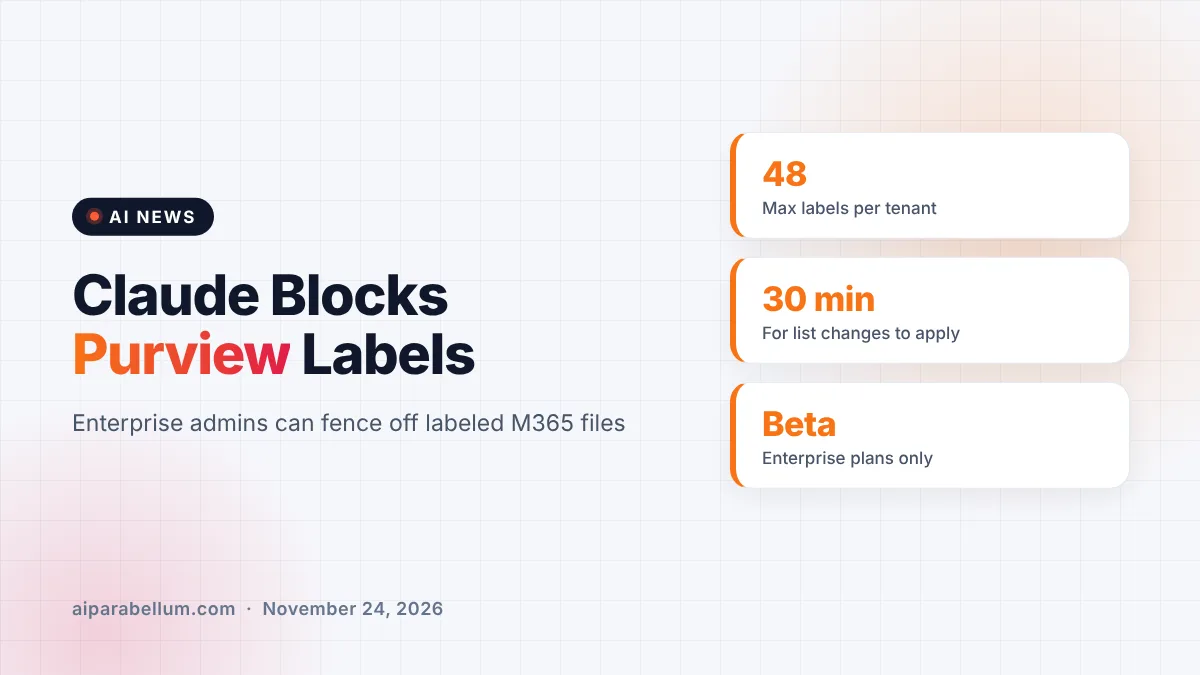
Anthropic has added Microsoft Purview sensitivity label blocking to Claude Enterprise, giving IT teams a way to keep Claude away from labeled files and email. Admins pick the labels they want off-limits, and Claude then refuses to read or act on that content through its Microsoft 365 connector and its Excel, PowerPoint, Word and Outlook add-ins. The feature is in beta and rolling out gradually, according to a new Claude Help Center article.
Anthropic has not made a separate announcement, so the help page is the main record of what the feature does. Here is what it covers and where its limits are.
How Claude Sensitivity Label Blocking Works
An organization connects its Microsoft Entra tenant to Claude, then chooses labels from a list in Organization settings under Data and privacy. Each Claude organization can connect one tenant, and a tenant can block up to 48 labels in total.
Once a label is on the list, Claude gets a notice instead of the content when it tries to open a blocked file or email. It also refuses to rename, move, copy, delete, reply to or forward blocked items, and one blocked email is enough to refuse an action on a whole thread.
The block does not change anyone’s normal Microsoft 365 permissions. People can still open their files as usual; only Claude is kept out.
Where the Block Applies
- Microsoft 365 connector: the block applies to everyone using it with a work or school account from the tenant, even people outside the Claude organization.
- Claude for Excel, PowerPoint, Word and Outlook: the block applies to members signed in with an account in the Claude organization.
- Search: files and emails with a blocked label are left out of results once Microsoft’s index records the label.
- Unknown labels: files whose label cannot be checked, like password-protected files, are treated as blocked.
Who Can Use Claude Sensitivity Label Blocking
The feature is a beta for Enterprise plans only. You need to be an Owner or Primary Owner, or have a custom role with Owner access, and the Microsoft account used to connect needs a qualifying Entra admin role.
| Situation | Label blocking available? |
|---|---|
| Claude Enterprise plan | Yes, in beta, rolling out gradually |
| Organizations with HIPAA enabled | No |
| FERPA or zero data retention terms | No |
| Hybrid deployments | No |
| Government and national clouds | No |
| Add-ins via Bedrock, Vertex AI or a gateway | Separate settings apply |
Changes to the block list usually reach the connector within 30 minutes. Adding or removing labels, and connecting or disconnecting a tenant, show up in the organization’s audit logs.
What Label Blocking Does Not Cover
Anthropic is unusually direct about the gaps, and says the setting should not replace an organization’s own access controls. Some details still leak through, such as a blocked file’s name, size and link in folder listings.
- Files attached directly in chat, projects or Cowork, plus local files in Cowork.
- Text pasted or quoted from a blocked document or email.
- Calendar events, Teams messages, meeting transcripts and SharePoint pages.
- Files and emails Claude creates itself.
- Content that is unlabeled, mislabeled or not yet recorded by Microsoft.
Content Claude already read before a label was blocked stays in existing chats. The feature also does not check Purview data loss prevention policies; it only compares labels against the list.
What This Means for You
If your company runs on Microsoft 365 and has been nervous about rolling out Claude for work, this gives security teams a familiar control to lean on. It fits a wider push by Anthropic into office software, following moves like its own office tools and Claude models arriving in Microsoft Copilot.
- Ask your Microsoft 365 admin to turn on co-authoring for labeled files and PDF support, or SharePoint may report no label and Claude can read the file.
- Remember that sublabels must be selected one by one, since blocking a parent label does not block its children.
- Test with a labeled file and email, then wait about 30 minutes after any list change.
- Keep your existing access controls in place, since pasted text and several content types are not covered.
For more on securing AI at work, see our guide to AI threat detection and the latest AI news.
Sources
Primary source: Claude Help Center article on blocking files and email by sensitivity label.
Conclusion
Purview label blocking gives Claude Enterprise customers a way to fence off their most sensitive Microsoft 365 content using labels they already maintain. It is still a beta with clear gaps, and Anthropic itself warns it is not a full replacement for access controls. For companies weighing Claude against Copilot inside Office, though, it removes one common objection from the security team.