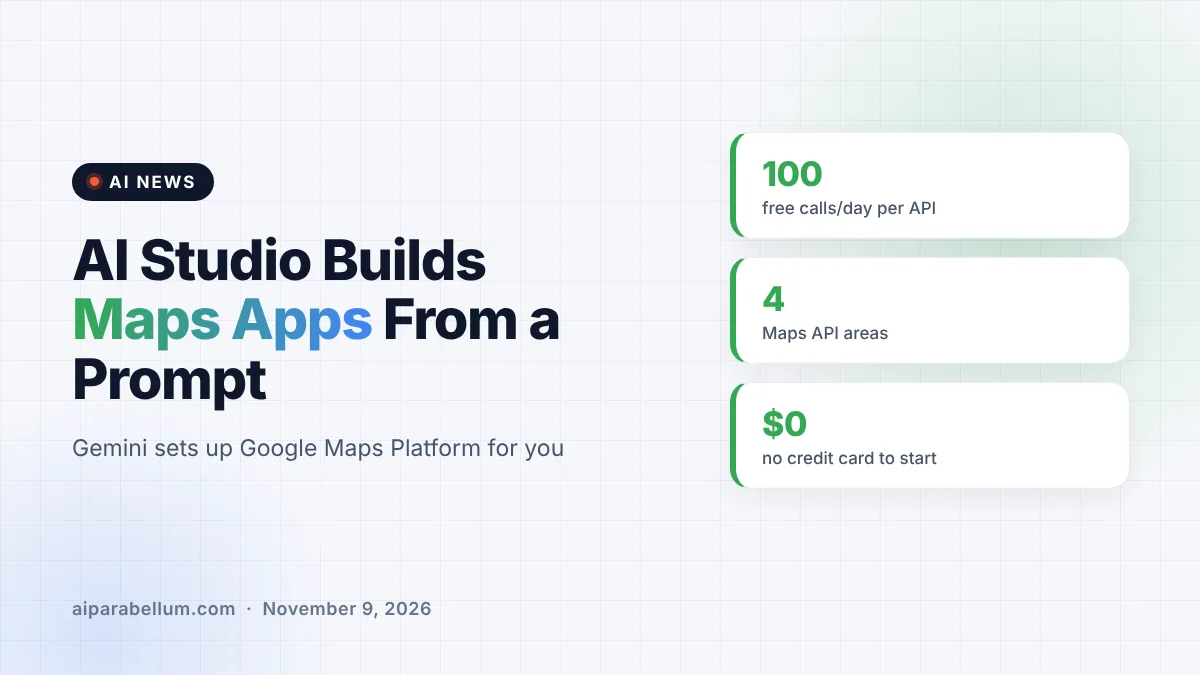
Google has added Google Maps Platform directly to Google AI Studio, so you can now build map-powered apps from a single prompt. You describe the app you want, Gemini writes it, and AI Studio handles the Maps setup and API keys for you. Getting started is free and does not require a credit card.
What Google Maps in AI Studio Actually Does
Until now, adding a live map to an app meant a detour. You had to leave your coding tool, open Google Cloud, set up billing, create an API key and paste it back into your project.
Google says that whole dance is gone inside AI Studio. The tool sets up Google Maps Platform for you with no redirects, or it can detect and link a Google Cloud project you already have. Once that is done, a live, interactive map loads right in the preview pane while you keep prompting.
The flow Google describes has three simple steps:
- Describe your idea to Gemini in AI Studio, such as an interactive 3D tour of New York City’s landmarks.
- Let AI Studio enable Google Maps Platform and manage the API key in the background.
- Watch the app appear with a working map in the preview area, then refine it with follow-up prompts.
Which Maps Tools You Can Use
The integration is not limited to a basic map view. Google says the core parts of Google Maps Platform are available right where you type your prompt, grouped into four areas.
| Area | What it adds to your app | Example ideas from Google |
|---|---|---|
| Maps | Custom-styled maps, photorealistic 3D cities, data overlays | Cinematic 3D city flyovers |
| Places | Local search, place details, photos, recommendations | Store locators and “near me” finders |
| Routes | Multi-stop trips, commute times, transit-aware plans | Route planners for delivery or service fleets |
| Environment | Air quality and pollen data | Clean-air route finders and pollen alerts |
To help people get going, the AI Studio gallery includes working examples you can remix. They include a City Immersive Tour with custom 3D camera paths, a Pet Grooming Route Optimizer that plans multi-stop routes around appointment times, and a Store Locator that filters branches by distance and opening hours.
How the Free Quotas Work
Google built in sandbox limits so experiments do not turn into surprise bills. Each supported API gets 100 calls per day, the count resets every 24 hours, and no credit card is needed during this stage.
When an app is ready for real users, you link a Google Cloud billing account to unlock production limits. From there, standard Google Maps Platform pricing applies, which Google says still includes recurring monthly free usage.
Why This Google AI Studio Update Matters
This move pushes AI Studio further into “vibe coding,” where you describe software in plain English and let the model write it. Location features have long been one of the fiddlier parts of app building, mostly because of keys, billing and setup, not the code itself.
Google has been steadily widening how people can build with Gemini. It recently let Android users install vibe-coded apps, and it put Gemini 4 Argon in developers’ hands. Folding its own Maps platform into AI Studio gives Google something rival app builders cannot copy as easily.
It also nudges new builders toward Google Cloud. The free sandbox is the on-ramp, but anything that gets real traffic will need a billing account and paid Maps usage.
What This Means for You
If you have an idea for a location-based tool, the barrier to trying it just dropped a lot. Here is how to make the most of it:
- Prototype for free: test store finders, trip planners or local guides without entering payment details.
- Mind the daily cap: 100 calls per API per day is plenty for testing, but a shared demo can burn through it fast.
- Start from the gallery: remixing a working example is often faster than prompting from scratch.
- Plan for costs before launch: once you link billing, usage beyond the free monthly amount is charged at normal Maps Platform rates.
- Compare your options: if you are weighing tools, our look at beginner coding tools can help you decide where AI Studio fits.
The Bigger Picture for AI App Builders
Prompt-to-app tools are crowded, and most of them lean on third-party services for things like maps. Google owning both the model and the mapping data lets it remove setup steps that others still force on users.
The real test will be how well Gemini handles more complex map logic, such as routing with time windows or heavy data overlays. For quick prototypes and small personal projects, though, this looks like one of the easiest ways yet to put a working map in an app. You can follow more updates like this on our latest AI news page.
Sources
Primary source: Google for Developers Blog announcement. Additional details from Google’s Keyword blog.
Conclusion
Google AI Studio can now build Google Maps apps from a single prompt, with setup, API keys and a free sandbox handled for you. Each Maps API gets 100 free calls a day for testing, and you only need a billing account when you are ready to go live. For anyone who has shelved a map-based app idea because of setup hassle, this is a good moment to try it.