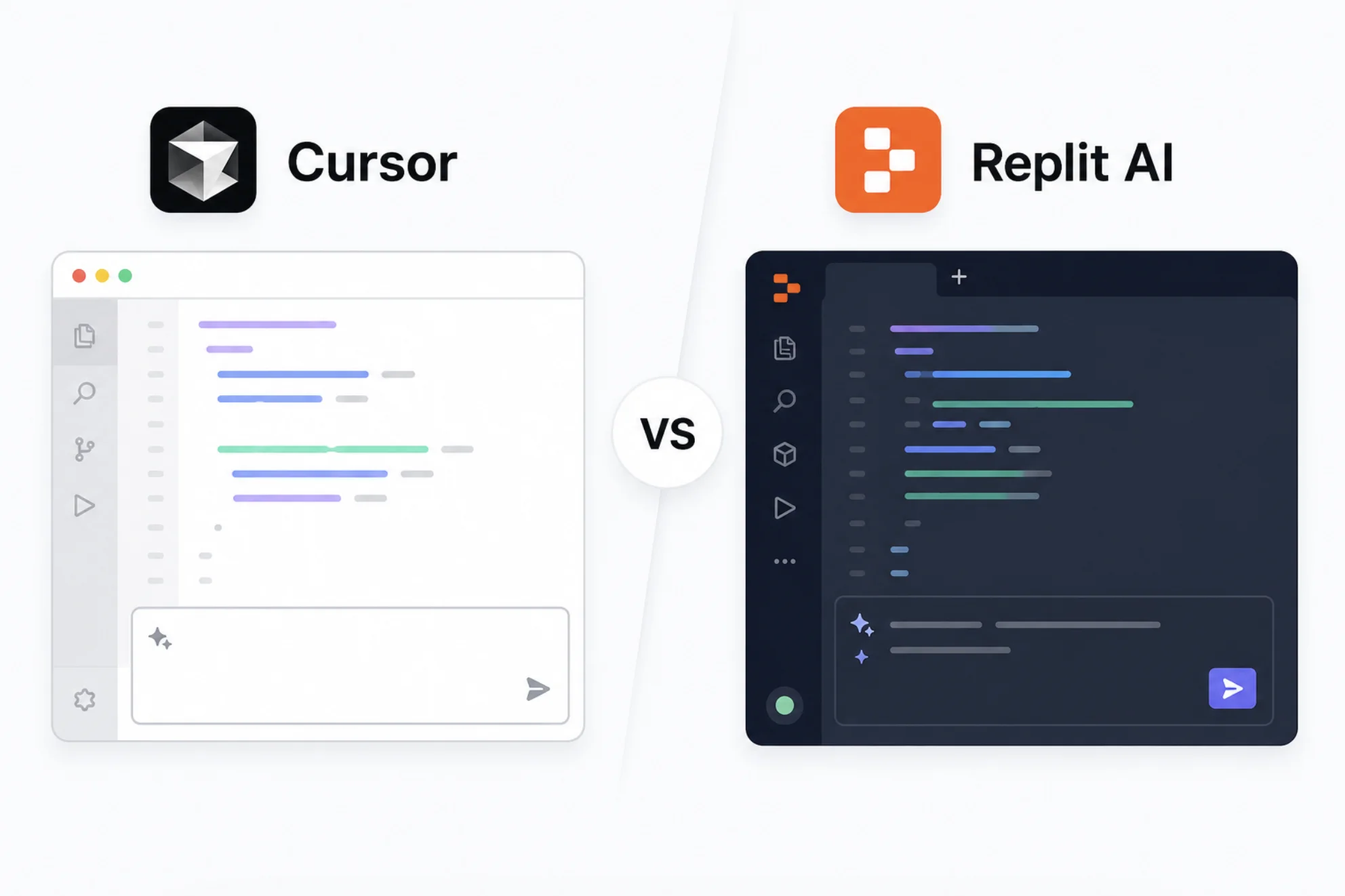
Learning to code in 2025 looks nothing like it did five years ago. AI-powered editors now autocomplete functions, explain errors in plain language, and even write entire features from a description. Cursor and Replit AI are two of the most popular options, and both claim to make coding easier for beginners.
The question is not whether they help. It is which one helps without creating habits that slow you down later.
What Cursor and Replit AI Are
Cursor is a desktop code editor built on top of VS Code. It adds AI chat, inline code generation, and multi-file editing to the editor most professional developers already use. You install it, open a project folder, and start coding with AI assistance built into every keystroke.
Replit AI is part of Replit, a browser-based development environment. You do not install anything. You open a browser tab, pick a language, and start writing code with an AI assistant that can generate, explain, and debug alongside you. It also handles hosting, so your projects go live without configuring a server.
Cursor vs Replit AI for Beginners
| Feature | Cursor | Replit AI |
|---|---|---|
| Setup required | Desktop install, project folders | None, runs in the browser |
| AI code generation | Inline and chat-based | Inline and chat-based |
| Error explanation | Detailed, context-aware | Beginner-friendly language |
| Language support | All major languages | All major languages |
| Hosting and deployment | Not included | Built-in, one click |
| Collaboration | Git-based | Real-time multiplayer editing |
| Offline use | Yes | No, requires internet |
| Free tier | Limited AI completions | Limited AI usage and hosting |
| Starting price | $20/month | $25/month |
Where Cursor Works Better for Beginners
Cursor teaches you how professional development actually works. You create files, organize folders, use a terminal, and manage dependencies. These are skills every developer needs, and learning them early prevents confusion later when you move to a team or a job.
The AI assistance in Cursor is deeply integrated with the editor. It reads your entire project, understands relationships between files, and suggests code that fits the existing patterns. That context-awareness produces better suggestions than tools that only see the file you are typing in.
Learning Through Real Tooling
Because Cursor is built on VS Code, every extension, shortcut, and configuration skill you learn transfers directly. You are not learning a proprietary environment that dead-ends when you outgrow it.
Cursor teaches you to code like a developer. Replit teaches you to code like a student. Both are valid starting points.
Where Replit AI Works Better for Beginners
Replit removes every barrier between having an idea and seeing it run. No installation, no terminal configuration, no dependency management. You open a browser, write code, and hit run. For someone who has never written a line of code, that zero-friction start matters more than anything else.
The built-in hosting means your first project can be a live website or app within an hour. Showing someone a working link you built yourself is a motivational boost that no amount of terminal practice can match.
Multiplayer for Learning Together
Replit’s real-time collaboration lets a mentor and a learner work in the same file at the same time. That is genuinely useful for bootcamp-style learning or pair programming with a friend who knows more than you do.
Best Scenarios for Each
- First-time coder with no setup experience: Replit AI, for instant start.
- Student preparing for a development job: Cursor, for professional tooling habits.
- Building a quick prototype to show someone: Replit AI, for built-in hosting.
- Learning a specific framework or library: Cursor, for project-aware AI suggestions.
- Pair programming with a mentor remotely: Replit AI, for real-time collaboration.
- Working offline or on a slow connection: Cursor, because it runs locally.
Common Pitfalls for Beginners with AI Editors
Both tools make it easy to accept AI-generated code without understanding it. That is the biggest risk for beginners regardless of which platform you choose.
- Read every suggestion before accepting it. Speed is not the goal when you are learning.
- Use the explain feature before the generate feature. Understanding matters more than output.
- Try writing the function yourself first, then compare with what the AI suggests.
- Do not skip error messages. Ask the AI to explain them instead of just fixing them.
An AI editor that writes code for you is a tool. An AI editor that explains code to you is a teacher.
Conclusion
Cursor and Replit AI both make coding more accessible for beginners, but they prepare you for different next steps. Cursor sets you up with the same tools and workflows professional developers use, which pays off when you move to a team or a job. Replit gets you from zero to a working project faster than anything else, which keeps motivation high when everything is new. If you plan to code professionally, start with Cursor. If you want to build something today and figure out the tooling later, start with Replit.