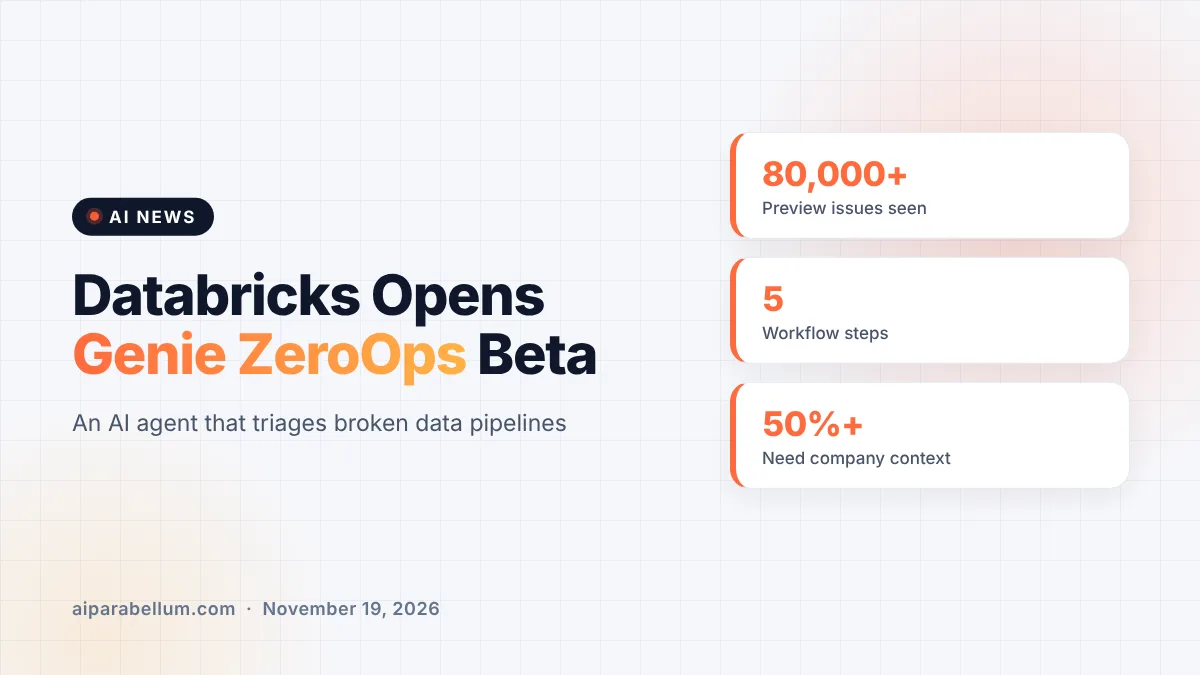
Databricks has opened Genie ZeroOps to every customer as a public beta, putting its autonomous data pipeline agent within reach of any workspace whose admin switches it on. The agent watches jobs and tables, digs into failures on its own, and proposes a code fix as a pull request. Databricks says the beta adds team features shaped by more than 80,000 real pipeline issues seen during a private preview with hundreds of companies.
What Genie ZeroOps Does for Data Pipelines
If you have ever been paged at night because a data job failed, you know the routine. Someone gets an alert, spends hours reading logs and checking upstream tables, and finally writes a fix. ZeroOps is built to take over that whole loop, from the first alert to a ready-to-review code change.
Databricks first introduced the agent in June. Until now it was only available to private preview customers, and the new release turns it into an opt-in feature that admins enable from the workspace Previews page.
The five-step workflow
Databricks describes the agent’s job as five core steps that run without anyone typing a prompt:
- Detect: monitor jobs, pipelines and tables for hard failures, plus silent problems like stale tables or loads with too few rows.
- Investigate: pull together logs, source code, table metadata and lineage, and run SQL queries to find the root cause.
- Verify: test a proposed fix with unit tests and dry runs in a sandbox before suggesting it.
- Notify: send a short summary and recommended fix to Slack, Microsoft Teams or PagerDuty, while filtering out low-priority noise.
- Remediate: propose a code fix and, for Git-backed jobs, open a pull request with the details already filled in.
What Is New in the Genie ZeroOps Public Beta
The biggest lesson from the preview, according to Databricks, is that more than half of pipeline issues need company-specific knowledge to fix properly. A generic agent does not know which data source is always flaky or how your team names things. So the beta focuses on giving teams a way to share and steer the agent.
| Feature | What it does |
|---|---|
| Shared inbox | Lets a whole team see the same incidents so nothing slips between shifts |
| Summary notifications | Sends a brief issue summary and a recommended fix with each new alert |
| Custom agent instructions | Teaches the agent your rules, like known flaky sources, preferred fixes or naming conventions |
| One-click pull requests | Turns a diagnosis into a pre-filled code change with a single click |
| Built-in governance | Follows existing Unity Catalog permissions and redacts personal data before alerts leave Databricks |
Custom instructions also double as a noise filter. If a certain failure is expected, you can tell the agent to skip it or mark an insight as “not an issue.”
How Much Control the Agent Gets
Handing an AI agent access to production data makes many teams nervous, and Databricks addresses that head-on. The company says ZeroOps never changes code or data without a person approving it first. It can investigate, propose a fix and push that fix to a new branch, but a human still reviews the pull request.
Databricks also says the agent only sees what a user’s Unity Catalog permissions allow. It runs on models hosted inside the Databricks security perimeter, model calls stay in the workspace’s region, and the model provider does not keep prompts or responses. These are company claims, so security teams will want to confirm them against their own policies.
Why not just use a coding agent?
Databricks anticipates the obvious question: why not point a general coding assistant at the failure instead? Its answer is that ZeroOps starts automatically the moment an issue is detected, so the analysis is ready before anyone looks. It also has direct access to run history, lineage and data quality signals that a general tool would need to be wired into.
The Bigger Push Toward Autonomous Data Agents
ZeroOps fits a clear pattern at Databricks, which recently turned Genie into an always-on AI coworker for business users. The company’s own research also shows enterprises leaning harder on AI, with its AI Index report tracking how models are used at work. Across the industry, vendors are racing to move agents from chat windows into the systems that keep companies running.
Databricks argues that many customers tried building their own AI triage tools and hit walls at scale. It lists upkeep across thousands of pipelines, safe access to repos and data, managing team knowledge, and accuracy that slips as context grows. That is the same tension behind the broader debate over agent governance in large companies.
What This Means for You
If your team runs data pipelines on Databricks, the beta is a low-risk thing to try because fixes still need human approval. Here are a few practical takeaways:
- Ask your workspace admin to enable ZeroOps from the Previews page, then look for its banner on the pipelines page.
- Write custom instructions early, since Databricks says most issues need team-specific context to fix well.
- Connect alerts to the tool your team already watches, whether that is Slack, Teams or PagerDuty.
- Review every suggested pull request the way you would review a teammate’s code.
If you are comparing options, our guide to data analytics tools covers other AI products for data teams. You can also see how AI already helps with automated code review before changes reach production.
Sources
Primary source: Databricks’ Genie ZeroOps public beta announcement. For more stories like this, visit our AI news page.
Conclusion
Genie ZeroOps moving into public beta gives every Databricks customer a chance to let an AI agent handle the tedious first pass on broken pipelines. The new shared inbox, custom instructions and one-click pull requests reflect what the company learned from 80,000 real issues. Humans still approve every fix, which keeps the risk low for teams that want to experiment. Whether it saves real hours will depend on how well teams teach the agent their own rules. For data engineers tired of late-night alerts, it is worth a test run.