Two AI video generators have been getting most of the attention in 2025, and for good reason. Google’s Veo 4 and ByteDance’s Seedance 2.5 both produce footage that looks surprisingly close to real camera work, but they get there in very different ways.
If you are trying to decide which one deserves your time and budget, the answer depends on what kind of video you actually need.
What Are Veo 4 and Seedance 2.5?
Veo 4 is Google DeepMind’s latest text-to-video and image-to-video model. It launched inside Google’s AI ecosystem and is accessible through Vertex AI and Google AI Studio. The model focuses on photorealism, accurate physics, and cinematic camera movement.
Seedance 2.5 comes from ByteDance, the company behind TikTok. It generates video from text prompts, images, or even rough sketches. The model leans into expressive character animation and fluid motion, making it popular for social content and short-form storytelling.
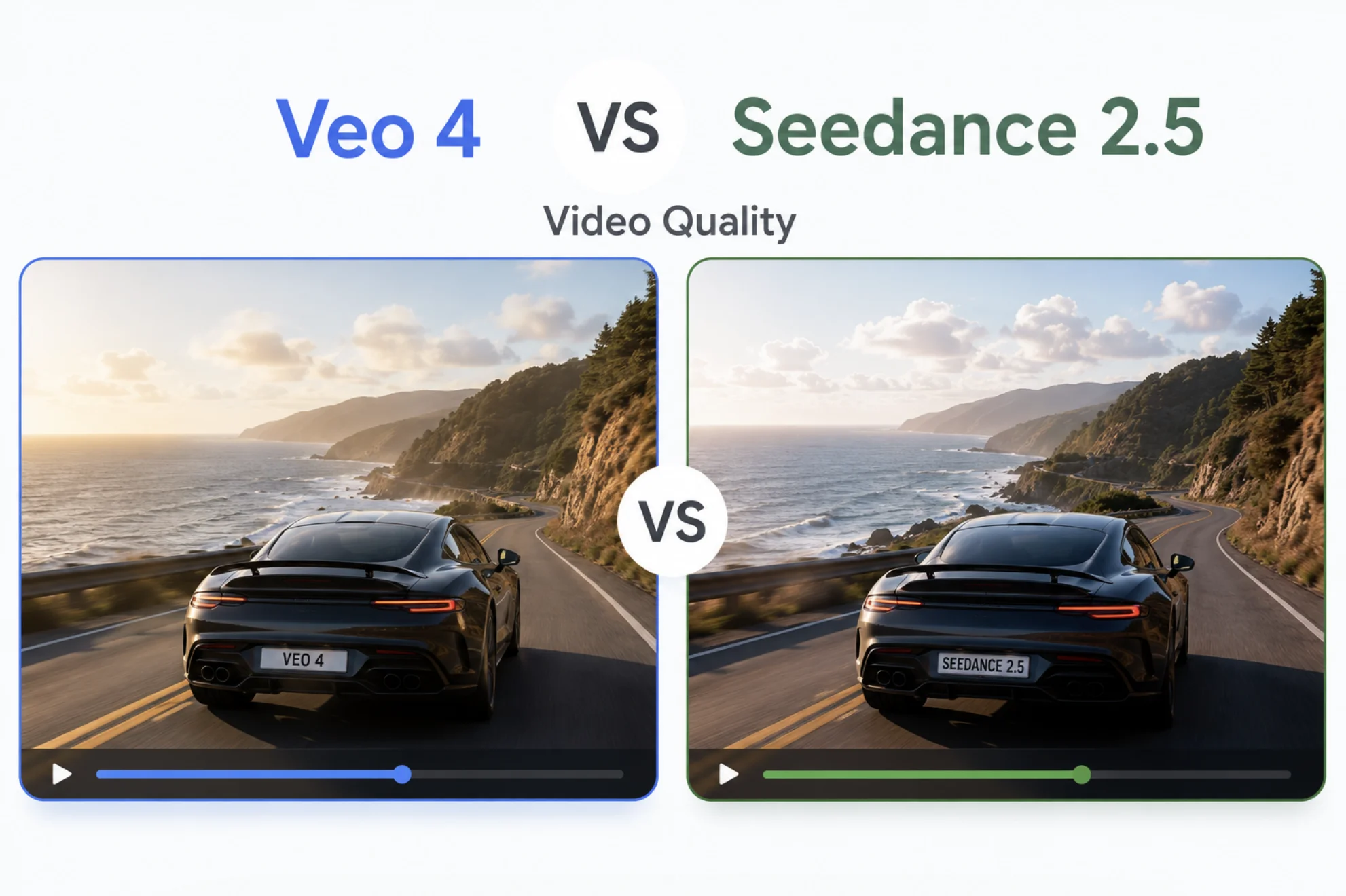
Veo 4 vs Seedance 2.5 Video Quality Comparison
Raw quality is the first thing people compare, but “quality” means different things depending on what you are making. Here is how the two stack up across the details that matter most.
| Quality factor | Veo 4 | Seedance 2.5 |
|---|---|---|
| Resolution | Up to 4K output | Up to 1080p native |
| Max clip length | 8 seconds (extendable) | Up to 10 seconds |
| Photorealism | Industry-leading realism in landscapes and people | Strong realism, excels with characters and faces |
| Motion smoothness | Cinematic, steady camera pans | Fluid character animation, natural gestures |
| Physics accuracy | Accurate water, fabric, and light behavior | Good but occasional cloth clipping |
| Text rendering | Can render readable text in scenes | Inconsistent with on-screen text |
| Artifacts and flicker | Minimal at lower motion speeds | Rare in short clips, increases in complex scenes |
Where Veo 4 Pulls Ahead
Veo 4 wins on sheer visual fidelity. Its 4K output makes it a better fit when the footage needs to hold up on a large screen or in a professional edit timeline. Landscape shots, architectural walkthroughs, and product showcases look remarkably clean.
The model also handles physics simulation better than most competitors. Water reflections, hair movement, and fabric draping follow rules that feel natural rather than guessed. That matters if your audience will watch closely enough to notice when something bends wrong.
Google also built in strong prompt adherence. You describe a slow dolly shot across a kitchen counter with morning light, and that is what you get, not a random angle that ignores half the instruction.
Veo 4 feels like directing a camera. Seedance 2.5 feels like directing an actor.
Where Seedance 2.5 Stands Out
Seedance 2.5 is built around character motion. If your video needs a person walking, talking, or reacting, this model handles body language and facial expression with a naturalness that Veo 4 still struggles to match consistently.
The sketch-to-video feature is another standout. You can upload a rough drawing, and the model will animate it into a polished clip. That workflow is hard to find anywhere else and saves hours of iteration for concept artists and storyboard creators.
Speed and Accessibility
Seedance 2.5 generates clips noticeably faster in most tests. It is also available through multiple platforms, while Veo 4 currently lives inside Google’s own tools. If you need quick turnarounds or want to integrate generation into an existing app, Seedance gives you more options.
Best Use Cases for Each Model
Picking the right tool depends on the job. Here is a quick breakdown of which model fits which scenario better.
- Product demos and advertisements: Veo 4, because of higher resolution and precise prompt control.
- Social media clips and short-form content: Seedance 2.5, because of faster output and expressive characters.
- Architectural and real estate walkthroughs: Veo 4, because of physics accuracy and cinematic camera work.
- Character-driven storytelling: Seedance 2.5, because of natural gestures and facial animation.
- Concept art and storyboarding: Seedance 2.5, because of the sketch-to-video pipeline.
- Corporate presentations and training: Veo 4, because the footage looks polished enough for formal settings.
Pricing and Access
Veo 4 is available through Google AI Studio and Vertex AI. Casual users can try it inside Gemini with limited daily generations. Commercial use runs through Google Cloud pricing, which charges per second of generated video.
Seedance 2.5 is accessible on several third-party platforms and through ByteDance’s own API. Pricing tends to be lower per clip, which makes it easier to experiment without watching a bill climb.
Which One Costs Less to Test?
If you just want to try both before committing, Seedance 2.5 has a lower barrier. Several hosting platforms offer free tiers or pay-per-clip pricing. Veo 4 requires a Google account and may need a Cloud billing setup for anything beyond the basic Gemini integration.
Limitations to Know About
Neither model is perfect, and the gaps are worth knowing before you build a workflow around either one.
- Veo 4 clips are shorter by default and extending them can introduce visual drift.
- Seedance 2.5 sometimes produces soft edges on fast-moving objects.
- Both models occasionally hallucinate extra fingers or limbs on human subjects.
- Audio is not generated by either model, so you still need a separate sound layer.
The best AI video tool is the one that fails in ways you can fix in post.
Conclusion
Veo 4 and Seedance 2.5 are strong in different lanes. Veo 4 gives you higher resolution, better physics, and cinematic control that suits polished commercial work. Seedance 2.5 gives you faster output, more expressive characters, and a sketch-to-video workflow that no other model matches right now. If your projects lean toward product showcases and formal presentations, start with Veo 4. If you need character-driven social content or rapid prototyping, Seedance 2.5 is the faster path to a usable clip.