Stock photography is expensive, repetitive, and often looks exactly like stock photography. You know the images: the overly enthusiastic handshake, the diverse team pointing at a whiteboard, the woman laughing alone with salad. They fill websites and ads because custom photography costs thousands of dollars per shoot.
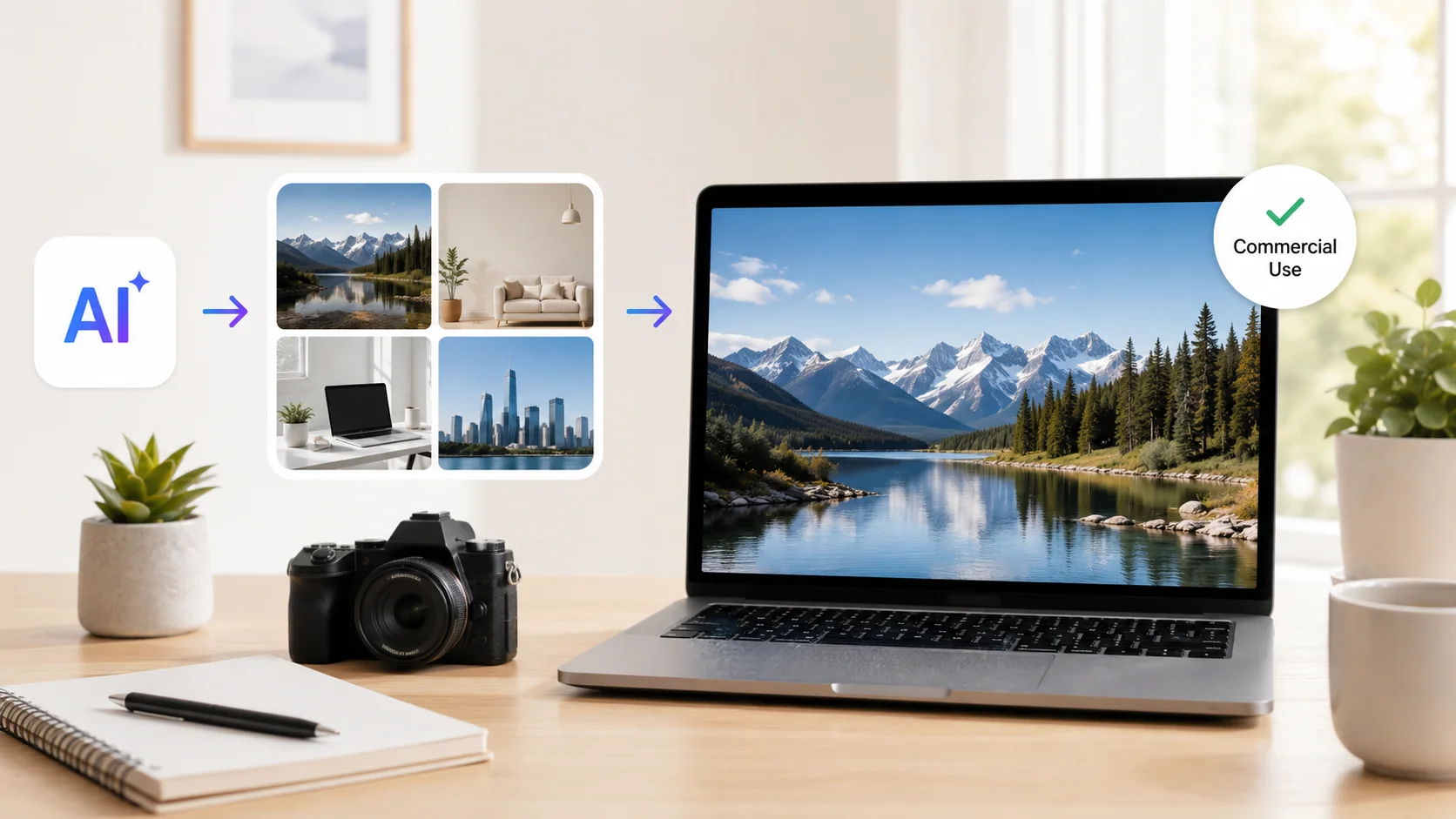
AI image generators have changed this equation completely. You can now create unique, high-quality images from a text description in seconds, at a fraction of the cost of traditional stock photos. But using AI-generated images commercially comes with questions about licensing, quality, and legal safety that most people skip over.
Here is how to generate stock photos with AI that you can legally and confidently use in your business, marketing materials, and commercial projects.
Why AI-Generated Stock Photos Make Sense for Business
Traditional stock photo subscriptions cost between $30 and $300 per month depending on the provider and download limits. Custom photography ranges from $500 to $5,000 per session. For small businesses and content teams producing dozens of blog posts, social media graphics, and marketing materials every month, these costs add up fast.
AI image generation costs a fraction of that. Most tools offer free tiers or charge under $20 per month for hundreds of images. The real advantage goes beyond price though. AI images are unique to your brand, created specifically for your content, and impossible to find on a competitor’s website.
According to Grand View Research, the AI image generator market is projected to exceed $900 million by 2030, driven largely by commercial adoption replacing traditional stock photography. Businesses that switch save money and get better visual content.
Stock photos say “we needed an image here.” AI-generated photos say “we created exactly the image this content deserves.”
AI Tools That Generate Stock Photos for Commercial Use
Not all AI image generators grant commercial usage rights. Choosing the right tool matters as much as creating the right image. Here are the platforms that explicitly allow commercial use under their licensing terms.
| Tool | Free Option | Commercial License | Key Strength |
|---|---|---|---|
| Midjourney | No free tier | Yes, for paid subscribers | Photorealistic quality, artistic versatility |
| DALL-E 3 (via ChatGPT) | Limited free access | Yes, user owns generated images | Excellent text rendering, easy prompting |
| Adobe Firefly | Free tier with limits | Yes, designed for commercial safety | Trained only on licensed content |
| Stable Diffusion | Free and open source | Yes, for most model versions | Full control, no usage tracking |
| Leonardo AI | Free daily credits | Yes, for paid plans | Product photography and mockups |
| Ideogram | Free tier available | Yes, for paid plans | Superior text-in-image generation |
For most commercial users, DALL-E through ChatGPT provides the simplest path. You own the images you generate, and the prompting interface is conversational rather than technical. Midjourney delivers the highest visual quality but requires a paid subscription for commercial rights.
Understanding Commercial Licensing for AI Images
The licensing question is the most important part of using AI-generated images commercially. Getting this wrong can expose your business to legal risk. Each platform handles ownership and licensing differently.
What Commercial Use Actually Means
Commercial use covers any situation where the image supports a business activity. This includes website graphics, social media posts, advertisements, product packaging, presentations to clients, printed marketing materials, and merchandise. If money is involved anywhere in the chain, it counts as commercial use.
Most AI image platforms grant commercial rights to paid subscribers but restrict free tier users to personal or non-commercial use. Always check the specific terms of service for the tool you use, as these terms update frequently.
Platform-Specific Licensing Rules
- OpenAI (DALL-E/ChatGPT) grants users full ownership of generated images, including commercial rights, regardless of plan tier. This is one of the most permissive policies in the industry.
- Midjourney grants commercial rights only to paid subscribers. Free trial users cannot use generated images commercially. Businesses earning over $1 million annually need the Pro or Mega plan.
- Adobe Firefly is specifically designed for commercial safety. It was trained exclusively on Adobe Stock images, openly licensed content, and public domain works, avoiding the copyright concerns that affect other generators.
- Stable Diffusion is open source, so you can use the base model outputs commercially. However, fine-tuned models or custom checkpoints may carry their own license restrictions.
The cheapest image is free. The most expensive image is one that triggers a copyright claim after you have printed 10,000 brochures with it on the cover.
How to Write Prompts for Commercial-Quality Images
The gap between a usable commercial image and an amateur-looking one comes down to prompt quality. AI image generators produce exactly what you ask for, so asking well is the entire skill.
Prompt Structure for Stock-Quality Results
A strong image prompt includes five elements: subject, setting, style, lighting, and composition. Skipping any of these produces generic results that look obviously AI-generated.
| Element | Weak Prompt | Strong Prompt |
|---|---|---|
| Subject | “a person working” | “a woman in her 30s wearing a blue blazer reviewing documents” |
| Setting | “in an office” | “in a modern open-plan office with floor-to-ceiling windows” |
| Style | “professional photo” | “editorial photography style, shot on Canon R5, 85mm lens” |
| Lighting | (not specified) | “soft natural light from the left, warm color temperature” |
| Composition | (not specified) | “medium shot, shallow depth of field, rule of thirds framing” |
Learning how to write effective AI prompts is the single most impactful investment for anyone generating commercial images. The same tool produces amateur snapshots or magazine-quality visuals depending entirely on the prompt. Studying proven prompt examples accelerates the learning curve significantly.
Avoiding Common AI Image Artifacts
AI-generated images sometimes contain telltale flaws that make them unsuitable for professional use. Hands with extra fingers, text that looks like gibberish, warped backgrounds, and inconsistent shadows all scream “AI made this.” Knowing how to fix AI-generated hands and other common artifacts is essential for commercial-quality output.
The fix starts with the prompt. Adding phrases like “anatomically correct hands,” “no text in image,” and “physically accurate shadows” reduces artifacts significantly. For remaining issues, a quick pass in Photoshop or a free editor cleans up the image in minutes.
Types of Commercial Stock Photos AI Generates Well
AI excels at certain types of stock photography and struggles with others. Knowing the strengths helps you get the most value from the technology.
What AI Does Best
- Lifestyle and business imagery: people working, meeting, collaborating, and using technology in professional settings.
- Abstract and conceptual visuals: metaphors for growth, innovation, connection, speed, and other business concepts that are difficult to photograph traditionally.
- Product mockups and flat lays: items arranged on surfaces with controlled lighting and styling.
- Nature and landscape backgrounds: scenic images for headers, banners, and presentation slides.
- Food photography: styled dishes and ingredients for restaurant menus, food blogs, and recipe content.
- Technology and interface illustrations: screens, devices, and digital environments.
Where AI Still Struggles
- Specific real people or celebrities: AI should not generate identifiable likenesses without permission, and the results often fall into the uncanny valley.
- Exact brand products: generating images of specific branded items raises trademark concerns and rarely matches the actual product accurately.
- Complex group scenes: images with more than three or four people often produce anatomical errors, merged limbs, or inconsistent proportions.
- Text-heavy designs: while improving, most generators still struggle with readable text longer than a few words.
For scenarios where AI struggles, traditional stock photos or custom photography remain the better choice. The smart approach uses AI for 70 to 80 percent of your image needs and reserves the budget for professional photography where it genuinely matters. The same AI content creation tools that handle text can now handle visuals, giving content teams a complete production toolkit.
AI replaces stock photography the way stock photography replaced custom shoots for everyday content. Use each tool where it performs best.
Building a Consistent Visual Brand With AI
One risk with AI-generated images is visual inconsistency. If every image uses a different style, color palette, and aesthetic, your website or marketing materials look disjointed rather than professional.
Creating Style Templates
Build a prompt template that includes your brand’s visual standards. Define the color palette, lighting style, photography style, and mood that matches your brand identity. Then reuse this template for every image you generate, changing only the subject and setting.
For example, a SaaS company might use this base template: “Clean editorial photography, white and light blue color palette, soft diffused lighting, modern minimal office setting, shallow depth of field, shot on 50mm lens.” Every image generated with this foundation looks like it belongs to the same brand.
Getting consistent characters across multiple AI images is trickier but possible with the right techniques. Maintaining a recurring character or model across your marketing materials creates a cohesive visual narrative that generic stock photos never achieve.
Batch Generation for Content Calendars
Instead of generating images one at a time as you need them, create batches aligned with your content calendar. Generate all blog header images for the month in one session, using the same style template. This produces a visually consistent set of images that work together across your website and social channels.
The AI marketing tools that manage campaigns and content planning integrate well with image generation workflows. Plan the content first, then generate all supporting visuals in a focused session.
Legal Considerations for Commercial AI Images
Using AI-generated images commercially is legal, but the legal landscape is still evolving. These guidelines help you stay on the safe side.
| Concern | Risk Level | Best Practice |
|---|---|---|
| Copyright of AI output | Low with major platforms | Use platforms that grant explicit commercial rights |
| Training data lawsuits | Medium (ongoing litigation) | Adobe Firefly has the safest training data provenance |
| Likeness and personality rights | High if resembling real people | Never generate images of identifiable real individuals |
| Trademark infringement | High if logos or brands visible | Avoid prompting for branded products or logos |
| Disclosure requirements | Varies by jurisdiction | Some industries require AI disclosure on generated content |
According to the U.S. Copyright Office, AI-generated images without significant human creative input generally cannot be copyrighted. This means your competitors could technically use the same images without infringement. The practical risk is low since no two AI outputs are identical, but it is worth understanding for high-value brand assets where exclusivity matters.
Editing and Enhancing AI Stock Photos
Raw AI-generated images often need minor adjustments before they are ready for commercial use. A quick editing pass turns a good AI image into a professional one.
- Color correction: adjust white balance, saturation, and contrast to match your brand palette and ensure consistency across images.
- Cropping and composition: reframe the image for specific aspect ratios needed for social media, blog headers, or print layouts.
- Artifact cleanup: remove any extra fingers, warped text, or distorted backgrounds using clone stamp or inpainting tools.
- Resolution upscaling: use AI upscalers to increase image resolution for print use without losing quality. AI image upscaling tools handle this in seconds.
- Background removal or replacement: isolate subjects for use on different backgrounds or transparent overlays.
This editing step takes two to five minutes per image and dramatically improves the professional quality of AI-generated visuals. Most edits can be done in free tools like Canva, Photopea, or GIMP without needing a Photoshop subscription.
Organizing Your AI Image Library
Once you start generating images at scale, organization becomes critical. Build a system that makes finding the right image as fast as creating one.
- Create a folder structure by category: blog headers, social media, product shots, team photos, and abstract backgrounds.
- Save the prompt alongside every image. When you need a similar image later, the original prompt is your starting point for variations.
- Tag images with keywords, usage rights, and the platform used to generate them for easy filtering.
- Track where each image is published to avoid using the same image across competing placements.
This library becomes a reusable asset that grows more valuable over time. The AI productivity tools that organize other business workflows can help manage your image library as it scales into hundreds or thousands of assets.
Conclusion
Generating stock photos with AI for commercial use replaces expensive subscriptions and generic imagery with custom visuals created in seconds. The key is choosing a platform that explicitly grants commercial rights, writing detailed prompts that produce professional-quality results, and understanding the legal boundaries around AI-generated content. With the right workflow, a single person can produce an entire library of brand-consistent images that would have cost thousands in traditional photography or stock licensing. AI does not just make stock photos cheaper. It makes them better, more relevant, and truly yours.