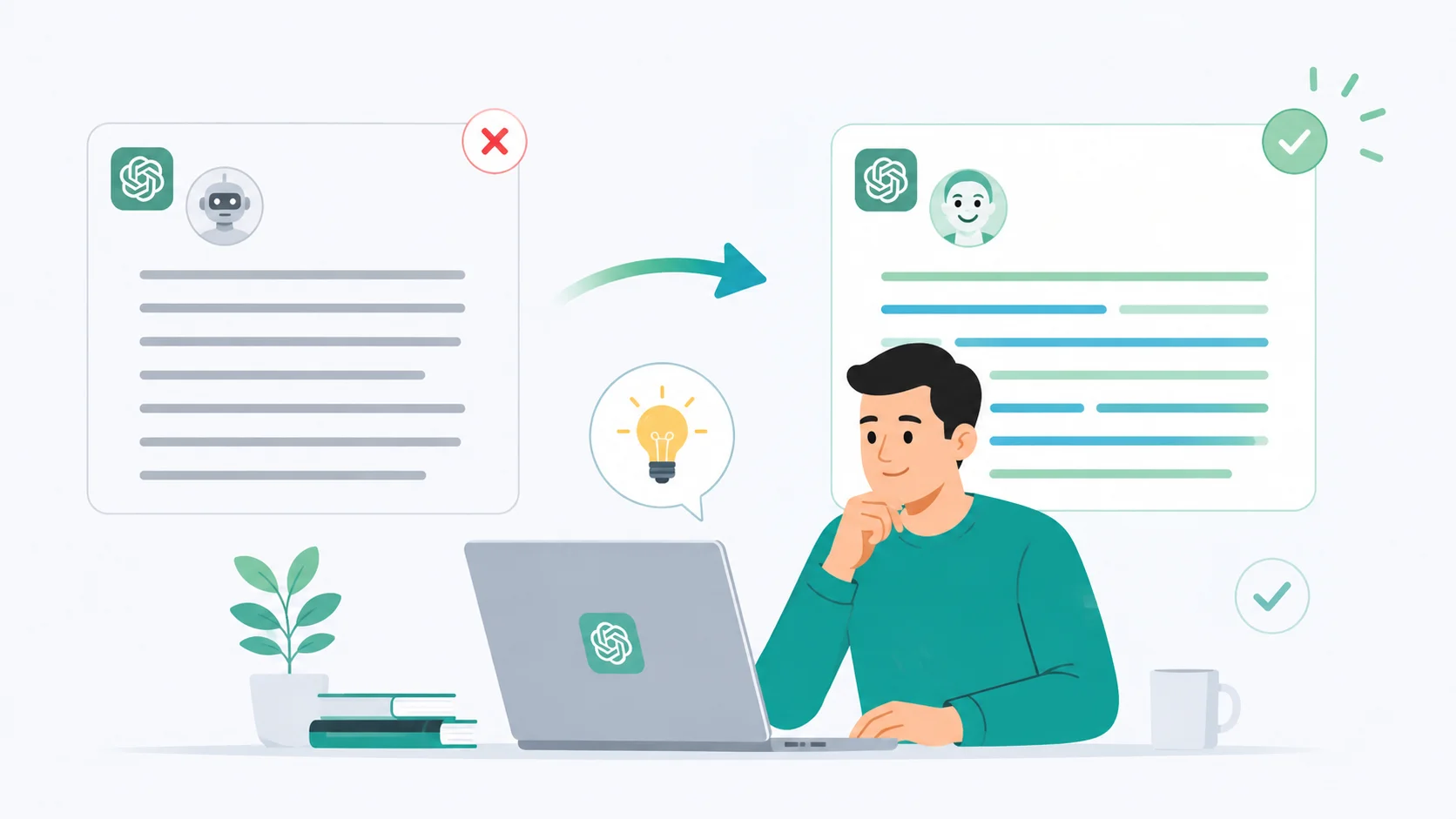
You asked ChatGPT to write something, and the result reads like it was assembled in a factory. Every paragraph starts with “In today’s rapidly evolving landscape.” Every transition uses “furthermore” or “moreover.” Every sentence is grammatically perfect in a way that no human actually writes.
The problem is not that ChatGPT is bad at writing. The problem is that it defaults to a predictable, polished style that instantly signals “AI wrote this.” Here is how to fix that.
Why ChatGPT Sounds Like AI
ChatGPT generates text by predicting the most statistically likely next word. This means it gravitates toward common patterns, safe vocabulary, and structures that appeared frequently in its training data. The result is writing that is correct but generic.
Certain habits give it away immediately. Overusing em dashes, starting sentences with “It’s worth noting that,” listing things in threes, and wrapping up every section with a neat summary are all telltale signs. These patterns exist because they are statistically common in well-written text, but when they all appear together, the writing feels robotic.
Understanding this helps you fix it. You are not fighting a limitation of the tool. You are overriding its default tendencies with better instructions.
Write Better Prompts for Natural Output
The single biggest factor in how ChatGPT sounds is your prompt. A vague prompt like “write a blog post about productivity” will always produce generic output. A specific prompt that defines tone, audience, and constraints produces something much closer to human writing.
Specify the Tone Explicitly
Tell ChatGPT exactly how you want the writing to sound. Instead of asking it to “write naturally,” give it a concrete reference point. “Write like you’re explaining this to a friend over coffee” produces very different output than “write a professional article.”
You can also name specific writers or publications whose tone you want to match. “Write in the style of a Wired magazine feature” gives ChatGPT a clear target instead of letting it default to its generic voice.
Add Constraints That Force Variety
Rules that break ChatGPT’s default patterns produce more natural writing. Try adding these to your prompts.
- Do not start any sentence with “It’s worth noting” or “In today’s.”
- Vary sentence length. Mix short punchy sentences with longer ones.
- Do not use the words “delve,” “crucial,” “landscape,” “realm,” or “foster.”
- Use contractions throughout. Write “don’t” instead of “do not.”
- Skip the introductory throat-clearing. Start with the point, not the setup.
The best prompts tell ChatGPT what not to do. Removing its crutch words forces it to find alternatives that sound more human.
Words and Phrases That Scream AI
Certain words appear in AI-generated text far more often than in human writing. AI detection tools flag these patterns, and human readers notice them too even without tools.
| AI Favorite | Human Alternative |
|---|---|
| Delve into | Look at, explore, dig into |
| It’s worth noting that | Just state the fact directly |
| In today’s digital landscape | Right now, These days |
| Furthermore / Moreover | Also, And, Plus |
| Crucial / Pivotal | Important, Key, Big |
| Leverage | Use |
| Tapestry / Myriad | Range, Mix, Variety |
| In conclusion | Drop it entirely or just summarize |
You can paste this list directly into your prompt and tell ChatGPT to avoid every word in it. The output immediately sounds less robotic.
Use the System Prompt or Custom Instructions
ChatGPT allows you to set custom instructions that apply to every conversation. This is the best place to set your writing style preferences once instead of repeating them in every prompt.
Go to Settings, then Custom Instructions, and add rules like “Always write in a casual, conversational tone. Use contractions. Avoid corporate jargon. Keep paragraphs under three sentences. Never start a response with a restatement of my question.”
These persistent instructions shape every response ChatGPT gives you without cluttering your individual prompts. Think of it as training the tool to match your voice by default.
Edit the Output Instead of Regenerating
Many people regenerate ChatGPT responses hoping for a better version. This rarely works because the model draws from the same patterns each time. A better approach is to take the first draft and edit it yourself.
What to Edit First
- Replace every generic transition word with something specific or remove it entirely.
- Cut the first sentence of each paragraph if it restates the previous point.
- Add one personal detail, opinion, or specific example per section.
- Break any sentence longer than 25 words into two shorter ones.
- Read it aloud. If any sentence sounds like a press release, rewrite it.
This takes five to ten minutes and produces results that no amount of prompt engineering can match. Your voice is the thing that makes writing sound human, and no AI can replicate it.
Use Humanizer Tools as a Second Pass
Dedicated humanizer tools can restructure AI text to sound more natural. Tools like Humanize AI Text and WriteHuman rewrite content to vary sentence structure, swap overused words, and break predictable patterns.
These work best as a supplement to your own editing, not a replacement. Run the ChatGPT output through a humanizer on a moderate setting, then review the result to make sure the meaning stayed intact. Aggressive rewriting can change facts or introduce awkward phrasing.
If you want a deeper look at using these tools effectively, check out how to humanize AI text without losing meaning for a step-by-step workflow.
Prompt Templates That Sound Human
Here are prompt structures that consistently produce more natural-sounding ChatGPT output.
The Conversational Brief
“Write about [topic] as if you’re explaining it to a smart friend who has never heard of it. Use casual language, contractions, and short paragraphs. No jargon, no filler phrases, no corporate tone.”
The Anti-AI Prompt
“Write about [topic]. Do not use the words delve, crucial, landscape, moreover, furthermore, or it’s worth noting. Do not start any paragraph with a question. Vary sentence length between 5 and 20 words. Sound like a real person, not a textbook.”
The Voice Match
“Here is a sample of my writing: [paste 200 words of your own writing]. Now write about [topic] matching this exact tone, vocabulary level, and sentence structure.”
The voice match prompt is the closest you can get to making ChatGPT sound like you instead of itself.
Should You Worry About AI Detection
AI detection tools like Originality AI analyze writing patterns to flag AI-generated content. If you follow the techniques above, your ChatGPT output will score significantly lower on these detectors because you are breaking the exact patterns they look for.
But the real goal is not to fool detectors. The goal is to produce content that readers actually enjoy. Writing that sounds human gets read, shared, and trusted. Writing that sounds like AI gets skimmed and forgotten regardless of what a detector says about it.
Advanced Techniques for Power Users
If you use ChatGPT heavily for writing, these advanced approaches can further improve output quality.
- Use the prompt generator to build structured prompts that include tone, audience, and constraint parameters automatically.
- Feed ChatGPT examples of writing you admire and ask it to analyze the style before writing in it.
- Break long pieces into sections and prompt each section separately with different energy levels to create natural variation.
- Ask ChatGPT to write a rough draft first, then ask it to rewrite specific paragraphs “more casually” or “with more personality.”
Conclusion
Stopping ChatGPT from sounding like AI comes down to three things: better prompts, banned word lists, and your own editing. Tell it exactly how to write, block the words and phrases that scream AI, and spend a few minutes adding your own voice to the result. The combination of AI speed and human personality produces writing that is fast to create and genuinely worth reading. ChatGPT is a drafting tool, not a finished-product machine, and treating it that way is what separates forgettable AI slop from content people actually connect with.