You uploaded a great video, but it is sitting at 47 views after a week. The content is solid, the editing is clean, and you promoted it on social media. So what went wrong?
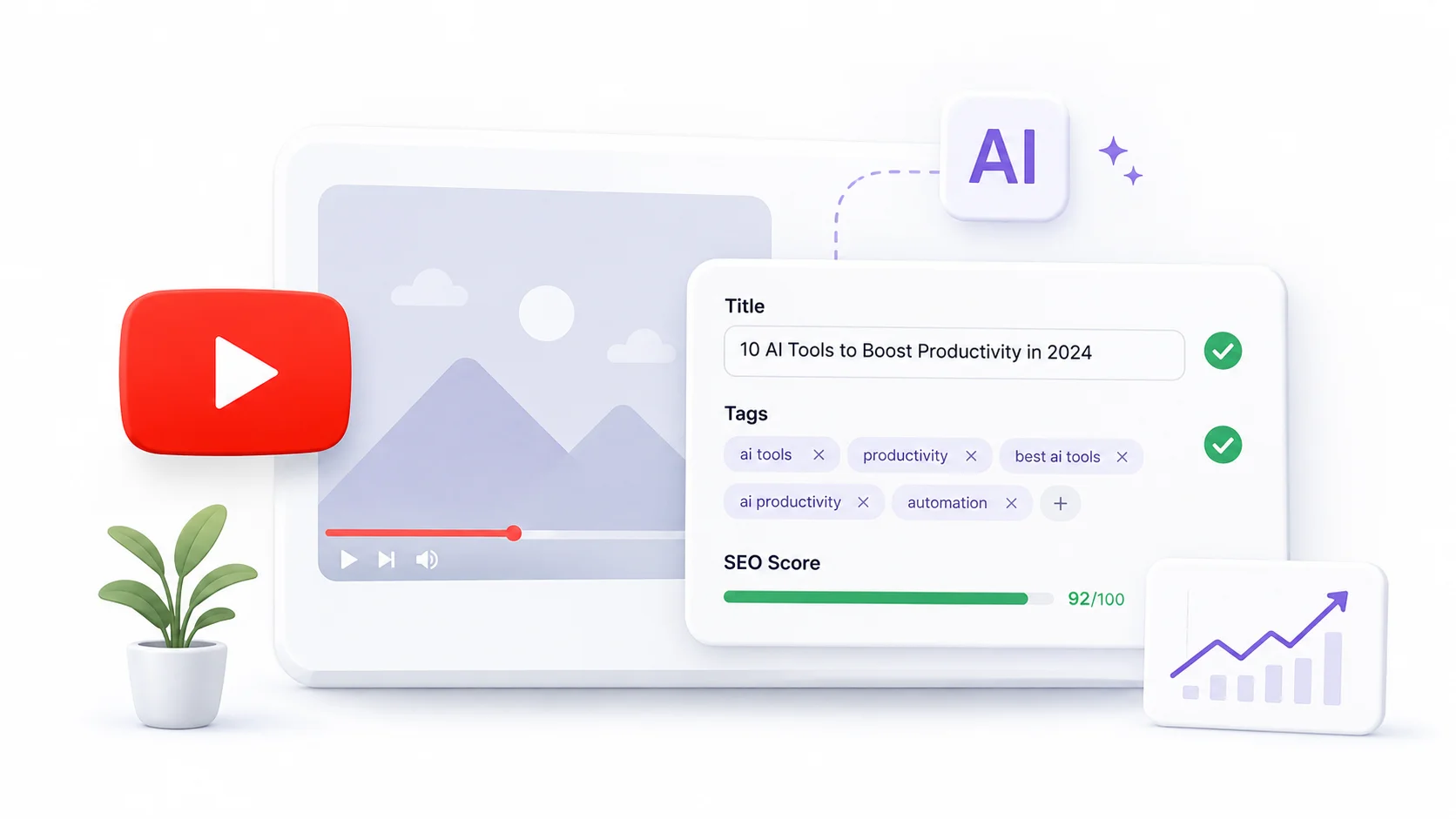
In most cases, the answer is discoverability. Your title does not hook searchers, your tags miss the keywords people actually use, and the algorithm has no clear signal about what your video covers. AI tools can fix all three problems in minutes.
Here is how to use AI to optimize YouTube tags and titles so your videos reach the audience they deserve.
Why YouTube Tags and Titles Matter More Than You Think
YouTube is the second largest search engine in the world. Every minute, over 500 hours of video are uploaded to the platform. Your title and tags are the primary signals YouTube uses to understand what your video is about and who should see it.
A well-optimized title increases your click-through rate from search results and suggested videos. Strong tags help YouTube categorize your content and recommend it alongside similar videos. Together, they determine whether your video gets buried or surfaces in front of thousands of viewers.
The challenge is that most creators guess at their titles and tags instead of using data. AI eliminates that guesswork by analyzing search trends, competitor performance, and keyword data to generate optimized metadata. The same data-driven approach powers many of the leading AI SEO tools used by digital marketers.
How AI Improves YouTube Video Optimization
AI brings three key advantages to YouTube optimization that manual research cannot match.
Speed and Scale
Manually researching keywords, analyzing competitor titles, and testing tag combinations takes hours per video. AI tools process thousands of data points in seconds and deliver optimized suggestions instantly. What used to be a 90-minute research session becomes a 5-minute workflow.
Pattern Recognition
AI models identify patterns in high-performing videos that human eyes miss. They spot title structures, word combinations, and tag groupings that consistently correlate with higher view counts and engagement rates. These patterns come from analyzing millions of videos across every niche.
Trend Awareness
Search trends shift constantly. A keyword that worked three months ago might be declining while a new variation is surging. AI tools track these shifts in real time and suggest tags and titles that align with current search behavior rather than outdated assumptions.
The difference between a video that gets 500 views and one that gets 50,000 views often comes down to the first 60 characters someone reads in a search result.
Free AI Tools to Optimize YouTube Tags and Titles
Several AI-powered tools help with YouTube metadata optimization, and many offer free tiers generous enough for regular use.
| Tool | Free Tier | Best For | Key Feature |
|---|---|---|---|
| TubeBuddy | Limited free plan | Tag suggestions and SEO scoring | Browser extension with real-time analysis |
| VidIQ | Free plan available | Keyword research and competitor tracking | Trend alerts and keyword scores |
| ChatGPT | Free tier | Custom title brainstorming and tag lists | Flexible prompting for any niche |
| Claude | Free tier | Detailed title analysis and A/B variants | Strong at nuanced language optimization |
| Rapidtags | Free | Quick tag generation from a keyword | Instant tag lists based on trending data |
| Keyword Tool for YouTube | Limited free results | YouTube-specific keyword research | Autocomplete-based suggestions |
For most creators, combining a dedicated YouTube tool like VidIQ or TubeBuddy with a general-purpose AI like ChatGPT gives the best results. The specialized tool handles data, while the AI handles creative optimization.
Crafting Click-Worthy YouTube Titles With AI
Your title is the single most important piece of text on your video. AI can help you write titles that balance searchability with curiosity.
The Anatomy of a High-Performing YouTube Title
Effective YouTube titles share common characteristics that AI can replicate and optimize.
- They front-load the primary keyword so YouTube and viewers immediately understand the topic.
- They create a curiosity gap that makes people want to click without being misleading or clickbait.
- They stay under 60 characters to avoid getting truncated in search results and suggested video lists.
- They use numbers, power words, or specific outcomes to set clear expectations for the viewer.
- They match the actual search language people use, not the formal language creators think sounds professional.
Prompting AI for Better Titles
The quality of AI-generated titles depends entirely on your prompt. A vague request like “give me a YouTube title about cooking” produces generic results. A specific prompt produces titles you can actually use.
Try a prompt structure like this:
Generate 10 YouTube title options for a video about [topic].
The target audience is [audience].
The main keyword is [keyword].
Keep each title under 60 characters.
Include a mix of: how-to titles, list titles, question titles, and curiosity-driven titles.
Avoid clickbait. Each title should accurately represent the video content.This structured approach gives AI the context it needs to produce varied, high-quality title options. Knowing how to write effective AI prompts is essential for getting useful results from any AI tool.
Testing Title Variations
AI makes it easy to generate multiple title variations and test them. Ask for 10 options, narrow it down to your top 3, then use YouTube’s built-in A/B testing feature (available through YouTube Studio) or ask your audience which title they find most compelling.
You can also ask the AI to analyze your shortlisted titles and predict which will perform best based on keyword strength, emotional appeal, and clarity.
Using AI to Generate Optimized YouTube Tags
Tags help YouTube understand the context and category of your video. While their direct impact on rankings has decreased over the years, they still play a role in how YouTube associates your content with related videos.
How Many Tags Should You Use
YouTube allows up to 500 characters of tags per video. Most optimization experts recommend using 5 to 15 tags that cover your exact topic, related topics, and broader category terms. AI can generate this entire tag set in seconds.
The Tag Hierarchy Strategy
Structure your tags from specific to broad using this hierarchy.
| Tag Type | Example (for a Python tutorial) | Purpose |
|---|---|---|
| Exact match | python for beginners | Targets the exact search query |
| Long-tail variation | learn python programming step by step | Captures related searches |
| Related topic | coding tutorial 2026 | Associates with similar content |
| Broad category | programming | Places video in the wider topic |
| Channel tag | your channel name | Groups your own videos together |
Ask AI to generate tags following this hierarchy for any video topic. The prompt “Generate 15 YouTube tags for a video about [topic], organized from specific to broad, staying within 500 characters total” produces a ready-to-paste tag list every time.
Analyzing Competitor Tags With AI
Tools like VidIQ and TubeBuddy let you see the tags competitors use on their high-performing videos. Copy those tags into an AI tool and ask it to identify patterns, suggest additions, and flag any tags that might be too competitive for your channel size.
This competitive analysis approach is similar to how AI-powered competitor research works in other marketing channels. The principles translate directly to YouTube strategy.
AI-Powered YouTube Description Optimization
While titles and tags get the most attention, your video description also influences how YouTube ranks and recommends your content. AI can optimize descriptions just as effectively.
- Place your primary keyword naturally in the first two sentences. YouTube gives extra weight to the beginning of your description.
- Write at least 200 words of descriptive text that summarizes your video content. AI can expand your bullet points into a full description paragraph in seconds.
- Include related keywords and phrases throughout the description without stuffing. AI is excellent at weaving in LSI keywords naturally.
- Add timestamps for longer videos. Ask AI to generate a chapter list based on your video outline.
- Include a call to action for subscribing, commenting, or watching related videos.
A prompt like “Write a 250-word YouTube description for a video about [topic], naturally including these keywords: [list], with timestamps and a call to action” produces a complete, optimized description ready to paste into YouTube Studio.
YouTube reads your description to understand your video. If your description says nothing useful, YouTube has less data to work with when deciding who to show your video to.
Common Title and Tag Mistakes AI Helps You Avoid
AI does not just generate metadata. It also helps you avoid the optimization mistakes that hurt your rankings.
- Keyword stuffing in titles. AI generates natural-sounding titles that include keywords without reading like a spam listing.
- Using irrelevant trending tags. Adding popular but unrelated tags can actually hurt your video because YouTube measures viewer satisfaction. If people click expecting one thing and get another, your retention drops.
- Writing titles that are too clever. Creative wordplay and puns might entertain you, but they confuse the algorithm and miss search queries. AI balances creativity with searchability.
- Ignoring search intent. A title like “My Thoughts on AI” tells the algorithm nothing. AI rewrites it as “How AI Is Changing Video Editing in 2026” to match what people actually search for.
- Duplicating tags. Creators often add tags that are minor variations of the same phrase. AI identifies and removes these duplicates, replacing them with unique tags that expand your reach.
Building a YouTube Optimization Workflow With AI
Consistency matters more than perfection on YouTube. Building a repeatable workflow ensures every video gets properly optimized without eating into your production time.
Before Recording
Use AI to research your topic keyword, check search volume, and draft a working title. This ensures you are creating content people are actually searching for. Many creators skip this step and end up making videos nobody is looking for, which is similar to how AI content creation tools help writers validate topics before investing time in full articles.
During Editing
Refine your title based on what the video actually covers. Sometimes the content shifts during recording, and your original title no longer fits. Ask AI to suggest updated titles based on your final talking points.
Before Publishing
Generate your final tag list, write your optimized description, and create your thumbnail text using AI. Batch these tasks together so they take five minutes total instead of being scattered across your workflow.
After Publishing
Monitor your analytics for the first 48 hours. If the click-through rate is below 4 percent, ask AI to suggest alternative titles and consider updating. YouTube allows you to change titles and tags after publishing, and many successful creators optimize iteratively based on early performance data.
Advanced AI Techniques for YouTube Optimization
Once you have the basics down, these advanced strategies push your optimization further.
- Feed AI your top 10 performing video titles and ask it to identify patterns in what works for your specific channel and audience. The insights are often surprising.
- Use AI to translate your titles and tags into other languages for multilingual optimization. YouTube serves content globally, and many niches have underserved audiences in non-English markets.
- Ask AI to rewrite your existing video titles for seasonal relevance. A “Home Office Setup Guide” becomes “Home Office Setup Guide for 2026” to capture time-sensitive search traffic.
- Generate hashtags from your tags. YouTube supports hashtags in titles and descriptions, and AI can convert your tag research into an effective hashtag strategy.
These techniques are especially valuable for channels that publish consistently and want to squeeze maximum performance from every upload. The same AI productivity tools that streamline other workflows apply directly to YouTube channel management.
The creators who grow fastest are not always the ones making the best content. They are the ones who make sure the right people see their content through smart optimization.
Measuring the Impact of AI-Optimized Metadata
Optimization only matters if it produces measurable results. Track these metrics in YouTube Studio to see how your AI-optimized titles and tags perform.
| Metric | What It Tells You | Target Range |
|---|---|---|
| Click-Through Rate (CTR) | How compelling your title and thumbnail are | 4-10% is good, above 10% is excellent |
| Impressions | How often YouTube shows your video | Should increase with better tags |
| Search traffic percentage | How much traffic comes from YouTube search | 20-40% indicates strong SEO |
| Suggested video traffic | How often your video appears as a recommendation | Should grow with better tag relevance |
| Average view duration | Whether your title accurately represents the content | 40%+ of video length |
Compare these numbers before and after implementing AI optimization. Most creators see a noticeable improvement in impressions and CTR within two to four weeks of consistent optimization. Track these alongside your marketing analytics to understand the full picture of how your content performs across channels.
Conclusion
Optimizing YouTube tags and titles using AI transforms the weakest part of most creators’ workflows into a competitive advantage. AI tools generate data-driven titles that attract clicks, produce comprehensive tag sets that improve discoverability, and write optimized descriptions that give YouTube the context it needs to recommend your videos. The process takes minutes instead of hours and produces consistently better results than manual guesswork. Whether you use free tools like ChatGPT for brainstorming or dedicated platforms like VidIQ for data-backed suggestions, the key is making AI-powered optimization a standard part of your upload routine. Your content deserves to be seen, and smart metadata is what makes that happen.