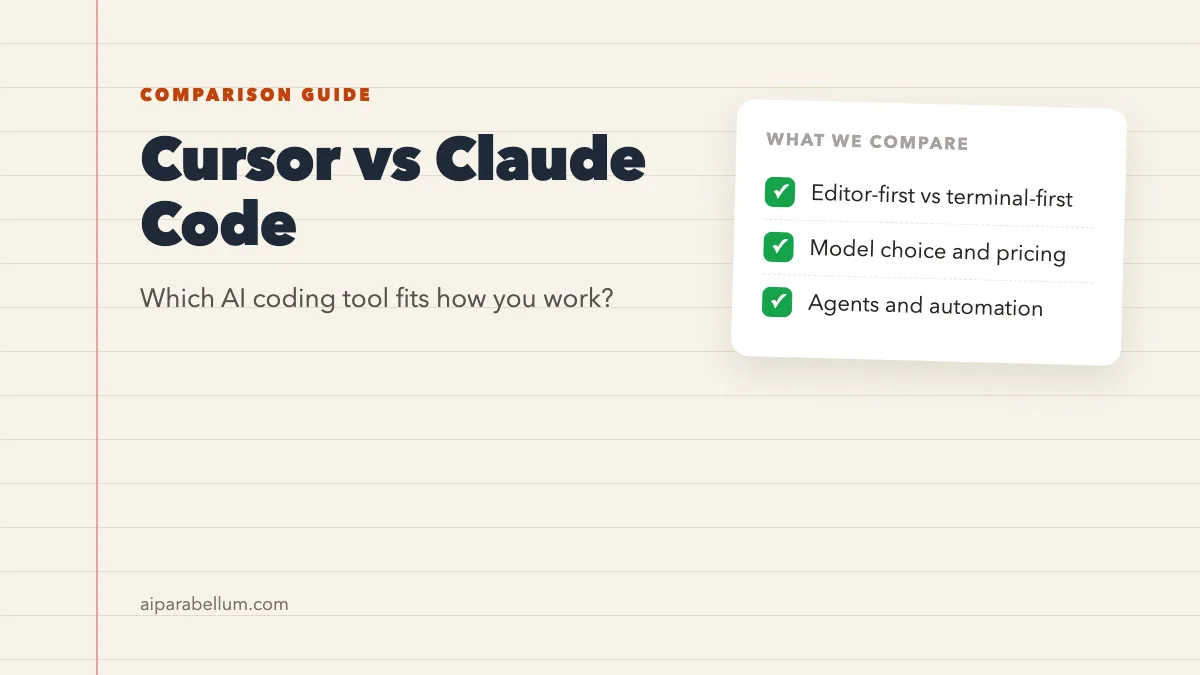
If you write code in 2026, you have probably heard the Cursor vs Claude Code debate more than once. Both tools let an AI agent read your project, edit files, and run commands for you. But they come from very different places, and that changes how each one feels day to day.
Cursor started life as an AI-first code editor, and it is now sold as part of a bundle with Grok and X. Claude Code is Anthropic’s agentic coding tool, built to run in your terminal first and then spread into IDEs, a desktop app, and the browser. This guide walks you through how they differ, what each one costs you in practice, and which one fits the way you work.
Cursor vs Claude Code at a Glance
Before we get into details, here is the short version. Think of Cursor as a full editor with an agent built in, and Claude Code as an agent that plugs into whatever editor or terminal you already use.
| Feature | Cursor | Claude Code |
|---|---|---|
| What it is | An AI code editor plus a coding agent | An agentic coding tool from Anthropic |
| Where it runs | Its own editor, a CLI, and Cloud Agents | Terminal, VS Code and JetBrains, desktop app, and browser |
| Main models | Cursor models such as Grok and Composer, plus paid third-party models | Anthropic’s Claude models |
| How you pay | Part of The X Subscription, with a weekly usage pool | Included in paid Claude plans, or pay-as-you-go API credits |
| Usage limits | Weekly pool shared with Grok apps | Shared with your Claude chats, with five-hour and weekly limits |
| Free option | A Free plan exists, without third-party models | Not on the Free Claude plan |
What Is Cursor?
Cursor describes itself as a coding agent for building ambitious software. In practice, you get a full code editor where the AI can explain your codebase, plan features, fix bugs, and review changes. It also connects to tools like GitHub, GitLab, Slack, Linear, and JetBrains.
A big change you should know about: Cursor is now sold as part of The X Subscription, one plan that covers Grok, Cursor, and X. Your paid plan includes a weekly pool of usage for Cursor’s own models, and that pool is shared with the Grok apps. We covered the move when it happened in our story on the Grok Cursor bundle.
Cursor’s Key Features
- Agent in the editor, with Plan Mode for scoping bigger changes before you build
- Quick inline edits for targeted fixes when you don’t want full autonomy
- A Cursor CLI with an interactive mode and a print mode for scripts and CI pipelines
- Cloud Agents that keep working while you’re away, which you can check on the web or mobile
- Plugins, skills, MCP servers, and rules managed from one place
- Cursor Router on Teams and Enterprise plans, which picks a model for each request
Cursor Pricing and Models
Cursor’s current plans are Free, Plus, Premium, Super, and Ultra. Annual billing runs $80 a year for Plus, $300 for Premium, $1,000 for Super, and $2,000 for Ultra, before tax.
Here is the catch for Claude fans. The included pool covers Cursor models like Grok and Composer, while third-party models such as Claude, GPT, and Gemini cost extra at API list price from prepaid credit. Those third-party models are only available on Premium and above, not on Free or Plus.
If you mainly want Claude models, Cursor’s base pool won’t cover them. Budget for API credit on top of your plan.
If you already pay for an older Cursor plan like Pro or Pro+, it keeps working as it did. Those legacy plans still use separate monthly pools and on-demand usage.
What Is Claude Code?
Claude Code is Anthropic’s agentic coding tool. It reads your codebase, edits files, runs commands, and works with your existing development tools. It started in the terminal, and you can now use it in your IDE, a desktop app, and the browser.
Because it lives in the terminal, Claude Code doesn’t ask you to switch editors. You can keep using VS Code, a JetBrains IDE, or plain Vim, and simply run the agent next to your work. If you’re new to it, our guide to coding with Claude is a friendly starting point.
Claude Code’s Key Features
- A VS Code extension with inline diffs, plan review, and @-mentions of files and line ranges
- Permission modes, from asking before every edit to editing automatically
- CLAUDE.md files and auto memory, so Claude remembers your project’s rules
- Skills, hooks, and custom subagents that can run in parallel
- Scheduled tasks that run in the cloud or on your own machine
- Remote Control and a Slack integration, so you can hand off a bug report and get a pull request back
Claude Code Pricing
Claude Code is included in every paid Claude plan: Pro, Max, Team, and Enterprise. Your terminal work and your regular Claude chats draw from the same usage pool. Anthropic lists Pro at $20 a month when billed monthly.
Limits reset on a rolling five-hour window, and paid plans add weekly limits on top. Max gives you 5x or 20x the usage of Pro, which helps if you code all day. For very heavy sessions, you can also switch to pay-as-you-go API credits through a Console account.
If constant approval prompts slow you down, check out how to stop permission prompts safely.
Cursor vs Claude Code: Key Differences
On paper, both tools do similar jobs. The real differences show up in where you work, which models you get, and how billing feels over a busy week.
Editor Experience
Cursor is the editor. You open it, and the AI is built into every corner of the interface, from inline edits to the agent panel. If you like a polished, all-in-one window, that’s a strong point in its favor.
Claude Code meets you where you already are. It works in the terminal, as an extension in VS Code and its forks, and in JetBrains IDEs. If you have a carefully tuned setup, you won’t have to give it up.
Model Choice
Cursor gives you a menu. Its own models come with your plan, and Claude, GPT, and Gemini are available on higher tiers at API prices. That flexibility is handy if you like to compare models on the same task.
Claude Code runs on Claude models, so you get one family that is tuned for the tool. You can switch between Claude models mid-session and set an effort level for models that support it.
Agent Autonomy and Automation
Both tools can run agents in the background. Cursor has Cloud Agents you can start from the CLI or editor and check from your phone. Claude Code has cloud and desktop scheduled tasks, parallel subagents, and a way to pull a web session into your terminal.
Working in CI and Scripts
Each tool has a non-interactive mode for scripts and pipelines. Cursor calls it print mode in its CLI, and Claude Code runs headless from the command line. Either one can slot into a build pipeline once you set up permissions with care.
Which AI Coding Tool Should You Pick?
There’s no single winner here. The right pick depends on your habits, your budget, and how much you care about Claude models in particular.
Choose Cursor If You…
- Want an all-in-one AI editor and don’t mind switching from your current one
- Like testing different models on the same problem
- Already use Grok or X and want one subscription for everything
- Prefer quick inline edits alongside a full agent
Choose Claude Code If You…
- Live in the terminal or want to keep your current editor
- Mainly want Claude models without paying API rates on top of a plan
- Already pay for Claude Pro or Max and want coding included
- Want deep automation with hooks, skills, subagents, and scheduled tasks
Many developers use both: Cursor as the editor, and Claude Code running in its terminal for bigger agent jobs.
That combo works because Claude Code’s extension installs in VS Code forks, and the CLI runs in any terminal. You can try both for a week on a real project and see which one you reach for first. For more options, browse our list of AI code assistants.
Tips for Getting the Most From Either Tool
Whichever tool you choose, a few habits make a big difference. These apply to Cursor and Claude Code alike.
- Start with a plan. Ask the agent to outline its approach before it touches files.
- Write down your project rules in a rules file or CLAUDE.md so you don’t repeat yourself.
- Review every diff before you commit, even when the agent sounds confident.
- Keep tasks small and focused, then build up to bigger changes.
- Watch your usage meter, since both tools draw from limited pools.
If you’re working with an older project, our guide on using Cursor with an existing codebase shows how to get your bearings fast. You can also compare Claude with other assistants in our Claude vs Copilot breakdown.
Want the quick tool overviews first? See our pages on Cursor AI and Claude AI.
Conclusion
The Cursor vs Claude Code choice comes down to where you like to work and which models you want to pay for. Cursor gives you a polished AI editor, a wide model menu, and a bundle with Grok and X, but Claude models cost extra on higher tiers. Claude Code keeps you in your own terminal or IDE, comes with every paid Claude plan, and leans hard into automation with subagents, hooks, and scheduled tasks. If you want Claude at the core of your workflow, Claude Code is the natural fit, while Cursor suits you better if you want an all-in-one editor and model variety. Either way, try both on a real task, keep an eye on usage, and pick the one that keeps you in flow.