Hiring a lawyer to draft a simple contract can cost anywhere from $200 to $2,000 depending on complexity. For freelancers, small business owners, and startups, that expense adds up fast when you need NDAs, service agreements, and partnership contracts on a regular basis.
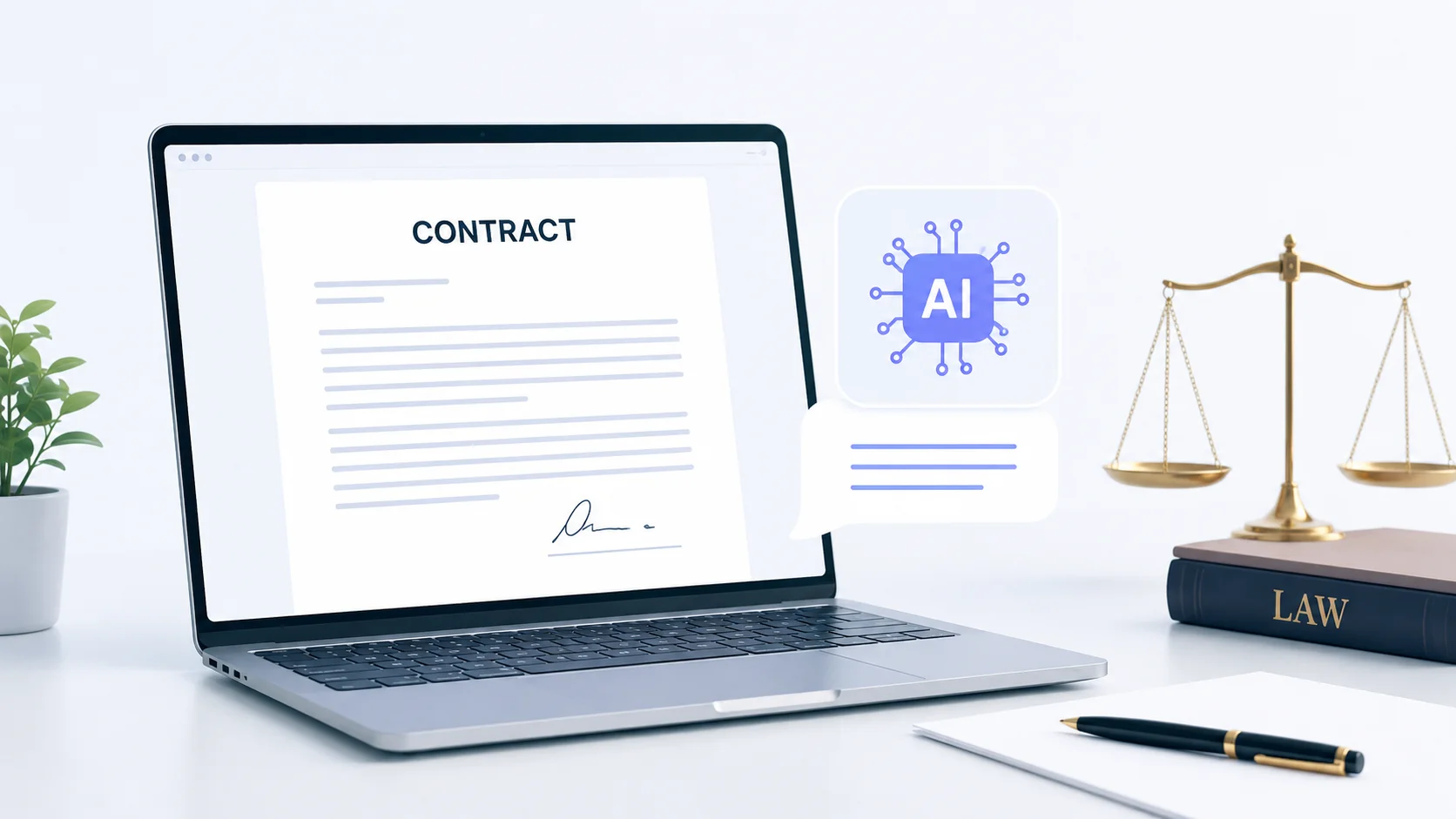
AI tools have made it possible to draft legal contracts without paying a dime. These tools generate contract templates, customize clauses based on your specific needs, and produce documents that cover the essentials of a legally sound agreement. While they do not replace a licensed attorney for high-stakes deals, they handle everyday contracts surprisingly well.
Here is how to use AI to create legal contracts for free, which tools work best, and what to watch out for.
Why AI Contract Drafting Actually Works
Modern AI language models are trained on massive datasets that include legal documents, contract templates, case law, and regulatory text. This means they understand legal language, standard contract structures, and common clauses used across industries.
When you ask an AI tool to draft a freelance service agreement, it does not just fill in blanks on a template. It generates a complete document with appropriate sections for scope of work, payment terms, termination conditions, confidentiality, and dispute resolution. The output reads like something a junior attorney would produce.
The same natural language processing capabilities that power ChatGPT and similar tools make them effective at understanding your specific requirements and translating them into formal legal language.
Free AI Tools for Drafting Legal Contracts
Several AI tools can draft contracts at no cost. Each has different strengths depending on the type of contract you need.
| Tool | Free Access | Best For | Output Quality |
|---|---|---|---|
| ChatGPT (Free tier) | Unlimited conversations | Custom contracts from detailed prompts | Very Good |
| Google Gemini | Free with Google account | Quick contract drafts with web context | Good |
| Claude | Free tier available | Long, detailed contracts with nuance | Excellent |
| Perplexity AI | Free with limits | Contracts with cited legal references | Good |
| SpellBook (Legai AI) | Free trial | Specialized legal document drafting | Very Good |
| Law Insider | Free clause search | Finding standard legal clauses | Reference only |
For most people, starting with a general-purpose AI like ChatGPT or Claude and then refining the output is the most practical approach. Specialized legal AI tools add value when you need industry-specific clauses or compliance language.
How to Draft a Contract With AI Step by Step
Getting a useful contract from AI depends heavily on how you prompt the tool. Vague requests produce generic results. Specific, detailed prompts produce contracts you can actually use.
Step 1: Define the Contract Type and Parties
Start by telling the AI exactly what kind of contract you need and who is involved. Instead of asking for “a contract,” specify “a freelance web design service agreement between a sole proprietor (service provider) and a small business (client) based in California.”
The more context you provide about the parties, their relationship, and the jurisdiction, the more accurate and applicable the contract will be.
Step 2: List the Key Terms
Before the AI drafts anything, outline the essential terms you want included. These typically cover payment amounts, deadlines, deliverables, ownership of work product, confidentiality requirements, and termination conditions.
A well-structured prompt might look like this:
Draft a freelance service agreement with these terms:
- Service: Website redesign (5 pages)
- Payment: $3,000 total, 50% upfront, 50% on completion
- Timeline: 6 weeks from signing
- Revisions: 2 rounds included
- IP transfer: Full ownership transfers to client on final payment
- Confidentiality: Mutual, 2-year term
- Termination: Either party with 14 days written notice
- Jurisdiction: State of CaliforniaThis level of detail gives the AI everything it needs to produce a contract that matches your actual situation. Learning how to write effective AI prompts makes a significant difference in the quality of legal documents you get back.
Step 3: Review and Refine
The first draft will rarely be perfect. Read through the entire contract carefully and ask the AI to modify specific sections. You might say “make the termination clause more detailed” or “add a clause about late payment penalties.”
AI tools excel at iterative refinement. Each round of feedback produces a more polished and complete document.
Step 4: Format and Finalize
Once the content is solid, ask the AI to format the contract professionally with numbered sections, signature blocks, and a date line. Export it as a PDF or Word document for signing.
A well-prompted AI can produce a first draft in under five minutes that would take an attorney one to two hours to write from scratch. The time savings alone make it worth learning how to use these tools effectively.
Types of Legal Contracts AI Handles Well
AI performs better on some contract types than others. Straightforward, commonly used agreements produce the best results because the training data contains thousands of similar examples.
- Non-Disclosure Agreements (NDAs) are among the simplest and most standardized contracts. AI generates solid mutual and unilateral NDAs with minimal editing needed.
- Freelance and consulting service agreements are well-suited to AI drafting because the terms are typically straightforward and follow predictable patterns.
- Independent contractor agreements cover the classification, scope, and payment terms that protect both hiring companies and contractors.
- Rental and lease agreements for residential properties follow state-specific templates that AI can generate when given the correct jurisdiction.
- Terms of service and privacy policies for websites follow established formats that AI replicates accurately.
- Partnership agreements for small businesses, covering profit sharing, decision-making authority, and exit procedures.
These everyday contracts are where AI delivers the most value for business owners who need legal documents without the legal bill.
What AI Cannot Do With Legal Contracts
Understanding the limitations is just as important as knowing the capabilities. AI contract drafting has clear boundaries that you should respect.
| AI Can Do | AI Cannot Do |
|---|---|
| Draft standard contract templates | Provide legal advice specific to your situation |
| Generate common legal clauses | Guarantee enforceability in your jurisdiction |
| Customize terms based on your inputs | Identify hidden risks in complex deals |
| Format documents professionally | Represent you in a dispute |
| Explain legal terms in plain language | Replace attorney review for high-value agreements |
For contracts involving significant money, intellectual property disputes, mergers, or regulatory compliance, always have a licensed attorney review the document before signing. AI is a drafting tool, not a legal advisor.
Prompting Strategies for Better Legal Contracts
The quality of your AI-generated contract depends entirely on how well you communicate your needs. Here are strategies that consistently produce better results.
Specify the Jurisdiction
Contract law varies significantly by state and country. Always tell the AI which jurisdiction governs the agreement. A contract valid in Texas might miss required clauses in New York. Specifying the location ensures the AI includes jurisdiction-specific language and compliance requirements.
Ask for Plain Language Alternatives
Legal jargon can make contracts harder to understand and enforce. Ask the AI to write in plain language where possible, or to provide a plain-language summary alongside the formal version. Courts increasingly favor contracts that both parties can clearly understand.
Request Explanations for Each Clause
After generating the contract, ask the AI to explain what each section does and why it matters. This helps you spot missing protections and understand what you are agreeing to. The same AI assistant capabilities that help with daily tasks can walk you through complex legal language step by step.
Use Follow-Up Prompts for Edge Cases
After the initial draft, ask “What scenarios are not covered by this contract?” or “What clauses should I add to protect against non-payment?” AI tools are excellent at identifying gaps when prompted to look for them.
The biggest mistake people make with AI-drafted contracts is accepting the first output without asking follow-up questions. The first draft is a starting point, not a finished product.
Common Mistakes When Using AI for Legal Contracts
Avoid these pitfalls to get the most reliable results from AI-generated contracts.
- Using generic prompts like “write me a contract” without specifying the type, parties, terms, or jurisdiction. The AI will produce something too vague to use.
- Not verifying state-specific requirements. Some states require specific language for certain contracts, witness signatures, or notarization. AI might miss these unless you ask.
- Skipping the review process entirely. Always read the full contract before signing or sending it. AI can hallucinate clauses that sound correct but contain contradictions.
- Using AI contracts for complex transactions like real estate purchases, business acquisitions, or employment agreements with equity components. These need professional legal review.
- Forgetting to update templates. If you reuse an AI-generated contract, review it each time for accuracy. Laws change, and your situation may have evolved since the original draft.
How to Verify Your AI-Generated Contract
Once the AI produces a contract, verification is essential before anyone signs. Here is a practical checklist.
- Read every clause out loud. If any sentence is confusing or ambiguous, rewrite it or ask the AI to clarify. Ambiguity in contracts leads to disputes.
- Check that all parties are correctly named with their legal entity names, not just first names or business trade names.
- Verify that payment terms, deadlines, and deliverables match what you actually agreed to verbally. AI sometimes inserts standard terms that differ from your negotiated deal.
- Confirm the governing law section names the correct state or country. This determines which courts handle disputes and which laws apply.
- Look for a severability clause, which ensures that if one section is found invalid, the rest of the contract still holds.
- Make sure there is a clear dispute resolution process, whether arbitration, mediation, or litigation.
For contracts under $5,000 in value, this self-review process is usually sufficient. For anything above that threshold, consider having a lawyer do a quick review, which typically costs far less than drafting from scratch.
AI Contract Drafting for Specific Situations
Different business scenarios call for different approaches to AI contract drafting.
Freelancers and Solopreneurs
If you are a freelancer, AI contract tools are invaluable for creating client agreements, project proposals with built-in terms, and intellectual property assignments. Create a master template with AI, then modify it for each new client. This productivity approach saves hours compared to starting fresh every time.
Small Business Owners
Small businesses regularly need vendor agreements, employee offer letters, non-compete agreements, and customer terms of service. AI handles all of these efficiently when given clear instructions about your business structure and industry. The same tools that help with automating employee onboarding can generate the legal documents that process requires.
Landlords and Property Managers
Residential lease agreements are highly standardized and vary primarily by state law. Tell the AI your state, property type, and specific terms like pet policies or maintenance responsibilities. The result is a lease that covers the standard protections both landlords and tenants need.
Content Creators and Influencers
Brand collaboration agreements, licensing contracts, and content usage rights are common needs for content creators. AI generates these quickly, including sections for usage rights, exclusivity periods, payment schedules, and content approval processes.
Combining AI Tools for Better Results
Using multiple AI tools together often produces stronger contracts than relying on a single tool.
- Draft the initial contract with ChatGPT or Claude, then paste it into a different AI and ask it to review for gaps, inconsistencies, or missing protections.
- Use Law Insider to find real-world examples of specific clauses, then ask AI to incorporate similar language into your contract.
- Run the finished contract through Grammarly or a similar tool to catch grammar issues and improve readability, since unclear language in contracts creates legal risk.
- Use Perplexity AI to research current legal requirements for your specific contract type and jurisdiction before drafting.
This multi-tool approach leverages each platform’s strengths while compensating for individual weaknesses.
Privacy and Security When Using AI for Legal Documents
Legal contracts often contain sensitive information including names, addresses, financial terms, and trade secrets. Consider these privacy factors when using AI tools.
- Avoid entering real names, addresses, or financial details during the drafting phase. Use placeholders like “[Client Name]” and “[Payment Amount]” and fill in the actual details after downloading the document.
- Check the AI tool’s data retention policy. Some services store your conversations and may use them for training. For sensitive contracts, use tools that offer data privacy guarantees.
- Never paste confidential business information, trade secrets, or proprietary data into a free AI tool. The drafting prompt should describe the type of information without revealing the actual content.
Treating AI as a drafting assistant rather than a confidential advisor is the safest approach for protecting sensitive business information.
AI does not make contracts legal. Signatures, consideration, and mutual agreement make contracts legal. AI just makes the drafting process faster and cheaper.
The Future of AI in Legal Contract Drafting
AI legal tools are evolving rapidly. Dedicated platforms are emerging that combine AI drafting with clause libraries, compliance checking, and electronic signature integration. As these tools mature, the gap between AI-drafted and attorney-drafted contracts will continue to narrow for standard agreements.
For now, the practical approach is clear: use AI for the heavy lifting of initial drafting, apply your own knowledge of the deal terms, and bring in professional legal review when the stakes justify the cost. This hybrid approach gives you the speed and cost savings of AI with the safety net of human expertise when it matters most.
Conclusion
Using AI to draft legal contracts for free is a practical reality for freelancers, small business owners, and anyone who needs standard legal agreements without the legal fees. Tools like ChatGPT, Claude, and specialized legal AI platforms can produce solid first drafts of NDAs, service agreements, leases, and partnership contracts in minutes. The key is providing detailed prompts, reviewing every clause carefully, and understanding that AI is a drafting tool, not a substitute for legal advice on high-stakes transactions. For everyday contracts, AI saves time and money while producing documents that protect both parties. Start with your next simple agreement and see how much faster the process becomes.